Email: Read and send email messages from your phone. Add email accounts by tapping the email icon, then Settings > email & accounts > add an account. Compose emails by tapping the '+' icon in the inbox. Attachments are limited to photos.
About hubs: Simplify tasks by tying together related experiences. The People Hub shows contacts and Facebook status updates. Other hubs include Office, Pictures, Music + Videos.
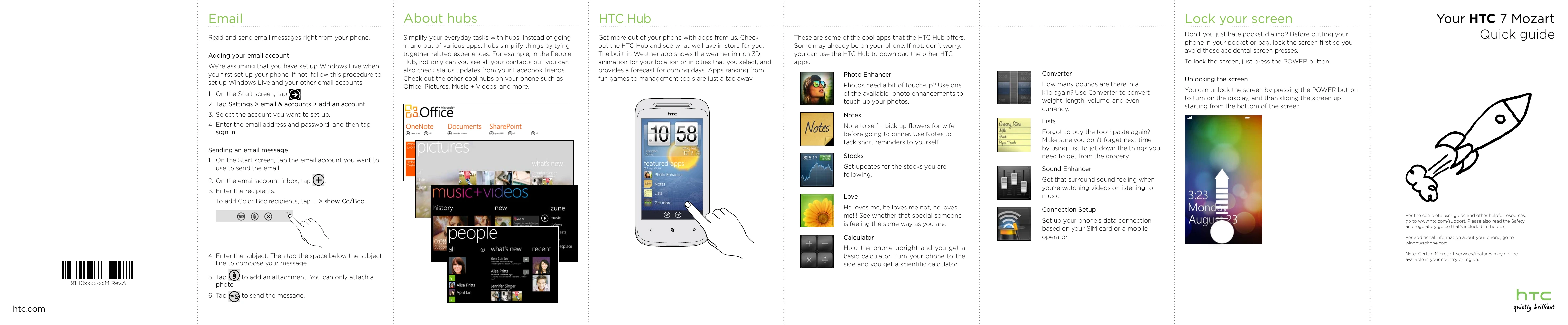
HTC Hub: Access HTC apps and services. The Weather app offers 3D animation and forecasts. Download other HTC apps. Explore features like Photo Enhancer, Notes, Lists, Love, Calculator, Sound Enhancer, and Connection Setup.
Lock your screen: Press the POWER button to lock. Slide your finger up from the bottom of the screen to unlock.
Charge the battery: Use the supplied power adapter and USB cable. Do not remove the battery while charging.
Get to know your phone: Familiarize yourself with the 3.5mm audio jack, Notifications, POWER button, Earpiece, Touch screen, VOLUME UP/DOWN, SEARCH, START, USB, BACK, CAMERA, and Microphone.
Before you turn on your phone: Ensure everything is in order before pressing the POWER button. Follow instructions for removing and replacing the back cover, installing the battery, and inserting the SIM card.
Set up your phone: Follow onscreen instructions for time zone and Windows Live ID. Import contacts from your SIM card via the People hub. Add new contacts by tapping '+' in the People hub.
Keep in contact: Bring in contacts from your SIM card or add new ones manually.
Make your first call: Tap the Phone tile, dial the number, and tap 'call'.
Connect to the Internet: Use your phone's data connection or Wi-Fi. For data, go to Settings > cellular or Connection Setup. For Wi-Fi, tap Settings > Wi-Fi, turn it on, select a network, and enter the key if needed.
Browsing the Web: Tap the Internet Explorer tile to surf the web. Use finger gestures to browse and zoom. Turn your phone sideways for full-screen view.
Send a txt msg: Tap the Messaging tile, tap '+' on the conversations screen, enter recipient and message, then tap to send.