Manual for HTC Radar

Manual for HTC Radar

Brand: HTC

Category: Smartphone

Document Type:

Language: EN
Uploaded: Aug. 10, 2025, 12:04 a.m.

Warranty Information

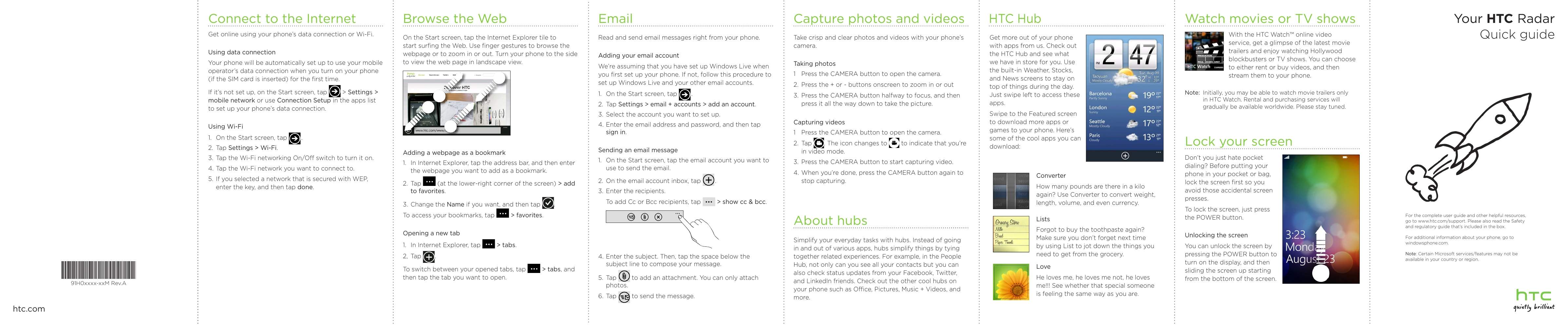
For complete user guide and other helpful resources, go to www.htc.com/support.

  • Connect to the Internet: Access the web using your phone's data connection or Wi-Fi.
  • Browse the Web: Use the Internet Explorer tile to surf the web, zoom, and switch between landscape and portrait views.
  • Email: Set up and manage your email accounts to read and send messages.
  • Capture Photos and Videos: Use the camera to take pictures and record videos.
  • HTC Hub: Download apps, games, and access services like Weather, Stocks, and News.
  • Watch Movies or TV Shows: Utilize HTC Watch for movie trailers, rentals, and purchases.
  • Lock Your Screen: Prevent accidental screen presses by locking the screen using the POWER button.
  • Make Calls: Access the Phone tile to dial numbers and make calls.
  • Text and Chat: Use the Messaging app for texts, instant messages, and Facebook chat.
  • Jump Between Apps: Quickly switch between recently used apps by pressing and holding the BACK button.
Privacy Policy