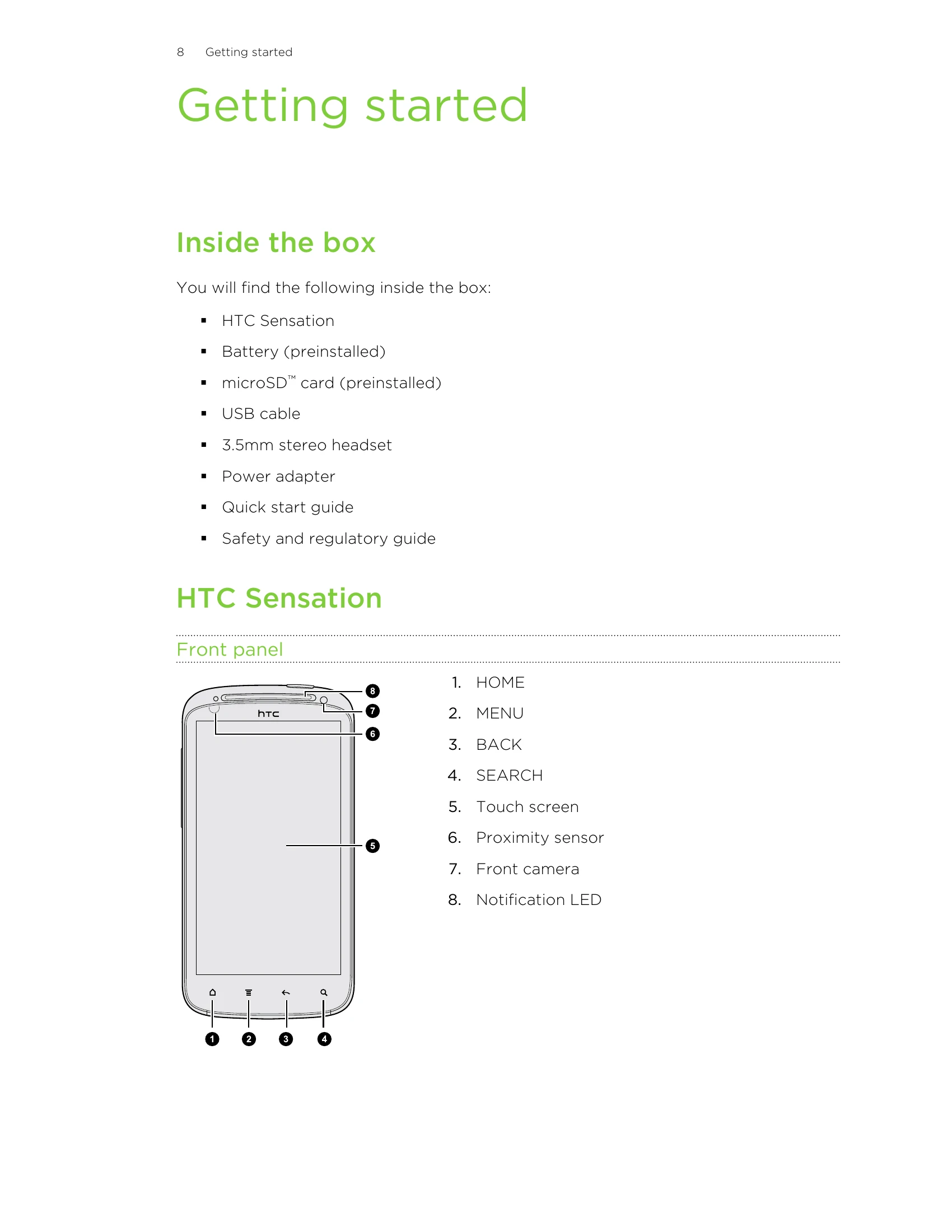
Getting started: The manual guides users through initial setup, including inserting SIM and storage cards, inserting and charging the battery, and powering the device on/off. It explains basic operations like entering a PIN and finger gestures.
Basics: Covers adjusting volume for ringtones, calls, and media. It explains Sleep mode, unlocking the screen, and understanding status and notification icons. It also details connecting to a computer and managing files.
Personalizing: This section focuses on customizing the phone's appearance and functionality, including changing wallpaper, adding widgets and shortcuts, arranging icons, and customizing the lock screen.
Phone calls: Details various ways to make and receive calls, including using speed dial, calling from messages/emails, emergency calls, and conference calls.
Messages, Camera, Photos, Videos, and Music, HTC Services, Accounts and Sync, People, Social, Email, Calendar, Maps and location, Market and other apps, HTC Sync, Keyboard, Internet connections, Bluetooth, Security, Settings, Update and reset, Trademarks and copyrights, and Index sections provide comprehensive information on all the phone's features and functionalities.