Brand: HUAWEI
Category: Mobile Phone
Document Type: Manual
Language: EN
Brand: HUAWEI
Category: Mobile Phone
Document Type: Manual
Language: EN
Uploaded: Nov. 21, 2025, 8:38 p.m.
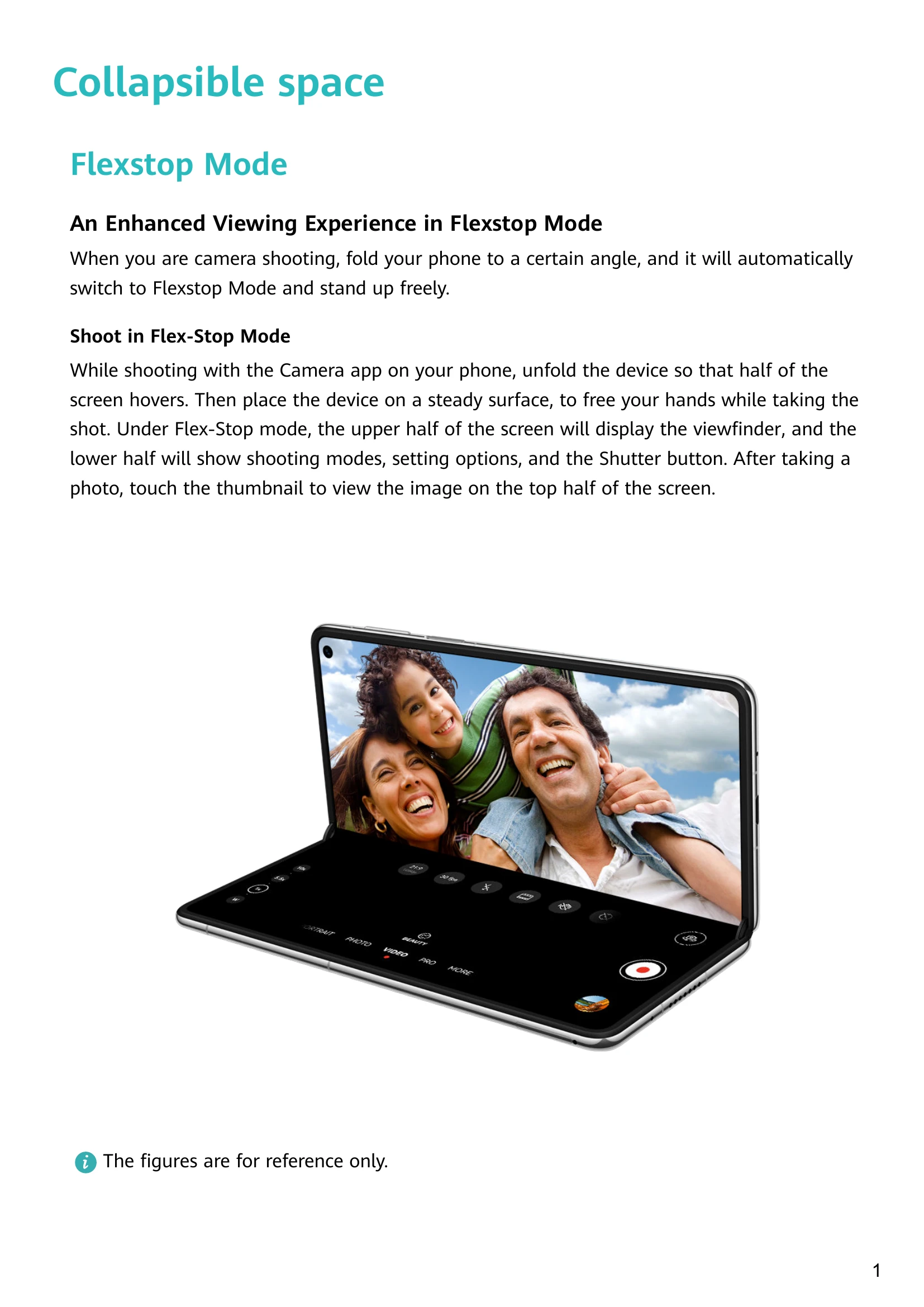
When you are camera shooting, fold your phone to a certain angle, and it will automatically switch to Flexstop Mode and stand up freely.
Shoot in Flex-Stop Mode: Unfold the device so that half of the screen hovers. Place the device on a steady surface. The upper half displays the viewfinder, and the lower half shows shooting modes, settings, and the Shutter button.
Make a Call in Flexstop Mode: Fold your phone until half of the screen hovers for video calls. View the video on the top screen and manage the call on the bottom screen.
Experience Always On Display in Free-Stop Mode: View time and date without turning on the screen when in free-stop mode.
Display Real-Time Service Info: Shows the real-time status of ongoing services and tasks, such as timers or calls.
Live capsule: Displays a brief real-time summary of the current task in the status bar.
Live card: Touch a Live capsule to expand it into a Live card for more details or operations.
Get Familiar with Air Gestures: Navigate without touching the screen. Use gestures to take screenshots or scroll.
System Navigation Gestures: Swipe gestures for returning to the previous screen, going to the home screen, viewing recent tasks, and closing apps.
Knuckle Gestures: Use knuckles to take screenshots, scrollshots, capture parts of the screen, and record the screen.
More Gestures: Access home screen editing mode, display the shortcut panel on the lock screen, and display the search bar.
Button Shortcuts: Power off/restart, volume control, and taking screenshots using buttons.