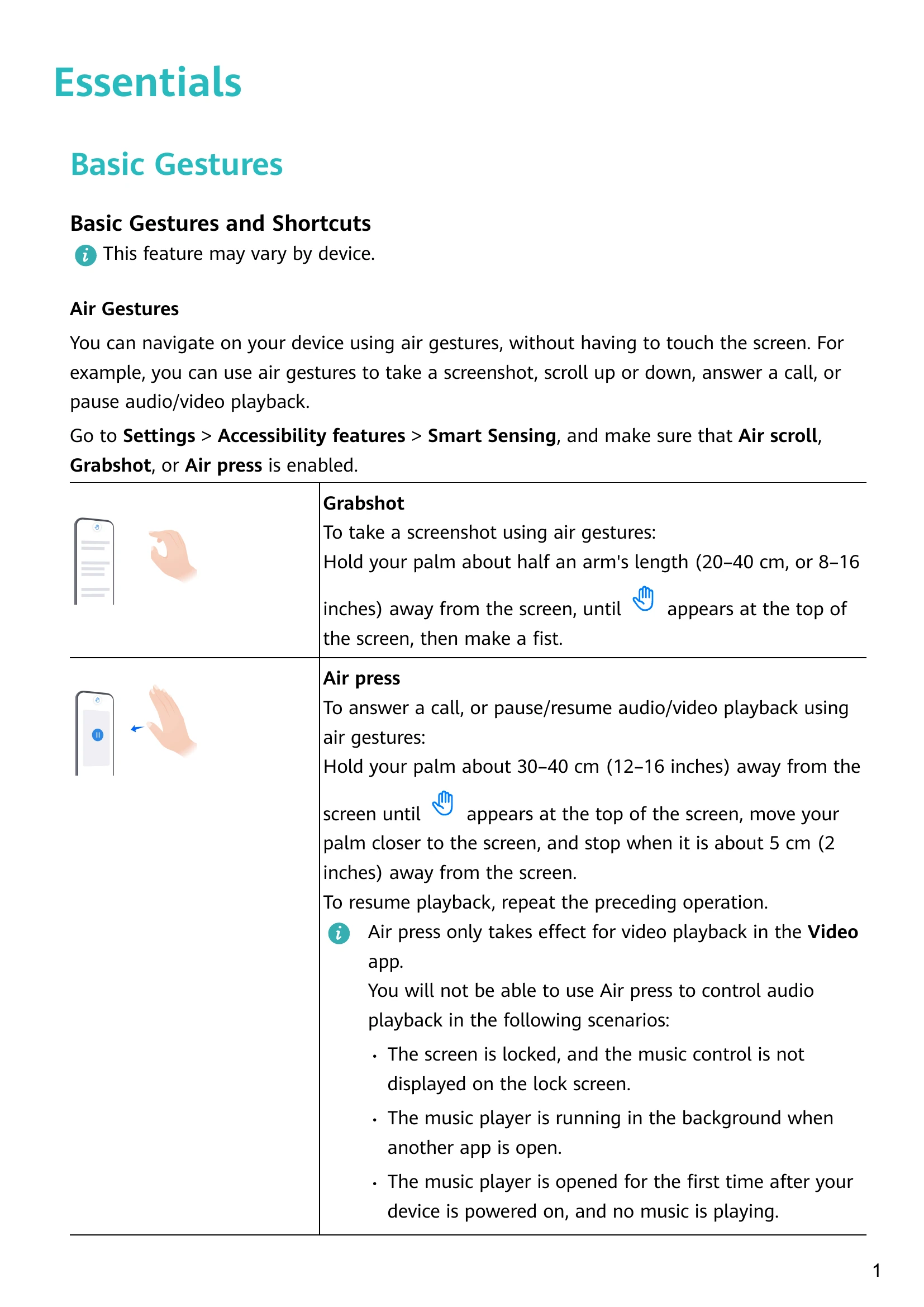
Basic Gestures: Navigate your device using air gestures like Grabshot (screenshot) and Air press (answer calls, pause/resume playback). Learn system navigation gestures like swiping from edges to go back or up to go home. Knuckle gestures allow for screenshots and screen recording. More gestures include pinch to zoom and swipe for notifications.
Button Shortcuts: Learn to power on/off, adjust volume, take screenshots, and use ultra snapshot with button combinations.
Phone Clone: Seamlessly move data from an old Android or iOS device to your new Huawei device.
Lock and Unlock Your Screen: Device auto-locks after inactivity. Manual options include pressing the power button or using a Screen Lock widget. Unlock with password, face, or fingerprint. Customize lock screen display and access apps from the lock screen.
Home Screen: Familiarize yourself with the status bar, display area, page indicator dots, and shortcut panel. Learn to view apps and widgets.
Notification and Status Icons: Understand various icons indicating network status, connectivity, battery, alerts, and more.
Shortcut Switches: Access and enable/disable quick settings by swiping down from the status bar. Customize shortcut switches by dragging and dropping.
Quickly Access App Features: Access frequently used app features via pop-up menus on app icons. Add shortcuts to the home screen.
Home Screen Widgets: Add, move, and delete widgets like Weather, Clock, Notepad, etc. Configure widgets like Weather for preferred units.
Set Your Wallpaper: Set preset wallpapers or images from Gallery. Customize blur and scrollable options.
Screenshots & Screen Recording: Take screenshots using Grabshot (air gesture), knuckle gestures (double tap, draw 'S' for scrolling, draw outline for partial), or key combinations. Edit and share screenshots.