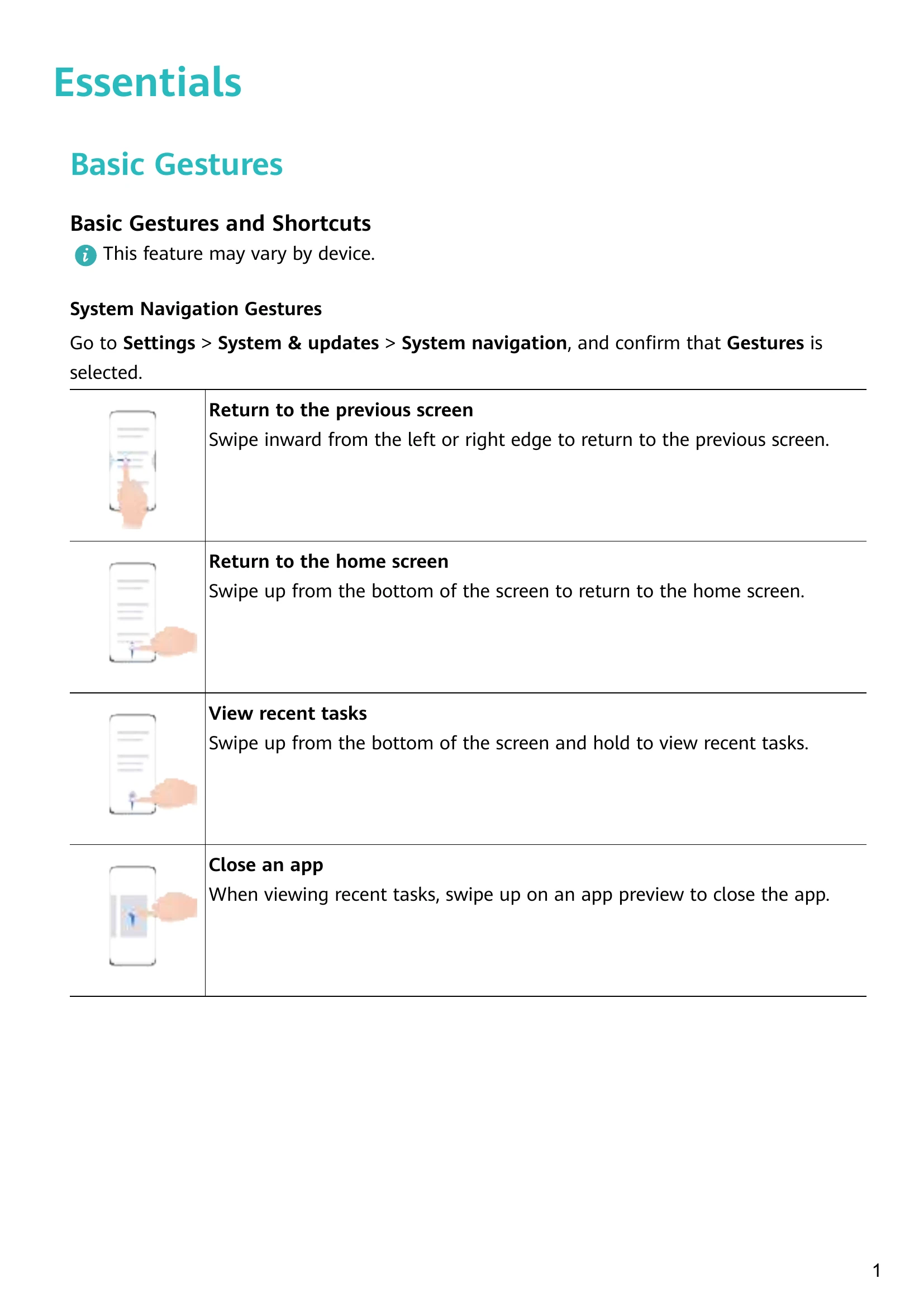
System Navigation Gestures: Swipe inward from edges to go back, swipe up to go home, swipe up and hold to view recent tasks, swipe up on app preview to close.
More Gestures: Pinch to enter home screen editing, swipe up from lock screen for shortcuts, swipe down on home screen for search, swipe down from status bar for notifications.
Button Shortcuts: Press power for options, volume buttons for volume, Volume down + Power for screenshot.
Lock/Unlock Screen: Auto-lock after inactivity, manual lock with power button or screen lock icon, unlock with password, face, or fingerprint.
Home Screen: View status bar, swipe for apps/widgets, use widgets.
Notifications: Swipe down from status bar to view, swipe right to clear, touch trash icon to clear all.
Sound Settings: Adjust volume, mute ringer with power button, set ringtones and vibration patterns.
Text Input: Select, copy, cut, and paste text.
Multi-window: Split-screen mode, drag and drop between apps, floating windows.
Power On/Off: Press and hold power button, restart, force restart.
Charging: Use standard charger, precautions for damp areas.