Brand: HUAWEI
Category: Mobile Phone
Document Type: Manual
Language: EN
Brand: HUAWEI
Category: Mobile Phone
Document Type: Manual
Language: EN
Uploaded: Nov. 21, 2025, 7:08 p.m.
Contact HUAWEI support for detailed warranty information specific to your region.
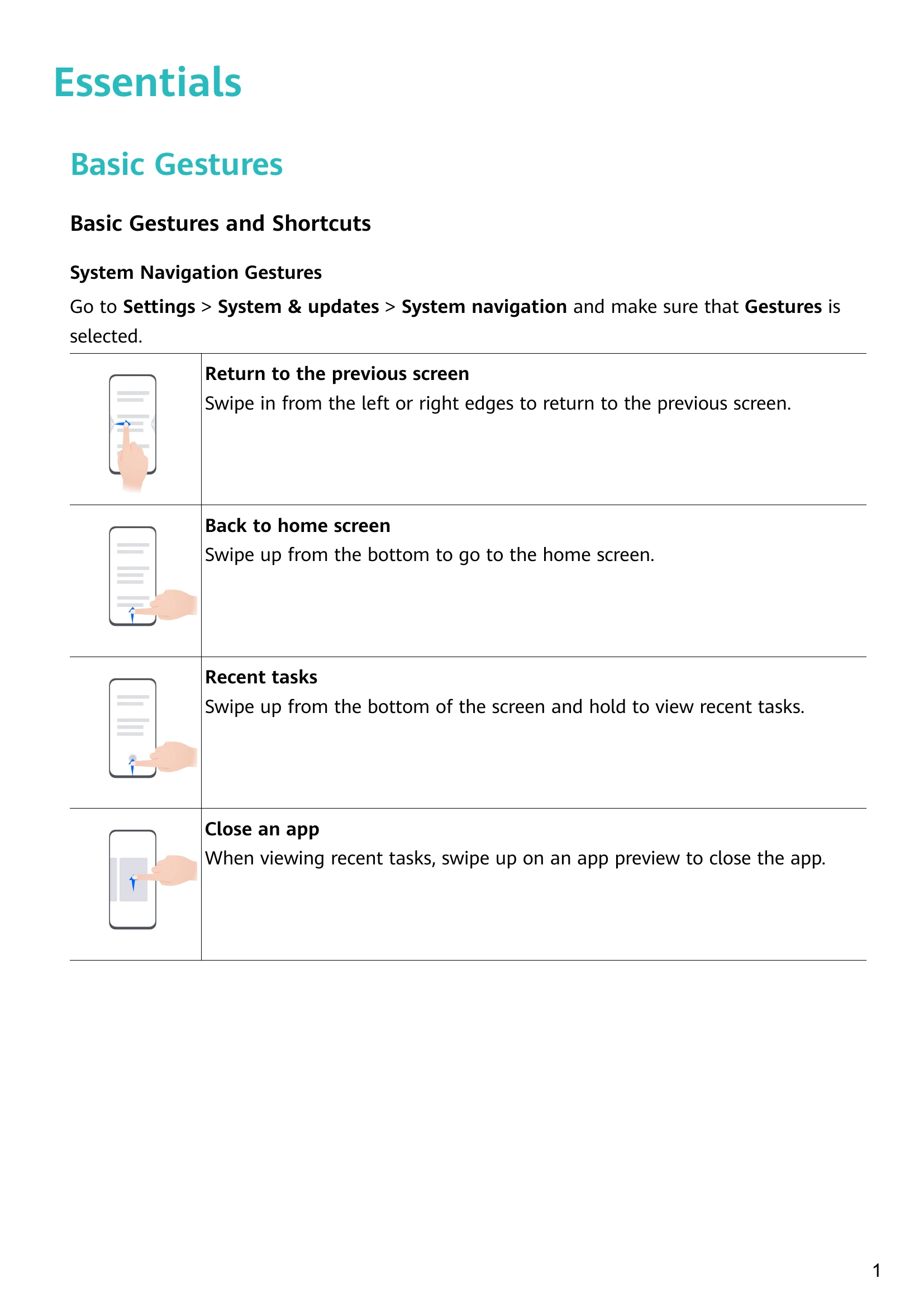
Basic Gestures: Learn to navigate your phone using swipe gestures for returning to the previous screen, going to the home screen, viewing recent tasks, and closing apps. Knuckle gestures allow for taking screenshots, scrollshots, and partial screen captures. More gestures include accessing home screen editing mode, displaying the shortcut panel, search bar, and notification panel.
Lock and Unlock Your Screen: Auto-lock turns off the screen after a period of inactivity. Manually lock the screen using the power button or a screen lock shortcut. Unlock using password, face recognition, or fingerprint. The home screen allows for app organization into folders.
Notification and Status Icons: Understand various icons indicating network status, Wi-Fi connection, battery level, alarms, and more.
Control Panel: Access quick settings and shortcuts by swiping down from the top right. Customize shortcut switches for personalized control.
Smart Features: Utilize AI Voice for voice commands, AI Lens for visual identification and translation, and AI Touch for quick shopping searches.
Camera and Gallery: Explore camera features like shooting modes, AI photography, and Pro mode. Manage your photos and videos in the Gallery with editing tools, organizing albums, and sharing options.
Apps: Use Notepad for creating notes, to-dos, and reminders. Features include app lock for privacy and sorting items by category.
Settings: Configure display and brightness, eye comfort mode, biometrics & password (fingerprints, face recognition), and About Phone information.