Manual for Pura70

Manual for Pura70

Brand: HUAWEI

Category: Mobile Phone

Document Type: Manual

Language: EN
Uploaded: Nov. 21, 2025, 9:10 p.m.

Warranty Information

Warranty information is not explicitly detailed in this section.

Essentials

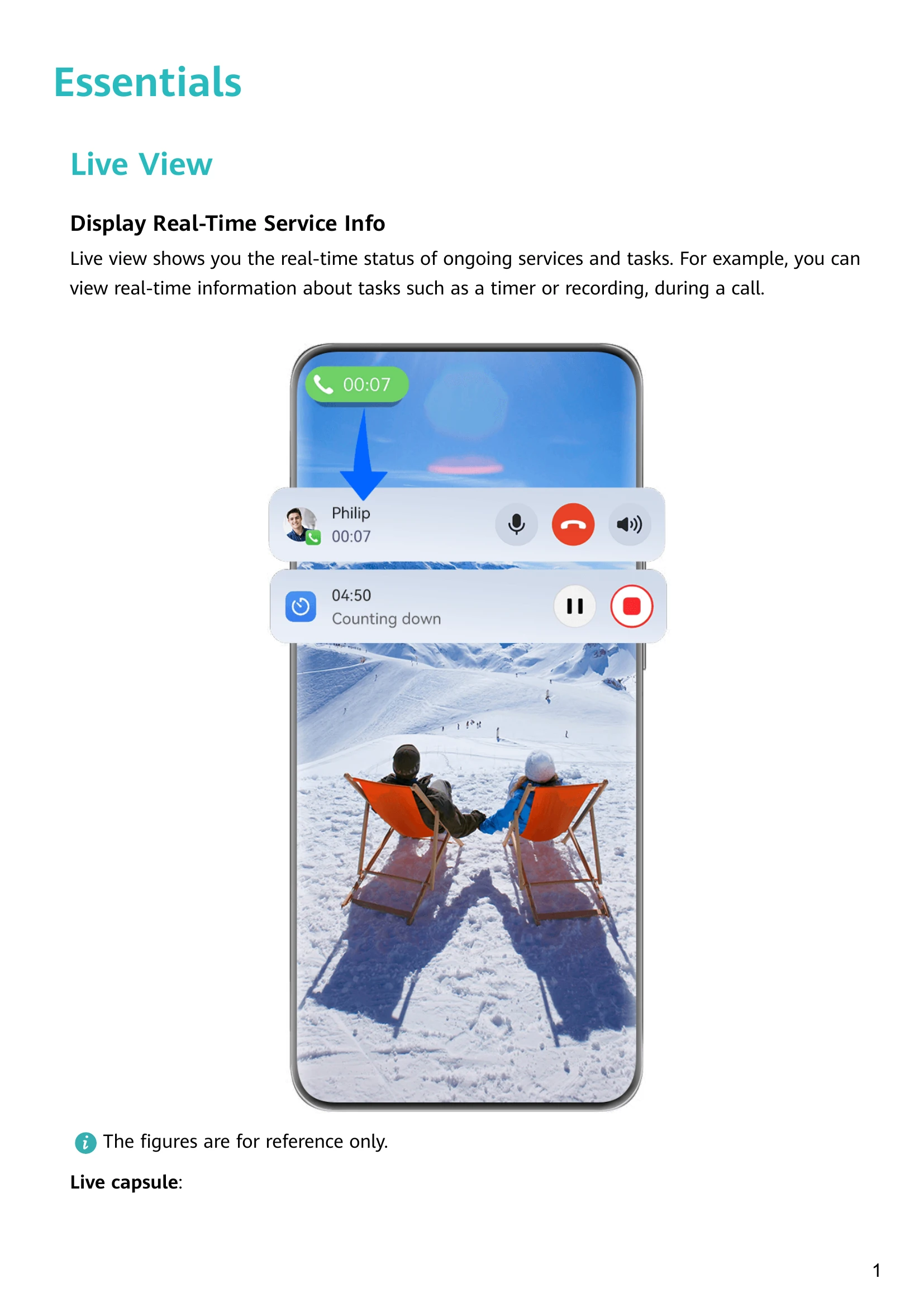
  • Live View: Displays real-time status of ongoing services and tasks, like call duration or timer countdown.
  • Basic Gestures: Navigate using air gestures (e.g., grabshot, air scroll) or system navigation gestures (swipe gestures).
  • Phone Clone: Seamlessly move data from an old phone to a new one.
  • Lock and Unlock Your Screen: Manage screen lock using auto-lock, manual lock (power button, screen lock icon), password, face, or fingerprint unlock.
  • Home Screen: Customize with widgets, large folders, and shortcut bars.
  • Control Panel: Access and manage media, shortcuts, and Super Device features.

Smart Features

  • Super Device: Collaborate with other devices for seamless Multi-screen Collaboration, wireless projection, and video transfers.
  • Easy Projection: Project your phone screen to other devices.
  • Multi-screen Collaboration: Seamlessly control and share content between your phone and other Huawei devices.
  • Huawei Share: Wirelessly share files with other Huawei devices.
  • Easy Print: Print documents and photos directly from your phone.

Camera and Gallery

  • Take Photos: Utilize various modes like Portrait, Night, Aperture, and Macro.
  • Record Videos: Options include Slow-Mo and Time-Lapse.
  • Advanced Features: Explore Dual-View Mode, Story Creator, Multi-cam, and more.
  • Gallery Management: Adjust camera settings, manage gallery, and edit pictures/videos.
Privacy Policy