Brand: HUAWEI
Category: Other
Document Type: Manual
Language: EN
Brand: HUAWEI
Category: Other
Document Type: Manual
Language: EN
Uploaded: Nov. 21, 2025, 8:42 p.m.
Manual Publish Date: 2008-01-01
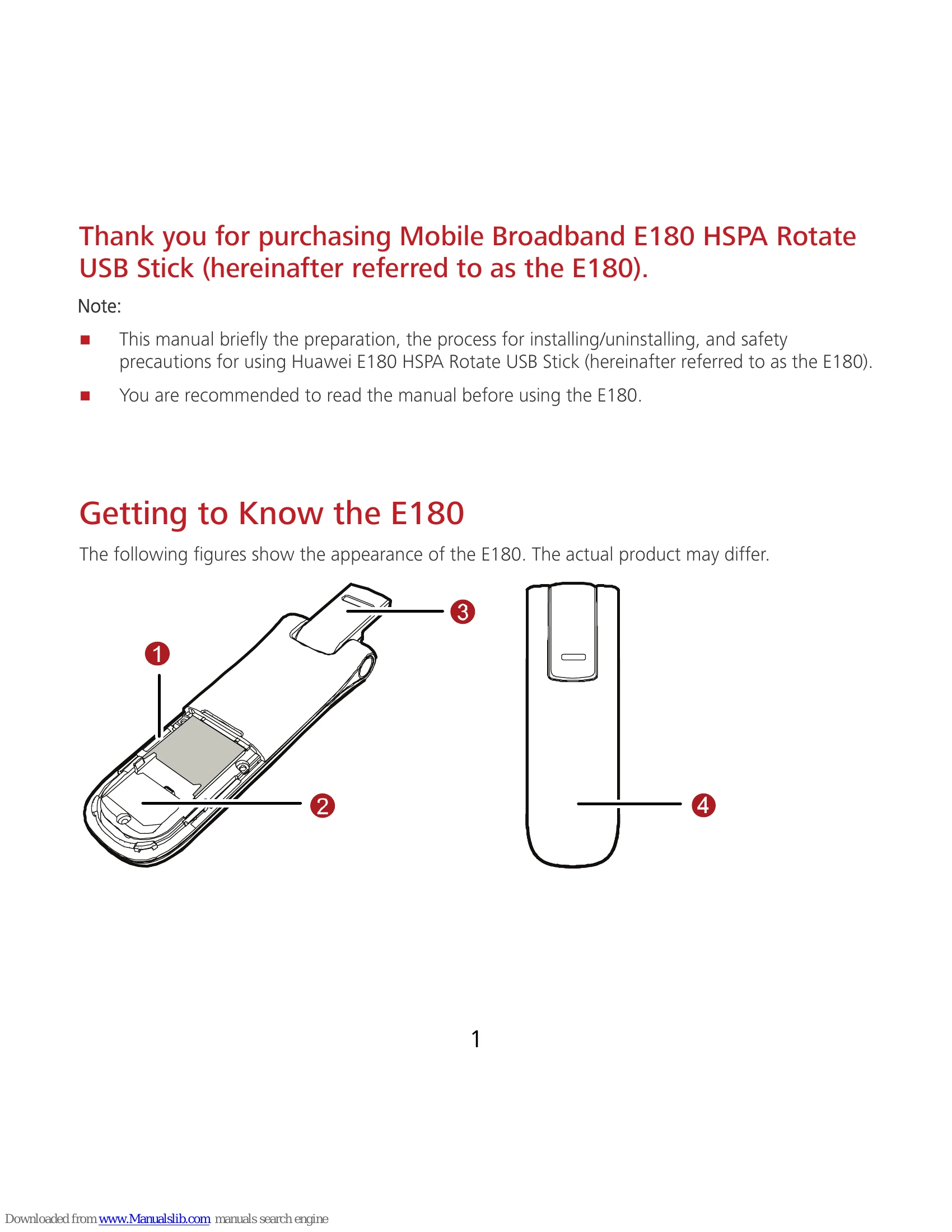
The E180 is a Mobile Broadband HSPA Rotate USB Stick. It features a Micro SD card slot, a USIM/SIM card slot, and a rotatable USB connector.
Connect the E180 to your PC via USB. The OS should automatically detect and start the installation wizard. Follow the prompts to install the management program. If auto-run does not work, locate and run 'AutoRun.exe' from the driver path.
The management program launches automatically after installation and when the E180 is connected. It can also be launched by double-clicking the desktop shortcut.
Go to Start > Control Panel, find the management program, and click 'Add/Remove Program'. Restarting the PC after uninstallation is recommended.
Double-click the 'Unplug or Eject Hardware' icon in the system tray, select the E180, click 'Stop', and wait for the 'safe to remove' message before disconnecting.