Brand: HUAWEI
Category: Other
Document Type: Manual
Language: EN
Brand: HUAWEI
Category: Other
Document Type: Manual
Language: EN
Uploaded: Nov. 21, 2025, 6:44 p.m.
Manual Publish Date: 2012-01-01
No warranty is provided for the manual's accuracy, reliability, or content.
The user guide illustrates the appearance of the Handset and Base, detailing the function of each button and indicator light.
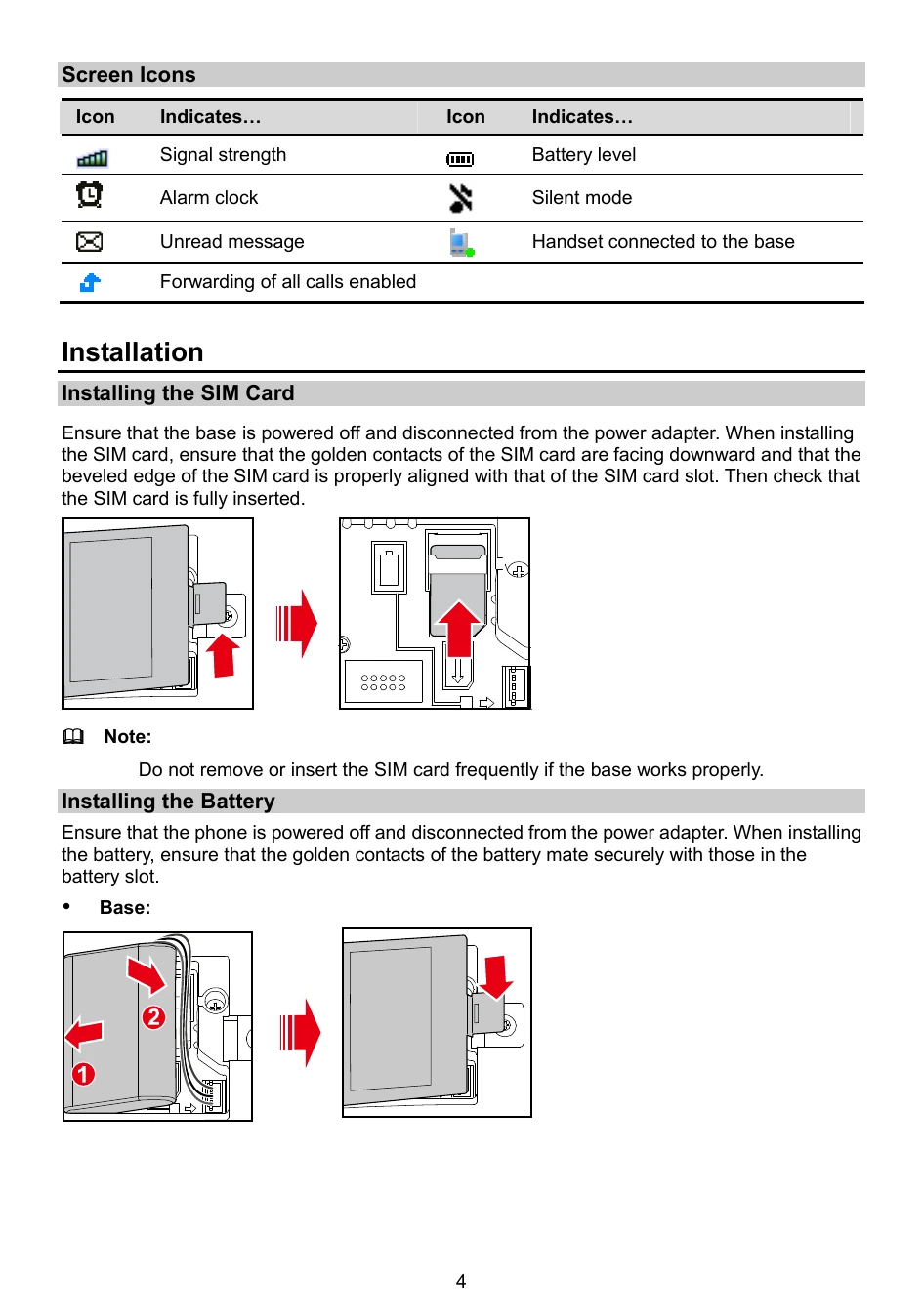
Instructions are provided for installing the SIM card and battery, as well as connecting the power adapter to the base.
Steps for powering on the base and handset are outlined.
Detailed procedures for registering and deregistering a handset with the base are provided.
Guides on making calls, answering or rejecting calls, and initiating internal calls are included. Call transferring is also explained.
Instructions for creating, sending, and reading messages are detailed. Information on text input methods is also provided.
Guidance on setting up phone lock, keypad lock, PIN, and PUK is offered.
Common issues such as the phone not powering on, no information displayed, and battery charging problems are addressed with solutions.
Important safety information regarding electronic devices, medical devices, potentially explosive atmospheres, traffic security, and operating environment is presented.
Precautions for children's safety are highlighted.
Information on approved accessories and their usage is provided.
Safety guidelines for handling batteries and chargers are detailed.
Instructions for cleaning and maintaining the device, battery, and charger are given.
Information on using the device for emergency calls is provided.
Guidance on proper disposal and recycling of the device and batteries is outlined.
Compliance information regarding hazardous substances is presented.
Details on regulatory compliance are included.
| Problem | Solution |
|---|---|
| Phone Cannot Be Powered On | 1. Remove the battery cover and check whether the battery is installed properly. 2. If the battery is properly installed, a possible cause for the problem is that the battery power is low. Charge the battery, and then try to power on the phone. |
| No Information Is Displayed on the Phone Screen | If the phone is not used for a long time or the battery runs out of power, the phone may not display any information when it is being charged. This is a normal phenomenon. The phone can be powered on after the battery is charged for a while. |
| Battery Cannot Be Charged | 1. Check that the handset is properly connected to the base. 2. Check that the base and the power adapter are connected properly. 3. Check that the power adapter and the power socket are connected properly. 4. Replace the power adapter or the battery with a new one of the same model. |
| Signal Strength Is Weak | 1. Check that the SIM card is installed properly. 2. Place the phone at a location where strong signals can be received. |