Brand: HUAWEI
Category: Other
Document Type: Manual
Language: EN
Brand: HUAWEI
Category: Other
Document Type: Manual
Language: EN
Uploaded: Nov. 21, 2025, 6:32 p.m.
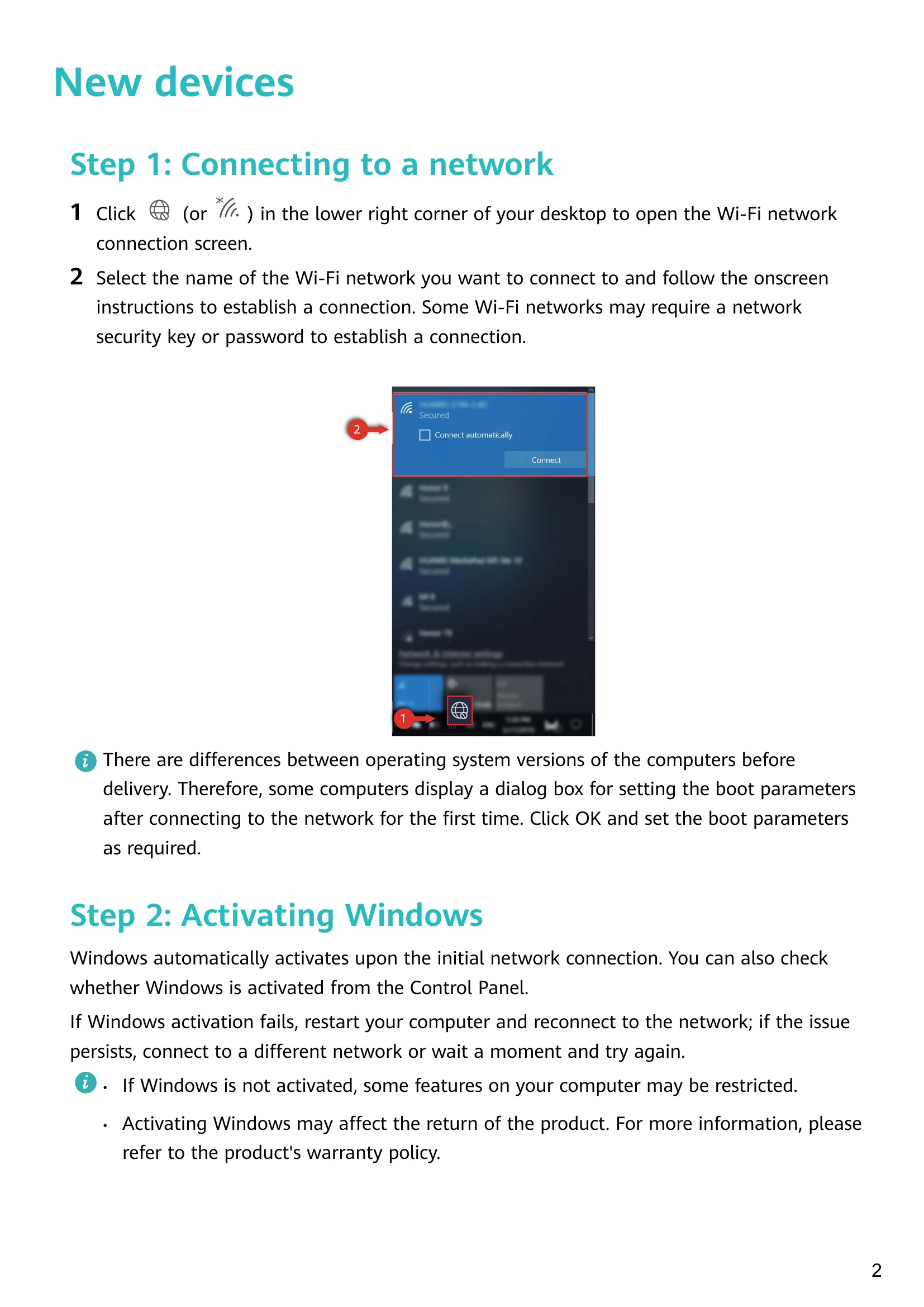
Connecting to a network: Click the Wi-Fi icon in the lower right corner to open the network connection screen. Select your network and follow the prompts.
Activating Windows: Windows usually activates automatically upon initial network connection. If not, check Control Panel.
Enrolling a fingerprint: Use the fingerprint-sensing power button for quick and secure login. Go to Windows Hello to set up your password, PIN, and fingerprints.
Updating drivers: Open PC Manager and click 'Manager drivers' to update if new drivers are available.
Huawei Share OneHop: Transfer files and share clipboards between your phone and computer wirelessly.
Eye Comfort mode: Reduce blue light output to prevent eye strain during prolonged use.
F10 system reset/factory reset: Restore your computer to its initial or factory state in case of serious system problems.