Installation Guide for VPT300

Installation Guide for VPT300

Brand: HUAWEI

Category: Other

Document Type: Installation Guide

Language: EN
Uploaded: Nov. 21, 2025, 6:34 p.m.

Manual Publish Date: 2020-02-11

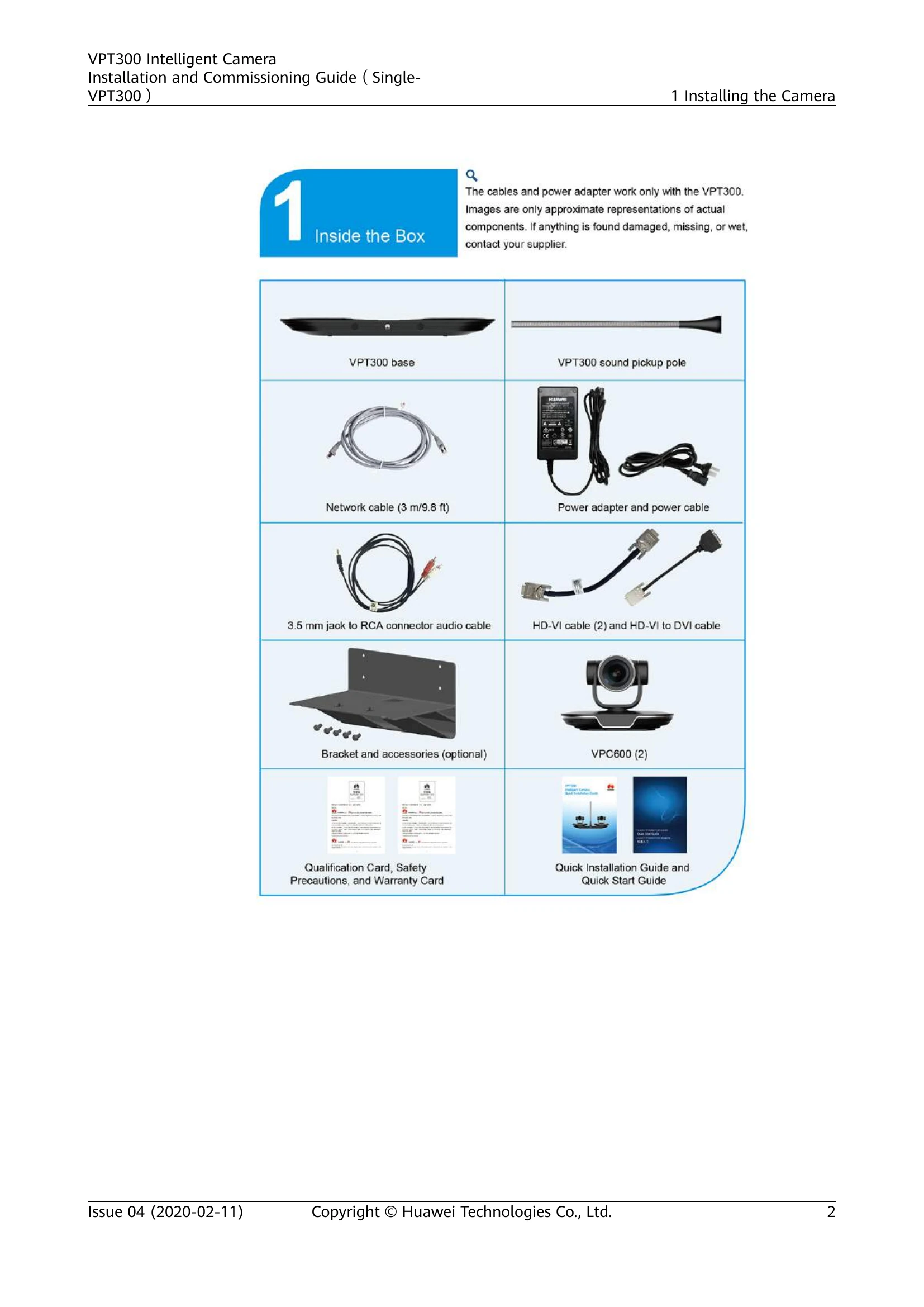
1. **Installing the Camera:** Covers unboxing, conference room layout considerations, and mounting options (tabletop or wall). 2. **Verifying the Installation:** Ensures correct height and removal of protective films. 3. **Logging In:** Instructions for accessing the web interface of the TE endpoint. 4. **Powering On:** Details the indicator status and basic maintenance commands. 5. **Cable Connections:** Illustrates various connection scenarios for different distances and endpoint types. 6. **Camera Calibration:** Guides through the process of calibrating the camera for optimal tracking. 7. **Upgrading Software:** Provides steps for updating the camera and speaker software. 8. **Tracking Commands:** Explains how to enable tracking features using command-line interface.

Troubleshooting and error codes

Indicator StatusVPT300 Status
offpowered off
blinking green twice per secondpowering on
blinking green four times per secondupgrading
steady greenworking properly
blinking green (on for 1s, off for 2s)on standby
steady redfaulty (hardware)
steady yellowfaulty (software)
blinking yellow once per secondencountering an IP conflict
blinking yellow twice per secondoverheating
Privacy Policy