Brand: HUAWEI
Category: Wireless Router
Document Type: Quick Start Guide
Language: EN
Brand: HUAWEI
Category: Wireless Router
Document Type: Quick Start Guide
Language: EN
Uploaded: Nov. 21, 2025, 6:08 p.m.
Manual Publish Date: 2023-07-17
1 Placing the Device
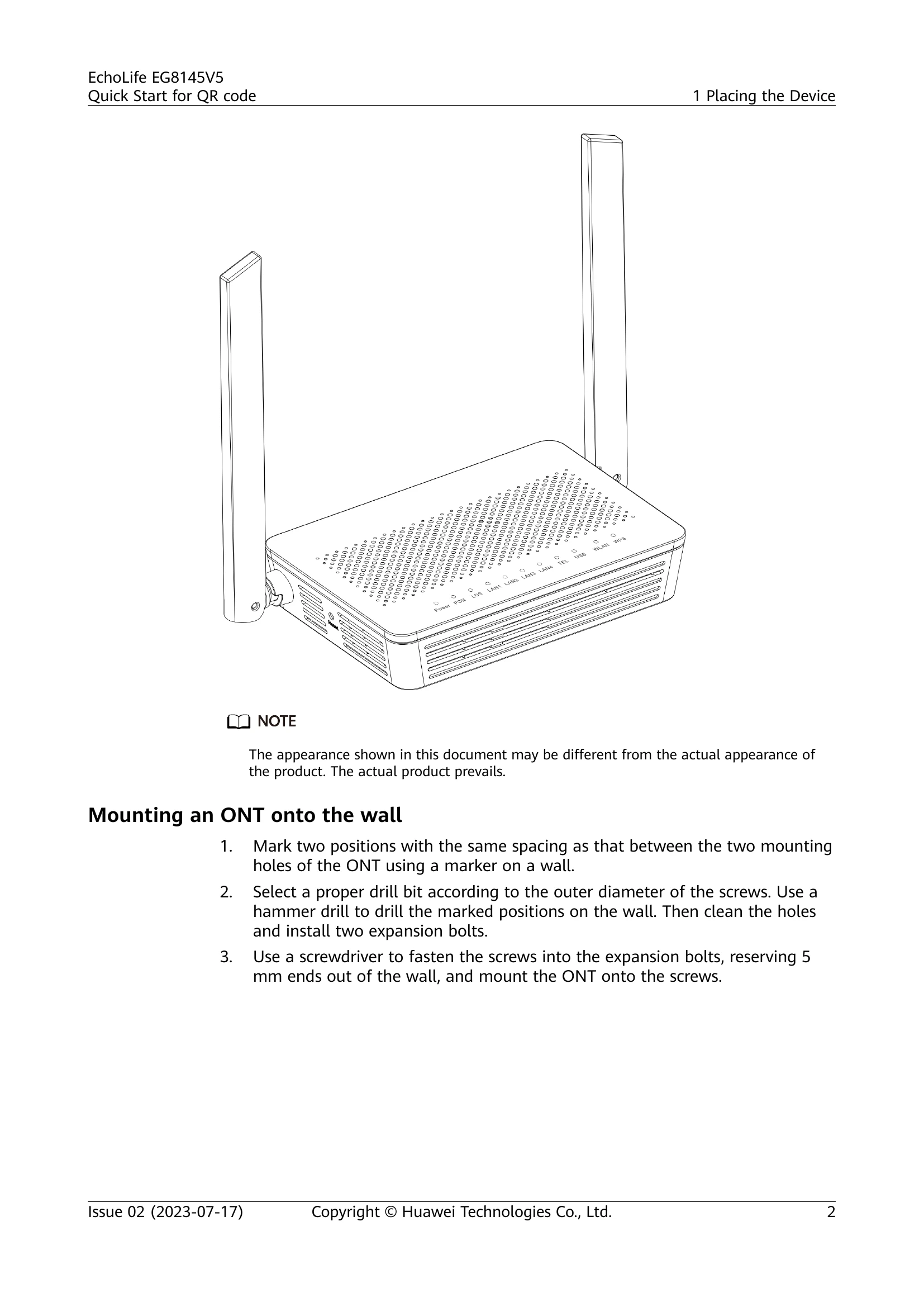
This section details how to place the Huawei ONT device, including mounting it on a desk or wall. It emphasizes ensuring adequate ventilation and keeping it away from strong electromagnetic interference. Specific instructions and visual aids are provided for wall mounting.
2 Connecting Cables
This section explains how to connect various cables to the ONT. It details the function of each port, including Optical port, Power, USB, TEL, LAN1-LAN4, WLAN, WPS, and Reset. A table lists each item with its description.
3 Indicator Description
This section describes the status indicators on the ONT. It includes tables explaining the meaning of different states (Steady on, Blinking, Off) for each indicator (Power, PON/LOS, LAN1-LAN4, TEL, USB, WLAN, WPS).
4 Technical Specifications
This section lists the technical specifications of the EG8145V5, including the number of ports, Wi-Fi capabilities, power adapter input, system power supply, environmental conditions (temperature, humidity), dimensions, weight, and maximum power consumption.
5 FAQs
This section provides answers to frequently asked questions, such as how to log in to the Huawei ONT web page (wireless and wired), how to change the Wi-Fi password, what to do if you forget the Wi-Fi password, and how to improve Wi-Fi speed or troubleshoot slow network speed.
| Status No. | PON Status | LOS Status | Description |
|---|---|---|---|
| 1 | Off | Off | The ONT is prohibited by the upper-layer device or blinks abnormally. Contact the service provider for help. |
| 2 | Blinks twice a second | Blinks twice a second | The ONT attempts to set up a connection with its upper-layer device. |
| 3 | Blinks twice a second | Off | A connection is set up between the ONT and its upper-layer device. |
| 4 | Steady on | Off | The ONT is not connected to fibers or does not receive optical signals. |
| 5 | Off | Blinks once every 2 seconds | The hardware is faulty. |
| 6 | Blinks once every 2 seconds | Blinks once every 2 seconds | The hardware is faulty. |