Brand: HUAWEI
Category: Wireless Router
Document Type: Quick Start Guide
Language: EN
Brand: HUAWEI
Category: Wireless Router
Document Type: Quick Start Guide
Language: EN
Uploaded: Nov. 21, 2025, 6:30 p.m.
Manual Publish Date: 2022-12-08
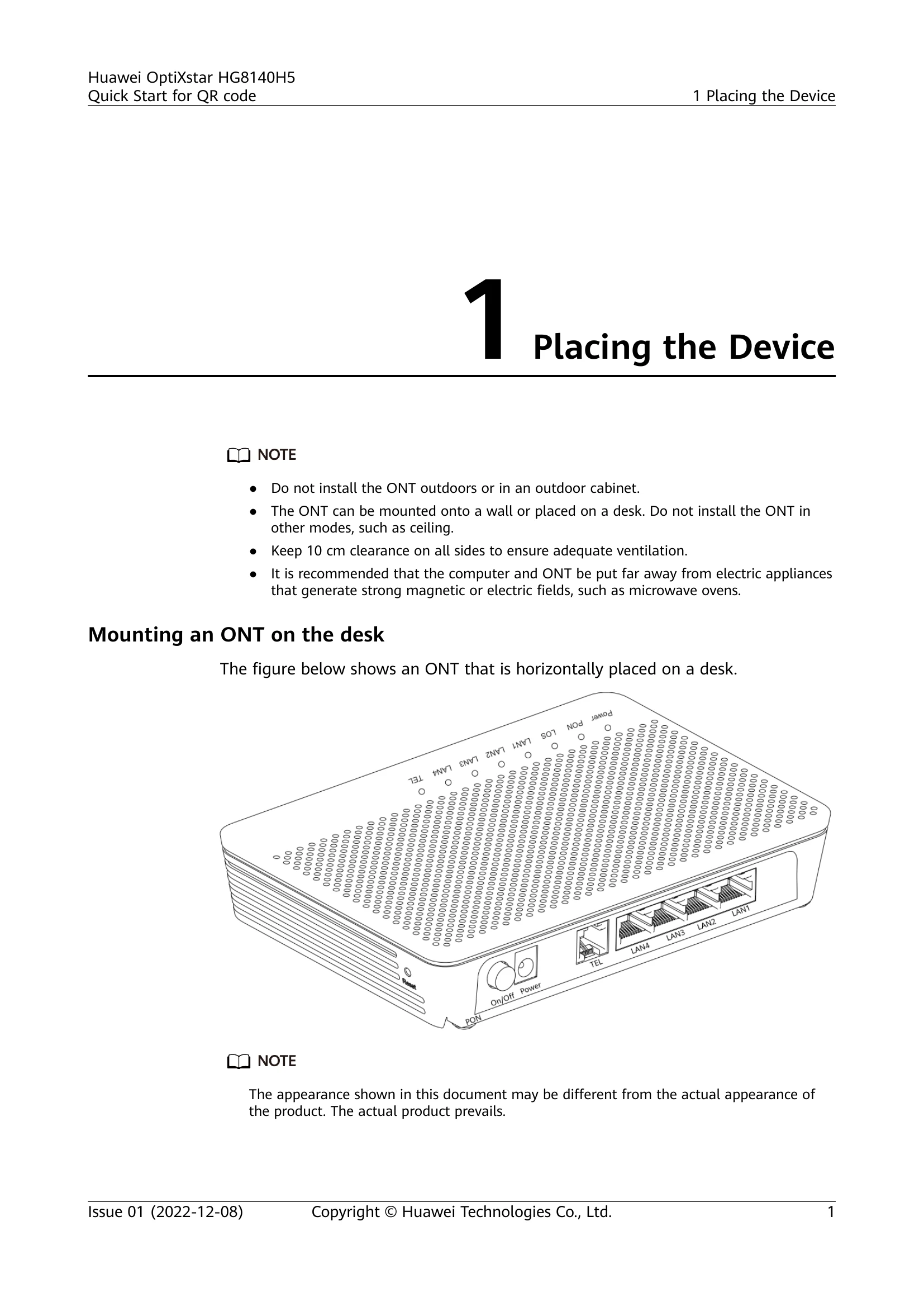
The Quick Start Guide for the Huawei OptiXstar HG8140H5 provides instructions on placing and connecting the device, understanding indicator lights, and technical specifications. It guides users through mounting the ONT on a desk or wall, connecting necessary cables for power, telephone, and internet (PC/STB). The manual details the function of each indicator light (Power, PON/LOS, LAN1-LAN4, TEL) and their states (steady on, off, blinking). It also lists the technical specifications of the device, including its ports, operating environment, dimensions, and power consumption. Finally, it addresses common FAQs such as troubleshooting slow network speed, phone call issues, restoring factory settings, and downloading firmware.
| Status No. | PON Status | LOS Status | Description |
|---|---|---|---|
| 1 | Off | Off | The ONT is prohibited by the upper-layer device or blinks abnormally. Contact the service provider for help. |
| 2 | Blinks twice a second | Blinks twice a second | The ONT attempts to set up a connection with its upper-layer device. |
| 3 | Blinks twice a second | Off | The ONT attempts to set up a connection with its upper-layer device. |
| 4 | Steady on | Off | A connection is set up between the ONT and its upper-layer device. |
| 5 | Off | Blinks once every 2 seconds | The ONT is not connected to fibers or does not receive optical signals. |
| 6 | Blinks once evey 2 seconds | Blinks once every 2 seconds | The hardware is faulty. |