Brand: HUAWEI
Category: Wireless Router
Document Type: Manual
Language: EN
Brand: HUAWEI
Category: Wireless Router
Document Type: Manual
Language: EN
Uploaded: Nov. 21, 2025, 6:02 p.m.
Manual Publish Date: 2023-11-21
The information provided is "as is" without any warranty or guarantee from Huawei.
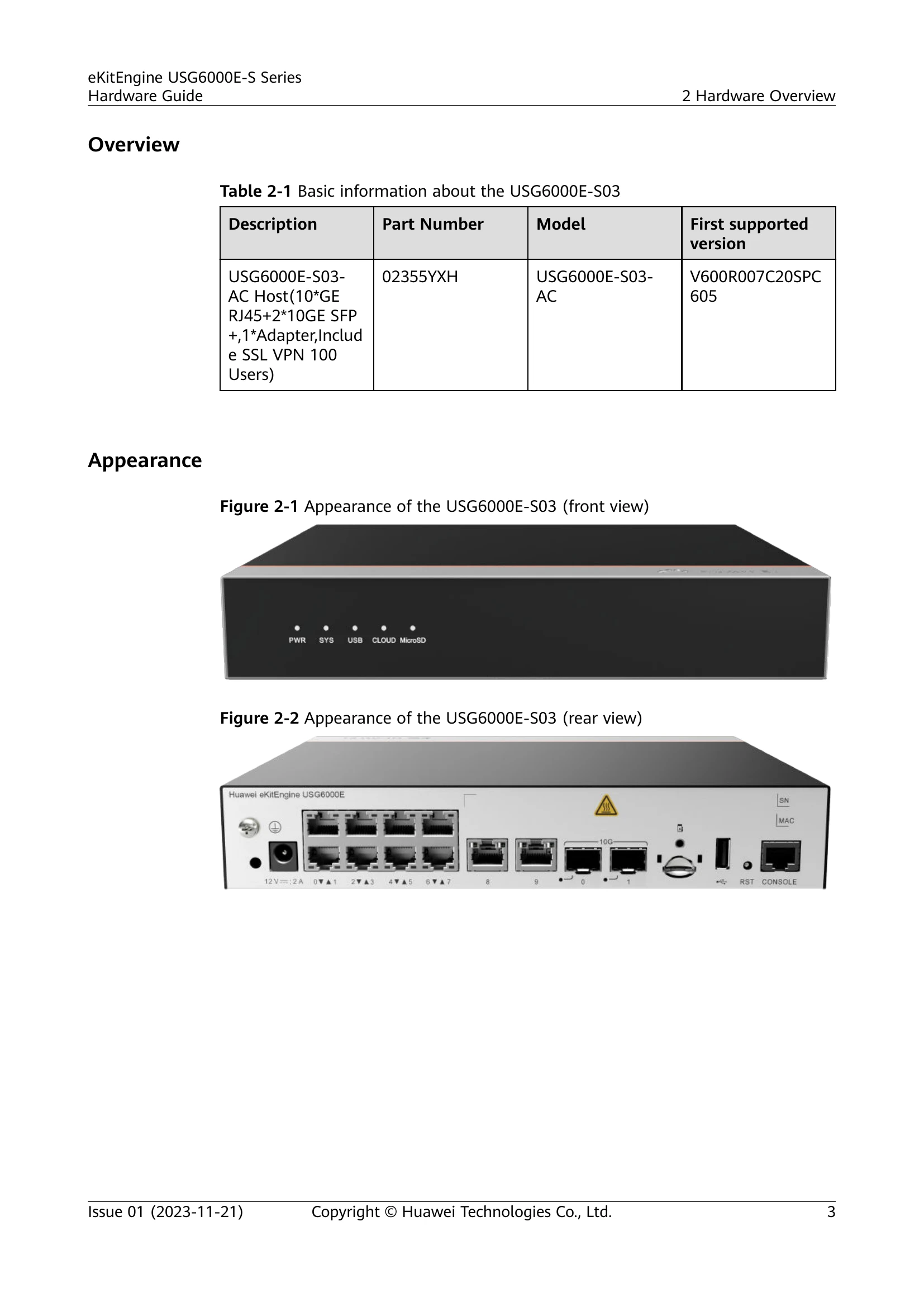
| Silkscreen | Name | Color | Status | Description |
|---|---|---|---|---|
| PWR | Power indicator | Green | Steady on | The power module works properly. |
| Off | The power module is faulty or the power cable is disconnected. | |||
| SYS | System indicator | Green | Steady on | The system is being powered on or restarted. |
| Blink every two seconds (0.5 Hz) | The system is running normally. | |||
| Blink four every second (4 Hz) | The system is starting. | |||
| Steady on | A system fault occurs. • The power module is abnormal. • The fan module is abnormal. |
|||
| Off | The system is not running. |