Installation Guide for VRP3.10

Installation Guide for VRP3.10

Brand: Huawei

Category: Wireless Router

Document Type: Installation Guide

Language: EN
Uploaded: Nov. 21, 2025, 8:52 p.m.

Warranty Information

No specific warranty period is mentioned in the provided pages.

Installation Manual for Quidway S2000-El Series Ethernet Switches (VRP3.10). This manual covers:
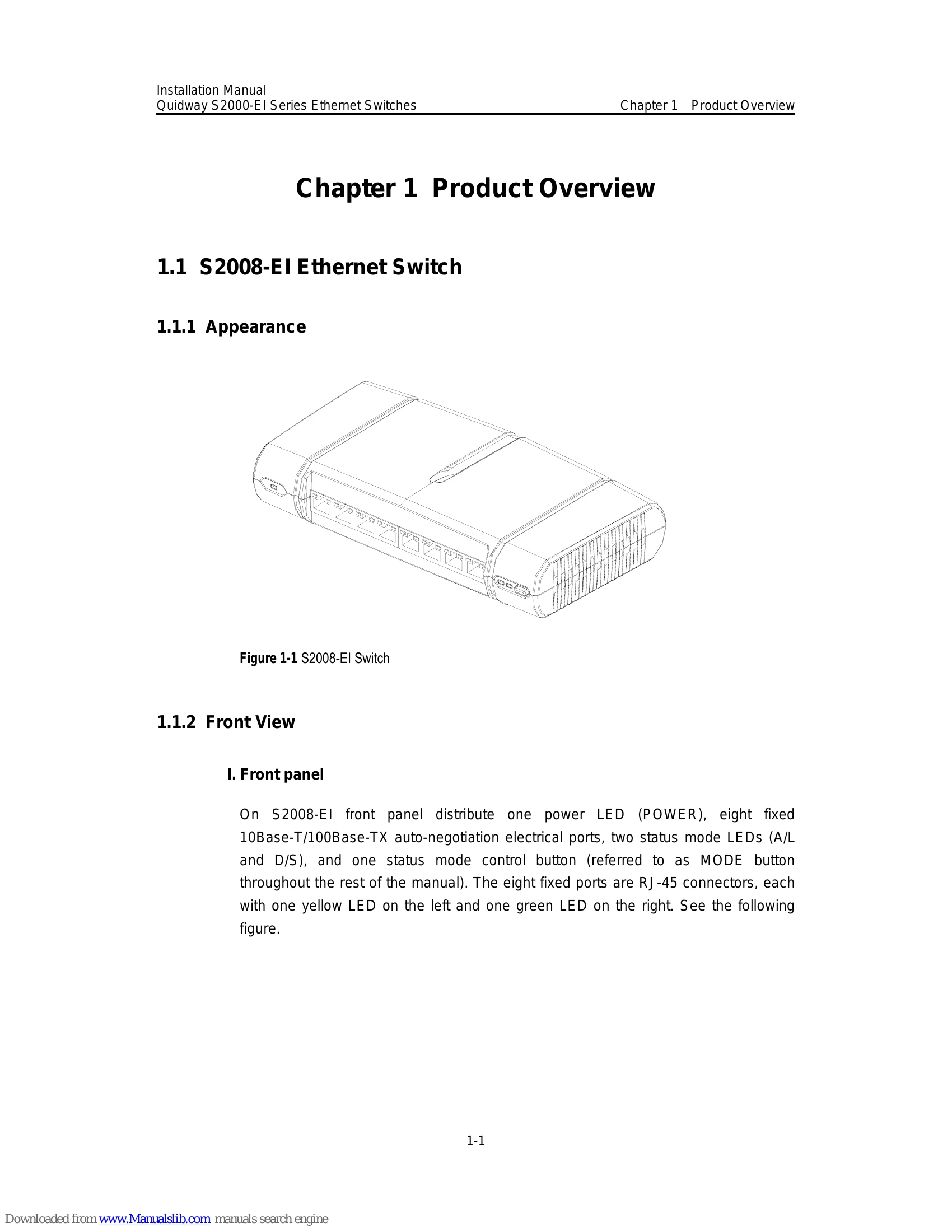
  • Chapter 1: Product Overview - Details on S2008-El, S2016-El, and S2403H-EI Ethernet Switches, including appearance, front and rear views, and specifications.
  • Chapter 2: Installation Preparation - Environmental requirements, tools, and security measures for installation.
  • Chapter 3: Installation - Step-by-step instructions for mounting switches, connecting power, and ground wires.
  • Chapter 4: Powering on Switch for the First Time - Configuration environment setup and initial power-on procedures.
  • Chapter 5: BootROM and Host Software Loading - Methods for loading and updating system software via local or remote connections (TFTP, FTP, XMODEM).
  • Chapter 6: Maintenance and Troubleshooting - Guidance on power system and configuration system failures, and diagnostic steps.
  • Chapter 7: Optional Interface Modules - Information on 1-port 100Base-FX and 1-port 100Base-T PoE interface modules.
  • Appendix A: Lightning Protection - Instructions for installing lightning arresters for AC power and network ports.
This manual is intended for network engineers, administrators, and users familiar with network fundamentals. It details hardware features, installation, configuration, and maintenance to prevent device damage and ensure safety. Consult the manual carefully before and during installation.

Troubleshooting and error codes

II. Troubleshooting when the terminal display is illegible
If there is illegible display at the configuration terminal, the cause might lie in the parameter setting error at the terminal (such as HyperTerminal). Please confirm the terminal parameter (such as hyper terminal) settings: baud rate should be set to 9600, data bit to 8, parity to none, stop bit to 1 and flow control to none, and select VT100 as terminal emulation.
Privacy Policy