Brand: IKEA
Category: Other
Document Type: Manual
Language: EN
Available Languages: EN , ES
Uploaded: April 20, 2026, 7:33 p.m.
The battery is designed to last for approximately 2 years under regular use.
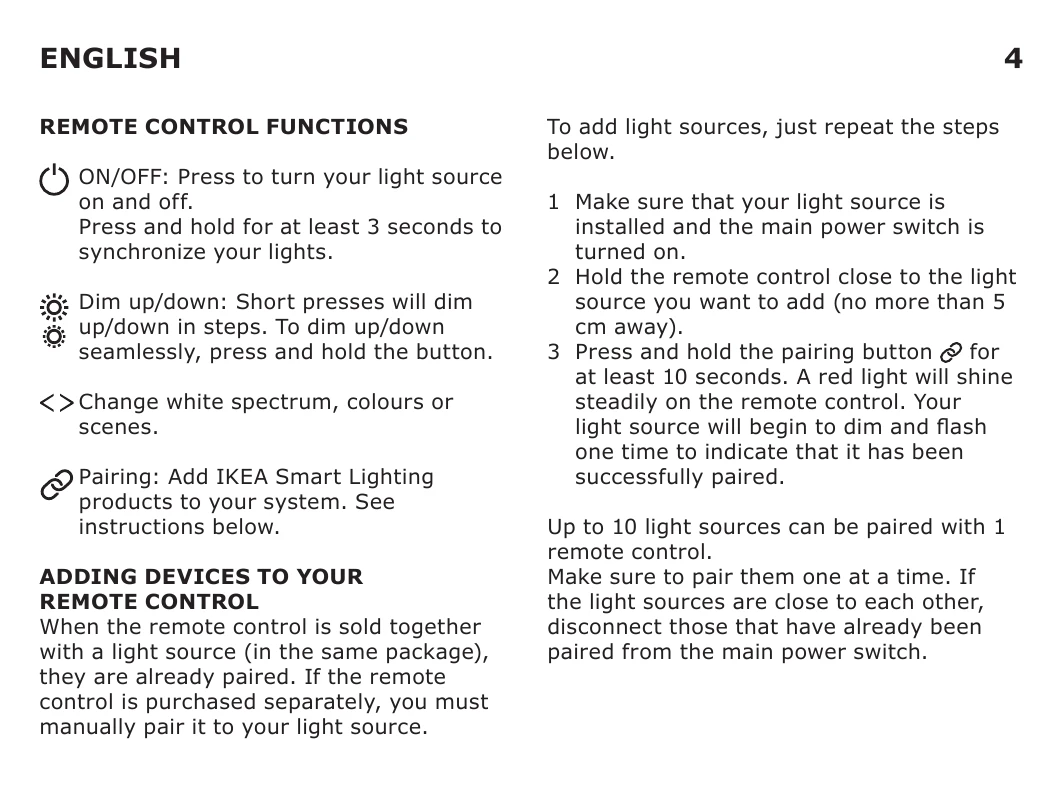
When the remote control is sold together with a light source (in the same package), they are already paired. If the remote control is purchased separately, you must manually pair it to your light source.
To add light sources, just repeat the steps below.
Up to 10 light sources can be paired with 1 remote control.
Make sure to pair them one at a time. If the light sources are close to each other, disconnect those that have already been paired from the main power switch.
For light sources: Toggle the main switch 6 times.
For remote control: Press the pairing button 4 times within 5 seconds.
If your light source becomes unsynchronized, press and hold the ON/OFF button for at least 3 seconds to return the light source to its default setting (100% brightness, 2700K).
When the remote control is used regularly and as intended, the batteries will last for approximately 2 years.
When it's time to replace the battery, a red LED indicator will flash when you press any button on the remote control. Open the battery lid and replace the battery with a new CR2032 battery.
To clean the remote control, wipe with a soft cloth moistened with a little mild detergent. Use another soft, dry cloth to wipe dry.
NOTE! Never use abrasive cleaners or chemical solvents as this can damage the product.