Manual for XL-M403BK

Manual for XL-M403BK

Brand: JVC

Category: Audio System

Document Type: Manual

Language: EN
Uploaded: Nov. 21, 2025, 8:56 p.m.

Manual Publish Date: 1990-03-01

Warranty Information

Repairs must be made in accordance with the relevant safety standards, and safety critical components must be replaced by approved parts.

Preliminary Operation

  1. Switch on and carry out any necessary adjustments to system components, such as the amplifier connected to the CD player-changer, driving the speakers.
  2. Switch on the CD player-changer. The MULTI-MODE DISPLAY lights up.
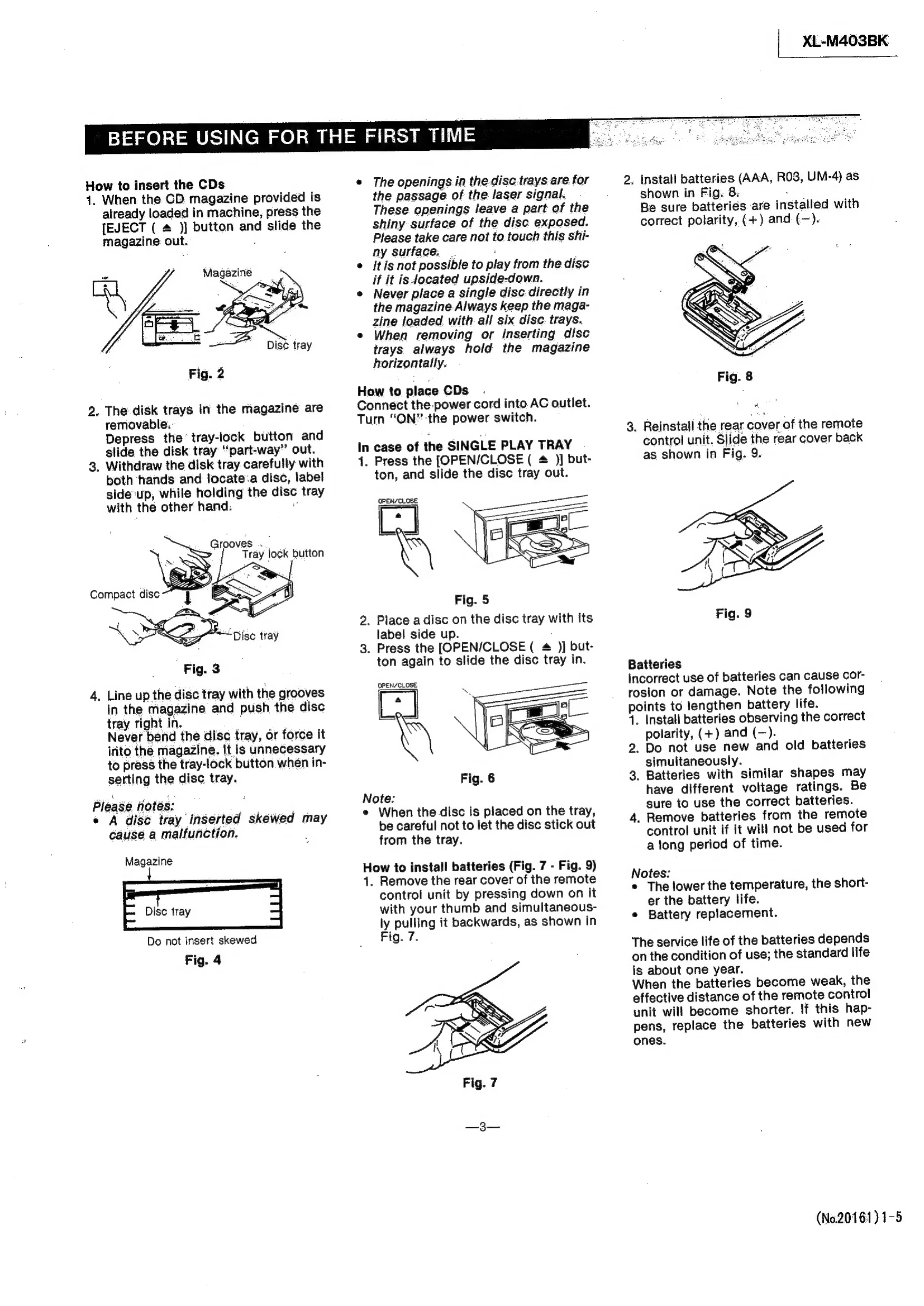
  3. When loading two or more discs, use the provided magazine. When loading only one disc, press the [OPEN/CLOSE (▲)] button to slide the SINGLE PLAY TRAY out. If the CD changer has the magazine installed, press the [EJECT (▲)] button to remove it out.
  4. With its label side up, load a disc on the SINGLE PLAY TRAY or in the magazine. The magazine can hold up to six discs.
  5. Insert the SINGLE PLAY TRAY or magazine as follows: In case of the SINGLE PLAY TRAY, press the OPEN/CLOSE (▲) button. When using the magazine, push it gently until it clicks in place. Up to seven discs can be played by using both the SINGLE PLAY TRAY and magazine.

Normal Play

In normal play, you may play any of the selections on any disc, to the final selection on the 7 disc, continuously.

To Play From the First Selection

Press the [PLAY (►) / PAUSE (II)] button.

Troubleshooting and error codes

Trouble shooting
If at the end of this time the CD player still does not function properly, please consult your JVC dealer.
If the same problem reoccurs when the power is turned on once more, turn the power off again and consult your JVC dealer.
If condensation has formed and the CD machine does not function correctly, we recommend that you leave it turned on for some hours.
Privacy Policy