Brand: JVC
Category: Camcorder
Document Type: Manual
Language: EN
Brand: JVC
Category: Camcorder
Document Type: Manual
Language: EN
Uploaded: Aug. 10, 2025, 12:35 a.m.
Beginner's Guide:
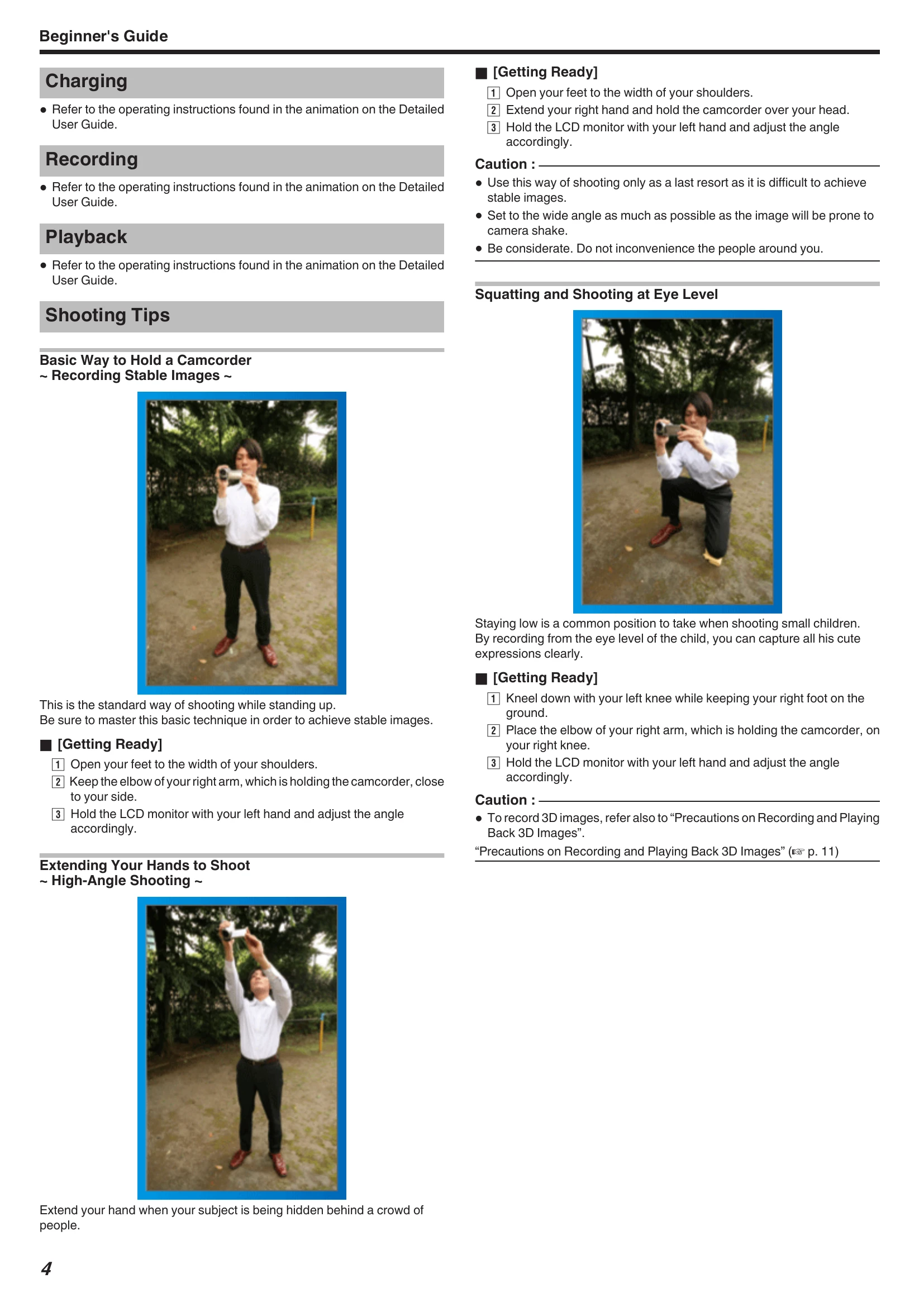
Shooting Tips:
Getting Started:
| Error Message? | Details |
|---|---|
| CHECK LENS COVER | Open the lens cover. |
| SET DATE/TIME! | Connect AC adapter, charge battery for 24+ hours, set clock. If persists, clock battery is exhausted, consult dealer. |
| COMMUNICATION ERROR | Reconnect USB cable. Turn off/on unit and connected devices. Reattach battery pack. |
| FORMAT ERROR! | Check procedure, perform again. Turn off/on unit again. |
| DATA DELETION ERROR | Check procedure, perform again. Turn off/on unit again. |
| ERROR IN BUILT-IN MEMORY! | Turn off/on unit again. If persists, back up files, execute "FORMAT BUILT-IN MEM." |
| MEMORY CARD ERROR! | Turn off/on unit again. Remove AC adapter and battery, remove/re-insert SD card. Clean terminals. If persists, back up files, execute "FORMAT SD CARD". |
| NOT FORMATTED | Select "OK", then "YES" on format prompt. |
| RECORDING FAILURE | Turn off/on unit again. |
| PLAYBACK FAILED | Remove/re-insert SD card. Clean terminals. Insert card before powering on. Avoid impact/vibration. |
| VIDEO MANAGEMENT FILE IS DAMAGED, RECOVERY IS REQUIRED TO RECORD/PLAYBACK, RECOVER? | Select "OK" to restore. Use "PLAYBACK OTHER FILE" for un-restorable videos. |
| UNSUPPORTED FILE! | Use files recorded with this unit only. |
| THIS FILE IS PROTECTED | Switch off "PROTECT/CANCEL" function. |
| CHECK CARD'S WRITE PROTECTION SWITCH | Set SD card write protect switch to off. |
| INSUFFICIENT AVAILABLE SPACE | Delete files, move files to PC, or use new SD card. |
| SCENE QUANTITY EXCEEDED LIMIT | Move files to PC, select "FILE + MANAGEMENT NO" for formatting. |
| NUMBER OF FOLDERS OVERFLOW | Move files to PC, select "FILE + MANAGEMENT NO" for formatting. |
| FILE QUANTITY LIMIT EXCEEDED | Move files to PC, select "FILE + MANAGEMENT NO" for formatting. |
| CAMERA TEMPERATURE IS TOO COLD KEEP CAMERA POWER ON PLEASE WAIT | Leave unit on. If persists, turn off, warm unit, then turn on again. |
| RECORDING CANCELLED | Set "REC MEDIA FOR VIDEO" to "SD". Turn off/on unit. Protect from shock. |
| UNABLE TO RECORD PROPERLY IN 3D PLEASE SWITCH TO 2D FOR RECORDING | Consult JVC dealer. |
| TOO MUCH PARALLAX BETWEEN LEFT & RIGHT IMAGES. YOU MAY NOT BE ABLE TO VIEW THE 3D IMAGES | Check shooting distance for 3D recording. |