Brand: JVC
Category: Camcorder
Document Type: Manual
Language: EN
Brand: JVC
Category: Camcorder
Document Type: Manual
Language: EN
Uploaded: Aug. 10, 2025, 12:33 a.m.
Manual Publish Date: 2011-01-01
Charging: Attach the battery pack and connect the AC adapter to charge. The charging lamp blinks during charging.
Recording: Open the LCD monitor, select the video mode, ensure it's in Auto mode, and press the START/STOP button to begin recording. Press again to stop.
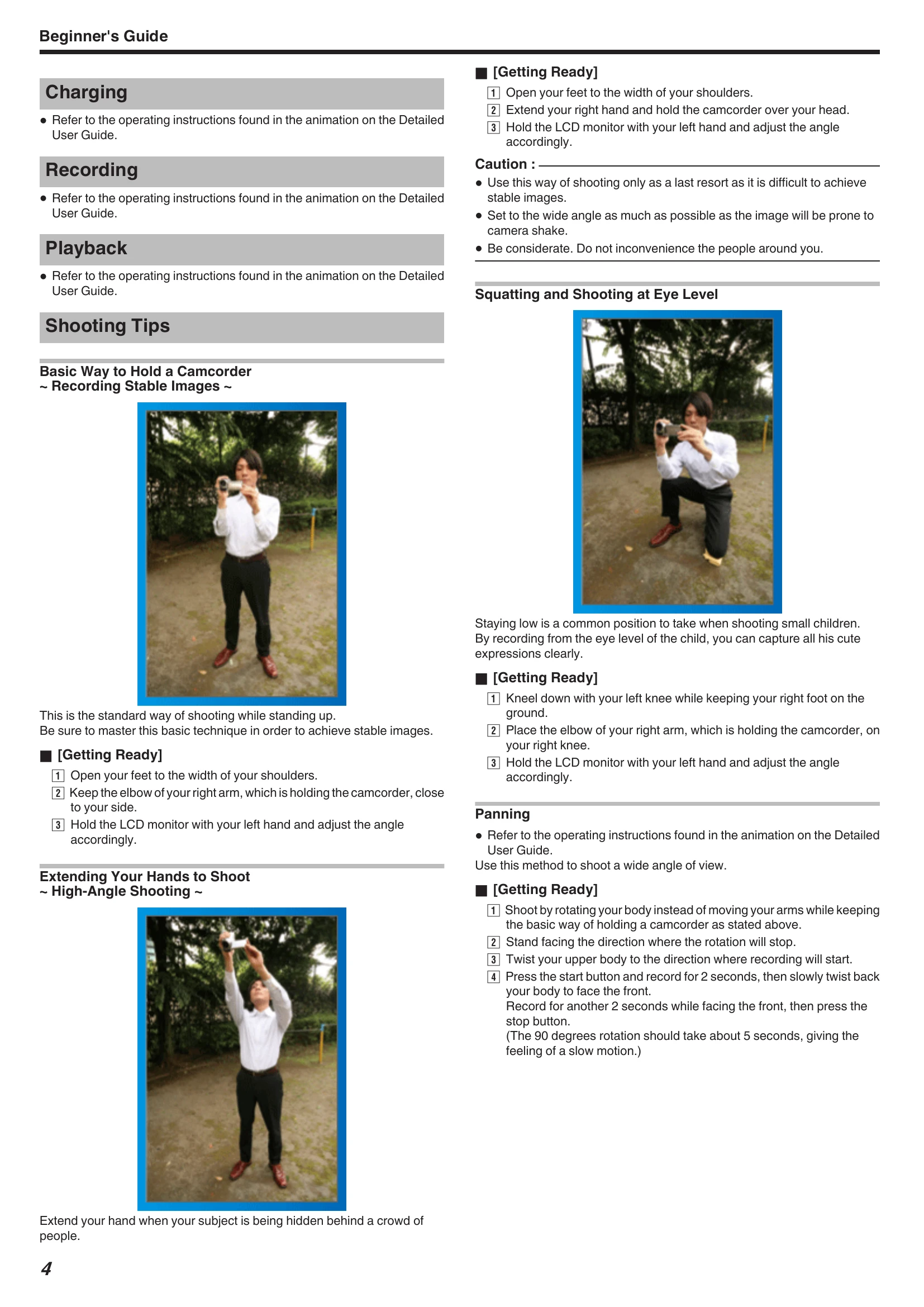
Shooting Tips: Learn basic holding techniques for stable images, including standing, squatting, and high-angle shooting. Panning is also explained.
Taking Still Images: In Auto mode, open the LCD monitor, select the still image mode, check for Auto mode, set focus, and press the SNAPSHOT button to capture an image.
Checking Captured Image: In recording mode, use the Quick Review function to view the most recently captured images.
| Problem | Possible Cause and Solution |
| Unable to turn on the power when using the battery pack. | Recharge the battery pack. Wipe terminals if dirty. Use JVC battery packs. |
| Short usage time even after charging. | Battery deterioration. Replace with a new one. |
| Unable to charge the battery pack. | Battery lamp does not flash when fully charged. Wipe terminals if dirty. Use original battery pack. |
| Remaining battery display is not correct. | Not displayed when AC adapter is connected. May be incorrect in extreme temperatures or after repeated charging. |
| Recording/snapshot cannot be performed. | Check START/STOP switch. Set to recording mode. Check mode. Insert microSD card if HDD has malfunction. |
| Recording stops automatically. | Stops after 12+ consecutive hours. Turn off, wait, then restart. Unit stops automatically if temperature rises. Insert microSD card. |
| The image stabilizer does not work. | Does not work when recording still images. |
| The continuous shooting speed of still images is slow. | Speed drops with repeated use, depending on microSD card or recording conditions. |
| The focus is not adjusted automatically. | Adjust manually in dark or low-contrast conditions. Wipe lens. Cancel manual focus. Use Focus Assist. |
| Digital zoom does not work. | Not available in still image mode or time-lapse shooting. Set ZOOM to "80x" or "200x". |
| Vertical lines appear on recorded images. | Occurs when shooting brightly lit subjects. Not a malfunction. |
| Mosaic-type noise occurs. | In scenes with fast movements or extreme brightness changes. Set VIDEO QUALITY to "UXP" or "XP". |