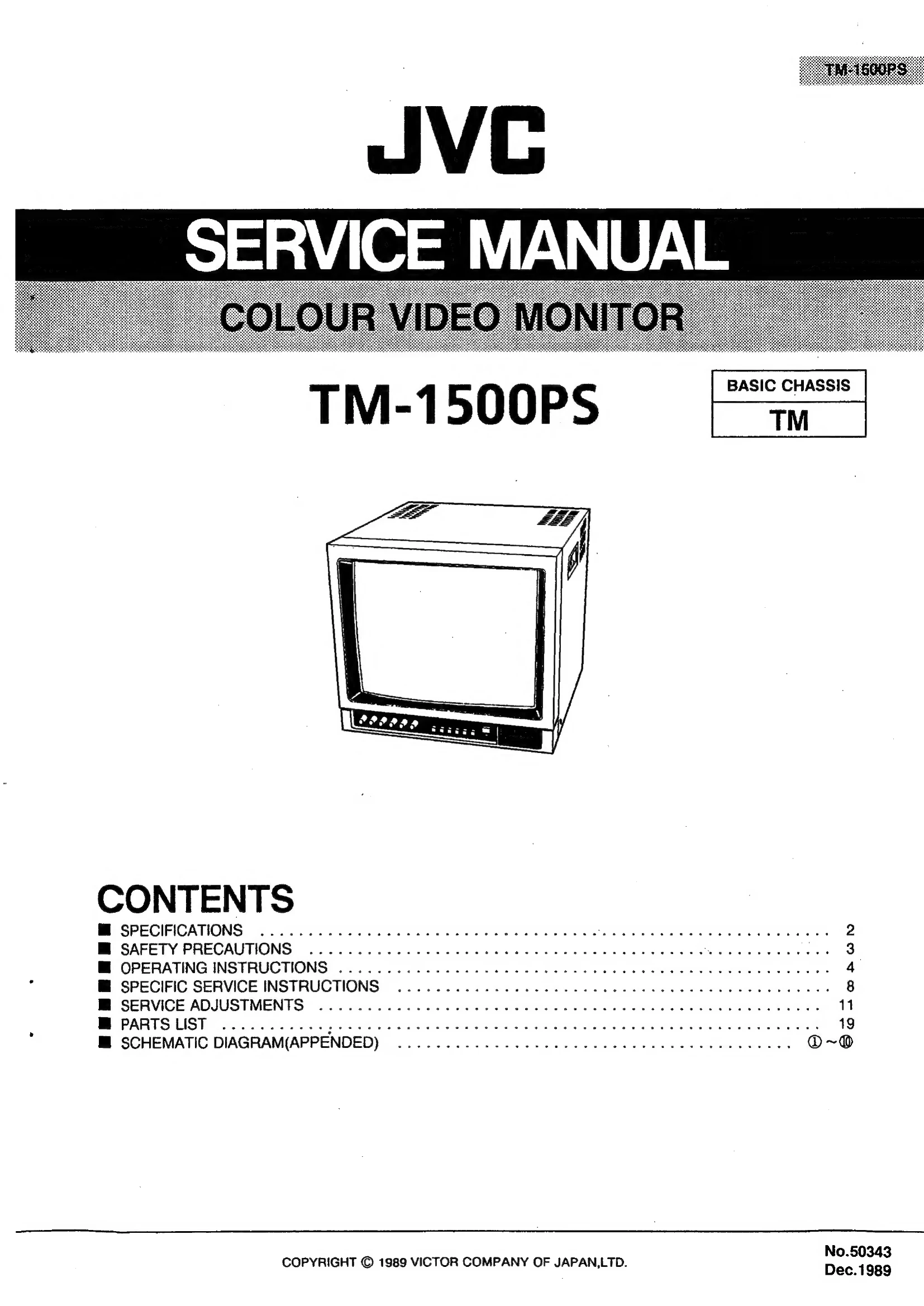
Manual for TM-1500PS

Manual for TM-1500PS

Brand: JVC

Category: Television

Document Type: Manual

Language: EN
Uploaded: Nov. 21, 2025, 7:42 p.m.

Manual Publish Date: 1989-12-01

OPERATING INSTRUCTIONS

Front Panel Controls:

  • V. HOLD control: Adjusts vertical synchronization.
  • VOLUME control: Adjusts sound volume.
  • Picture Controls (CHROMA, BRIGHT, CONTRAST): Optimize picture settings. Center click is standard.
  • SYSTEM switch: Selects PAL or SECAM color system.
  • INPUT SELECT switches: Choose between composite video (VIDEO A/B) or Y/C separate video signals.
  • UNDER SCAN switch: Selects overscanning or underscanning.
  • PULSE CROSS switch: Checks retrace period by delaying the input signal phase.
  • COLOUR OFF switch: Switches between color and monochrome.
  • BLUE CHECK switch: Switches between normal and monochrome blue for color adjustment.
  • POWER switch/indicator: Turns the unit on/off.

Rear Panel Connectors:

  • INPUT A: Composite video and audio input/output (BNC and RCA).
  • INPUT B: Composite video and audio input (8-pin connector).
  • Y/C INPUT: Y/C separate video and audio input/output (7-pin connector).
  • ACCESSORY: Power cord connection.

Safety Precautions: Always be aware of warnings regarding high voltage, fire hazards, and electrical shock. Do not remove covers or service yourself. Use only specified replacement parts.

Troubleshooting and error codes

ERROR CODE DESCRIPTION CORRECTION
No picture - Power indicator is not lit. - Check power cord connection.
- Power indicator is lit. - Check fuse.
- Picture is dark. - Adjust BRIGHT and CONTRAST controls.
- Picture is not synchronized. - Adjust V. HOLD control.
- Color is abnormal. - Adjust CHROMA and COLOR controls. Adjust SYSTEM switch.
Privacy Policy