Brand: KENWOOD
Category: Audio
Document Type: Parts/Service
Language: EN
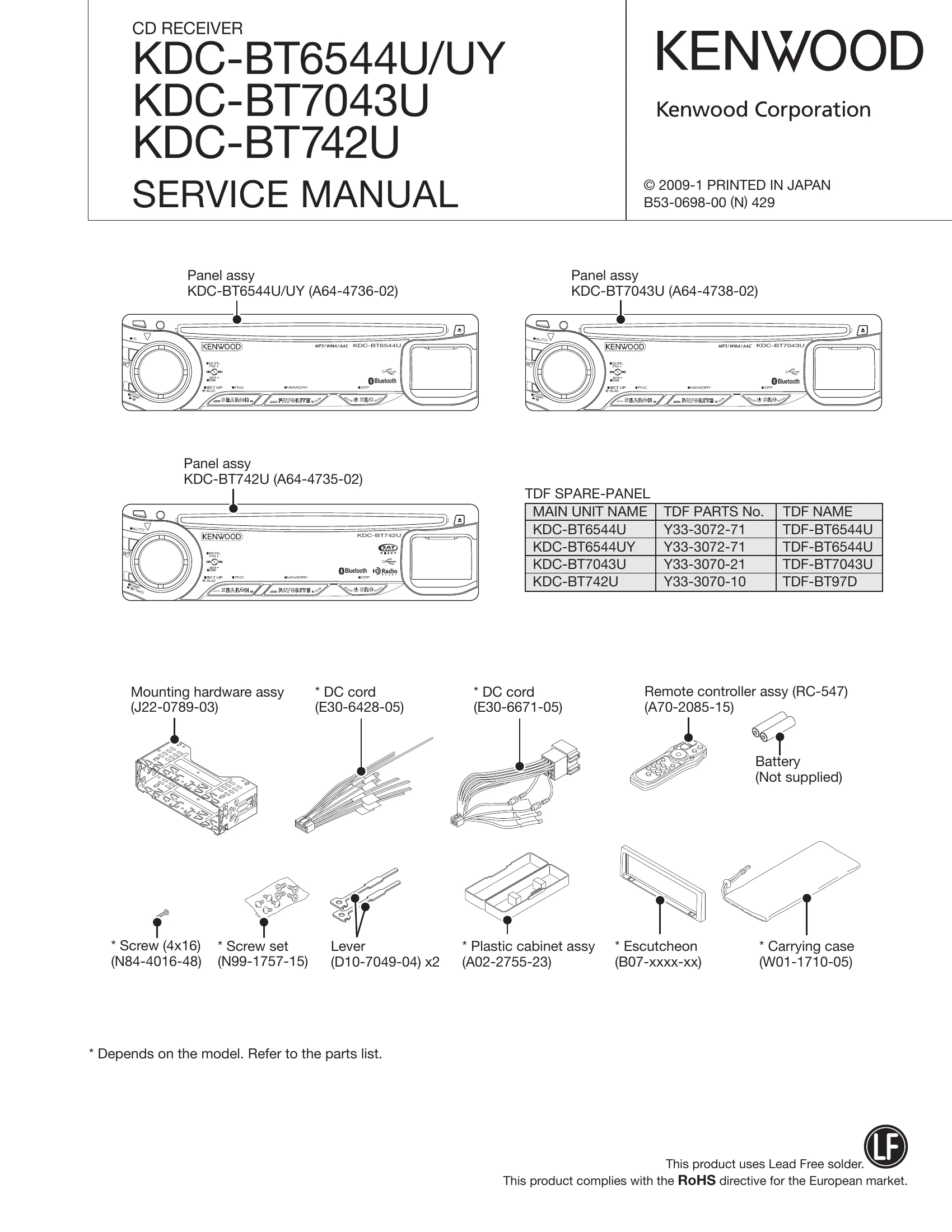
Brand: KENWOOD
Category: Audio
Document Type: Parts/Service
Language: EN
Uploaded: Nov. 21, 2025, 6:25 p.m.
Manual Publish Date: 2009-01-01
| Status | Display | Description |
|---|---|---|
| Front-end (A48x) E2PROM data error | T N E 2 P N | Front-end (A48x) E2PROM is still the default (unspecified) value. |
| Front-end (A48x) communication error | T N C N N G | Communication with front-end (A48x) is not possible. |
| Destination mismatch | T N T Y P N G | When destination is mismatch between front-end (A48x) E2PROM and the product. |
| DC offset error 1 display | (Provides information on whether there is an improper connection or another error) | E2PROM |
| DC offset error 2 display | (Provides information on the number of capacitor leaks) | E2PROM |