Brand: KENWOOD
Category: Other
Document Type: Manual
Language: EN
Brand: KENWOOD
Category: Other
Document Type: Manual
Language: EN
Uploaded: Nov. 21, 2025, 6:06 p.m.
Introduction
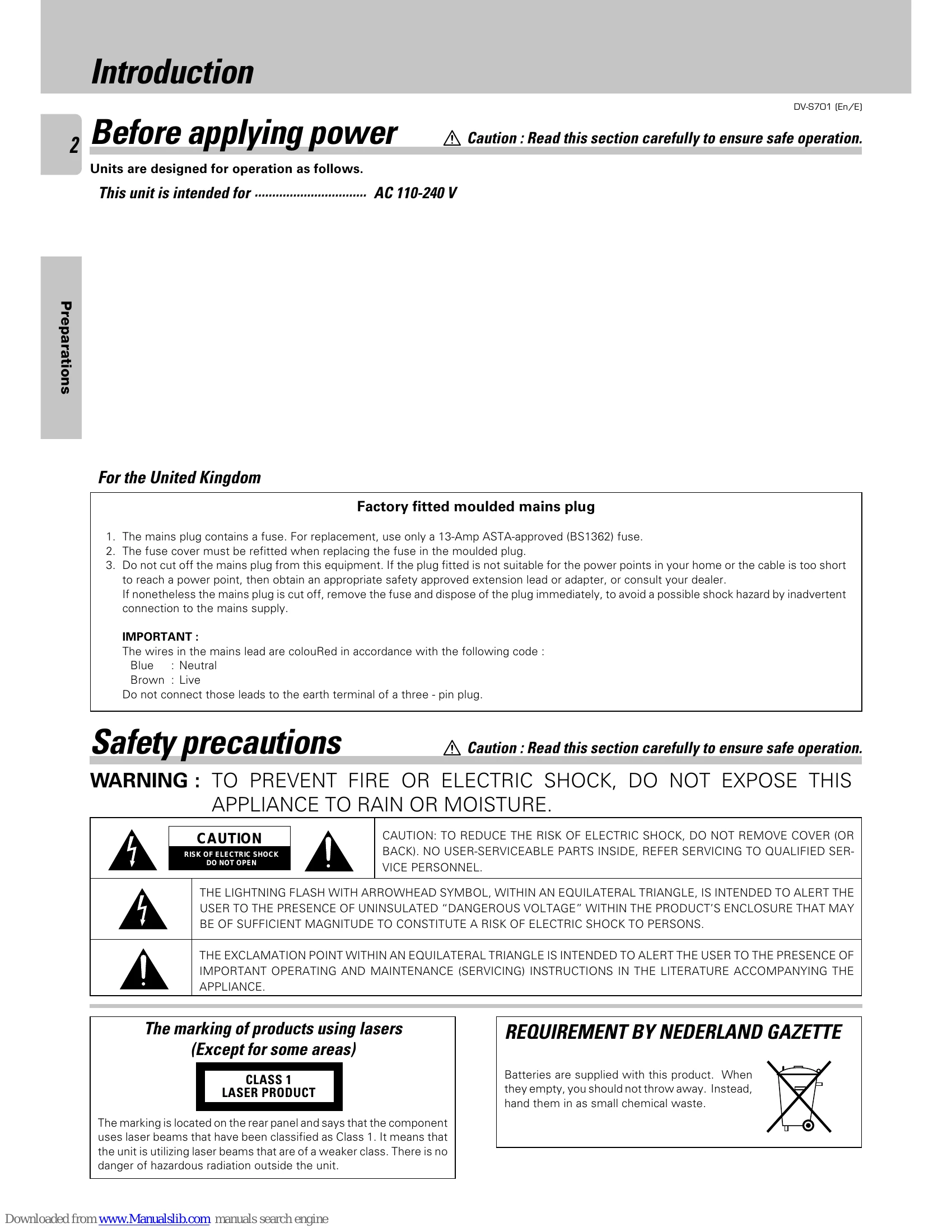
Before applying power: Units are designed for operation as follows. This unit is intended for AC 110-240 V.
Unpacking
Unpack the unit carefully and make sure that all accessories are put aside so they will not be lost. Examine the unit for any possibility of shipping damage. If your unit is damaged or fails to operate, notify your dealer immediately. If your unit was shipped to you directly, notify the shipping company without delay. We recommend that you retain the original carton and packing materials for use should you transport or ship the unit in the future.
Accessories
The following accessories are included:
Important Safeguards
Please read all of the safety and operating instructions before operating this appliance. Adhere to all warnings on the appliance and in the instruction manual. Follow all the safety and operating instructions.
Basic Operation
| Symptom | Cause | Remedy |
| Playback does not start when the play (►) key is pressed. | • There is no disc in the player. • There are no signals recorded on the side of the disc being played. |
• Load a disc and press the play (►) key. • Turn the disc over and properly place it on the disc tray. |
|---|---|---|
| Playback starts but no image/sound is seen/heard. | • The TV is not turned on. • The connection cords are not properly connected. |
• Turn on the TV. • Properly reconnect the connection cords. |
| The picture is disrupted when the image is fast forwarded or fast reversed. | • The picture is slightly disrupted during fast forward and fast reverse operations. | • This is not a malfunction. |
| No sound is heard. | • The audio output cords are not properly connected. • The volume control of the TV or amplifier is not adjusted properly. • The player is in a special playback mode. |
• Properly connect the audio cords. • Set the sound volume to an appropriate level. • Press the play (►) key to resume normal playback mode. |
| The picture does not look good or the picture/sound quality is poor. | • A nearby device is generating noise. • The disc is dirty. • The disc is damaged. • There is condensation on the optical lens. |
• Separate this unit as far as possible from the device you think is generating the noise. • Refer to the "Disc handling precautions" section and wipe dirt from the disc. • Use a new disc. • Refer to the "Beware of condensation" section and evaporate the condensation. |
| It takes a while for the disc to start playing. | • Time is required for the unit to detect the disc type and size and for the rotation of the motor to stabilize. This is not a malfunction. | Approximately 10 to 20 seconds are required for a disc to start playing, although the time differs depending on the disc. |
| The tray opens automatically. | • The disc is not placed horizontally. | • Properly place the disc on the tray. |
| The top and bottom of the screen cannot be seen. | • The video format of the disc being played does not match that of the connected TV monitor. | • Refer to the "Video formats" section, and use a disc with the appropriate video format for your TV or a TV with the appropriate video format for the disc. |
| A VCD cannot be played using menus. | • The VCD disc being played is not compatible with P.B.C. | • Menu playback is available only with VCD discs recorded with P.B.C. |
| The subtitle is not displayed. | • The DVD disc being played does not contain the recording of subtitles. | • Press the SUB TITLE key to switch on the subtitle mode. |
| The voice (or subtitle) language cannot be changed. | • The DVD disc being played does not contain the recording of more than one audio (or subtitle) language. | • The voice (or subtitle) language cannot be changed when the DVD disc being played does not contain the recording of more than one voice (or subtitle) language. |
| The viewing angle cannot be changed. | • The DVD disc being played does not contain the recording of more than one angle. | • The viewing angle cannot be changed when the DVD disc being played does not contain the recording of more than one angle. • More than one viewing angle may be recorded only in limited sections in a disc. • You are attempting to switch the angle in a DVD section where more than one angle is not recorded. |
| Playback will not start even after a title is selected. | • A viewing restriction (RATING) has been set for the disc. | • Check the viewing restriction level (RATING) setting. |
| The viewing restriction level (RATING) cannot be changed. | • You have forgotten the viewing restriction (RATING) password. | • Reset the initial setup to the factory setup. |
| The voice or subtitle language selected in the initial setting is not played. | • The DVD disc being played does not contain the recording of the selected voice or subtitle language. | • Use a DVD disc containing the recording of the selected voice or subtitle language. |
| No message appears on the TV screen after a key is pressed. | • The function for displaying message on the TV screen (On-Screen Messages) is set to off. | • Set On-Screen Messages to on. |
| Menu screen messages are not shown in the desired language. | • The menu language function (MENU) is not set. | • Set the disc menu language function (MENU) as required. |
| Audio is not reproduced in surround sound. | • The surround speakers are set to "Not used" in the speaker mode [8 Speaker Setting]. | • Set the surround speakers to "Used" in the speaker mode setting of initial setup [8 Speaker Setting]. |
| Remote control operation is not possible. | • Batteries are exhausted. • The remote control is too far away from the system, the controlling angle is deviated or there is an obstacle in between. |
• Replace with new batteries. • Operate the unit inside the remote controllable range. |
| The inhibition icon is displayed and remote control is not possible. | • Playback is restricted intentionally by the software producer. | • The operation is inhibited. Please try another operation. |