Brand: KENWOOD
Category: Other
Document Type: Manual
Language: EN
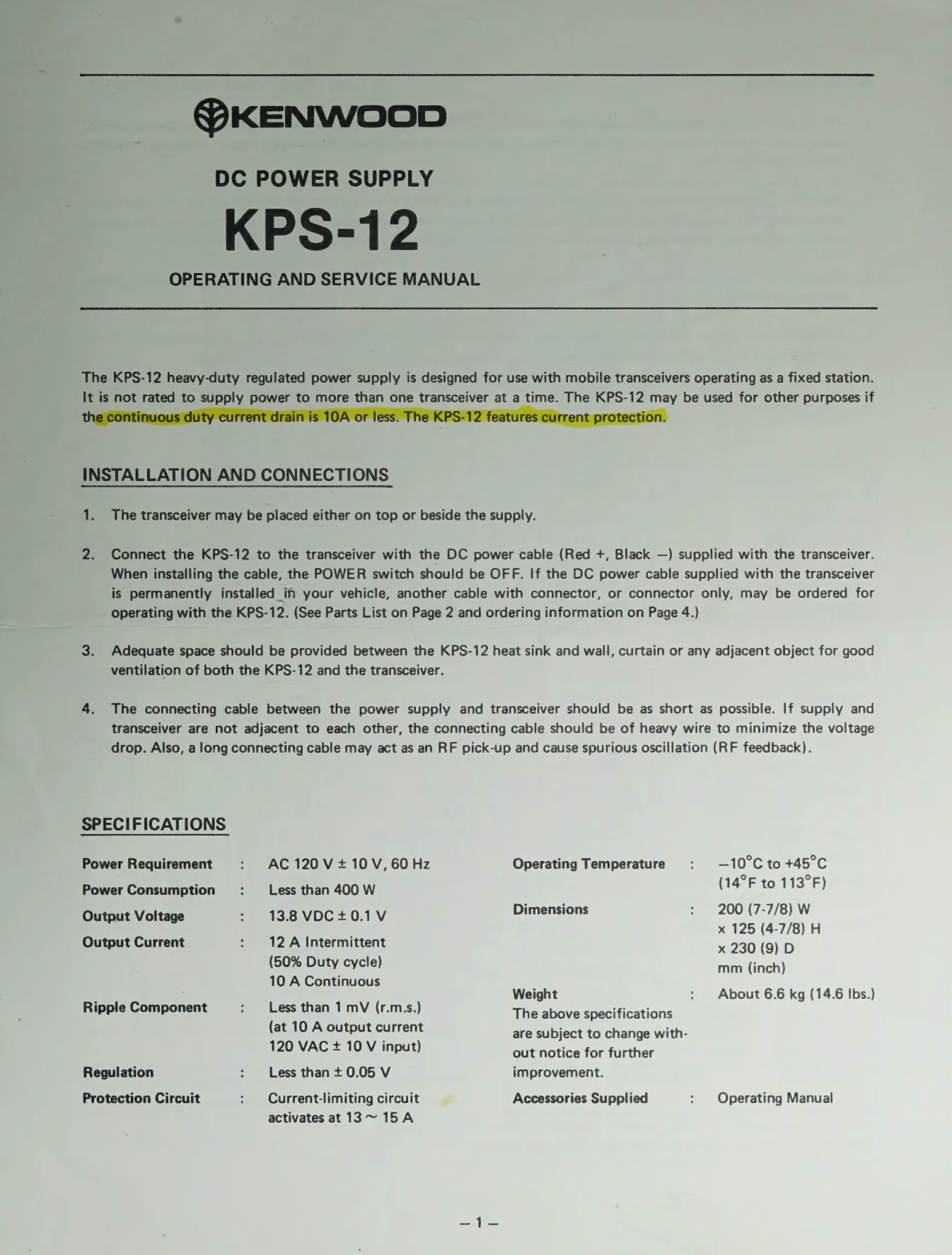
Brand: KENWOOD
Category: Other
Document Type: Manual
Language: EN
Uploaded: Nov. 21, 2025, 7:32 p.m.
Manual Publish Date: 1980-03
None
| Problem | Possible Cause | Solution |
|---|---|---|
| No output voltage | Blown fuse | Replace fuse with spare 3-A fuse. Determine cause of failure. Never use higher amperage fuse. |
| Output voltage varies greatly | Needs adjustment | Adjust potentiometer VR-1 on the printed-circuit board for 13.8 VDC output. |
| Output voltage decreases during use | Short-circuit or excessive current draw | Turn POWER switch OFF. Check for the problem and repair as necessary. |