Brand: KENWOOD
Category: Oven
Document Type: Manual
Language: EN
Brand: KENWOOD
Category: Oven
Document Type: Manual
Language: EN
Uploaded: Nov. 21, 2025, 7:48 p.m.
Refer to the manual for detailed warranty information.
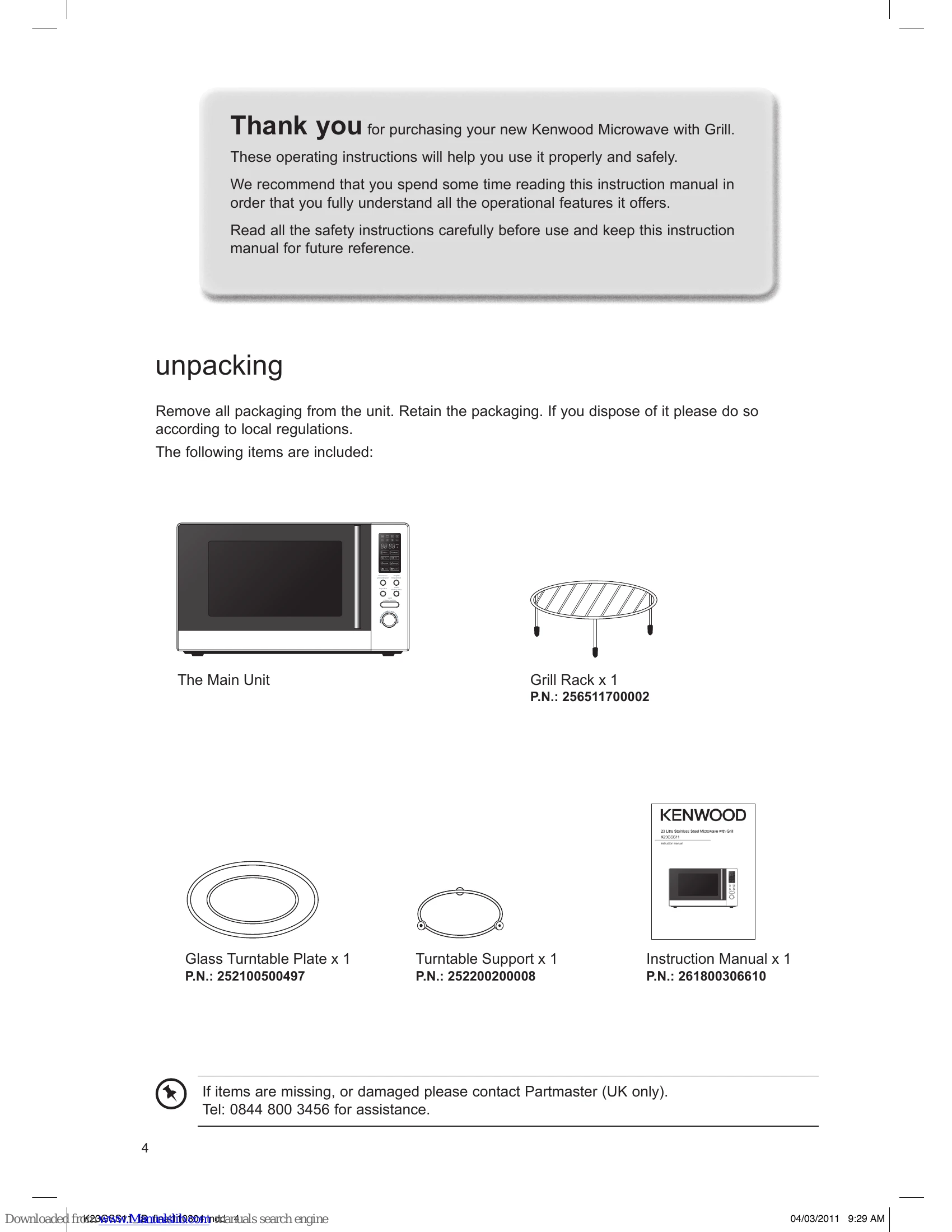
Unpacking and Setup: Remove all packaging. Place the microwave on a flat, heat-resistant surface with adequate ventilation (10cm clearance on sides and 30cm above). Plug into a standard electrical socket. Install the turntable support and glass turntable plate.
Microwave Cooking Basics: Stir food to distribute heat evenly. Arrange food items on the turntable for even cooking. For large items, turn them over during cooking. Use aluminium foil sparingly to cover thin parts and prevent overcooking, ensuring it does not touch the microwave walls.
Utensil Use: Use microwave-safe utensils (glass, porcelain, plastic, paper). Never use metal, except for limited use of aluminium foil as directed. Test unknown utensils using a cup of water.
Grill and Combination Cooking: Use the "microwave/grill/combination" button to select these modes. Follow on-screen prompts for power levels and time. Use the supplied grill rack.
Defrosting: Use "weight/time defrost" button to select defrost by weight or time. Adjust settings and start.
Auto Cooking: Select food category and weight using the "timer/weight/auto menu" dial and "start" button.
Quick Start: Press "start/+30sec/confirm" for 30 seconds of cooking at full power, or use the dial to set time.
Clock and Timer: Use "clock/kitchen timer" and the "timer/weight/auto menu" dial to set the clock and kitchen timer.
Child Lock: Press and hold "stop/clear" for 5 seconds to set/release the child lock.
Cleaning: Unplug and allow to cool. Wipe interior and exterior with a damp cloth and mild detergent. Keep the wave guide cover clean.
| Questions | Answers |
|---|---|
| Why doesn't the food seem to cook? | Check that: • the cooking time has been set • the door is closed • the mains socket is not overloaded causing the fuse to blow. |
| Why does the food seem undercooked or overcooked? | Check that: • the correct cooking time has been set • the correct power setting has been used. |
| How can I stop eggs from popping? | When you bake or poach eggs in the microwave, the yolk can sometimes pop as steam builds up inside it. You can stop the egg from popping by piercing the yolk with a toothpick before cooking. Never cook eggs that are still in their shells. |
| Why is it so important that I allow standing time after cooking? | With microwave cooking, many foods build up enough heat inside them to continue cooking even after they've been taken out of the microwave. Because microwave cooking works from the outside of food inwards, standing time lets you cook the centre of the food without the outside being overcooked. |
| Why does my microwave sometimes take longer to cook than it says in the recipe? | First check that the microwave was set just as the recipe said. Cooking times and heat settings are suggestions to help prevent overcooking but differences in the weight, size, shape and starting temperature of food will all affect how long it takes to cook - just as it does with a conventional oven. Use your judgement along with the recipe to check whether the food has been cooked properly. |
| Why do I get condensation on the inside of the door? | Condensation is perfectly normal, especially when you are cooking food with a high moisture content such as potatoes. |
| Does the microwave energy get through the window on the door? | No. The door has a special metal screen with holes in that lets you see inside but stops microwave energy from getting out. |
| Steam comes out of the side of the door and vents. Can microwave energy get out too? | No. The door and vents are carefully designed to let steam out during cooking but keep microwave energy in. The gaps are not big enough for microwave energy to escape. |
| What happens if the microwave is switched on while the microwave is empty? | The microwave will be damaged. Do not switch the microwave on when there's nothing inside the microwave. It is a good idea to keep a cup of water in the microwave just in case someone accidentally starts the microwave. |
| Why doesn't the microwave's light illuminate? | Open the door. If the light does not illuminate, the bulb has probably blown. Call a qualified technician – do not try to change the bulb yourself. |
| There are sparks inside the microwave when I use the microwave. Will this cause any damage? | Yes. Make sure that you are not using any metal utensils and that your containers don't have a metal trim. You must not use metal in your microwave when you cook (except aluminium foil). |
| Light is showing through the vents and door. Does this mean the microwave energy can escape? | No. It is normal for the light to be visible and is nothing to be concerned about. |
| Why do I get interference on my TV and radio when I use the microwave? | Microwaves use radio waves similar to those received by TVs and radios. You can lessen the interference by moving your microwave further away from the TV or radio. |