Manual for 35A

Manual for 35A

Brand: Kiev

Category: Camera

Document Type:

Language: EN
Uploaded: Aug. 9, 2025, 11:45 p.m.

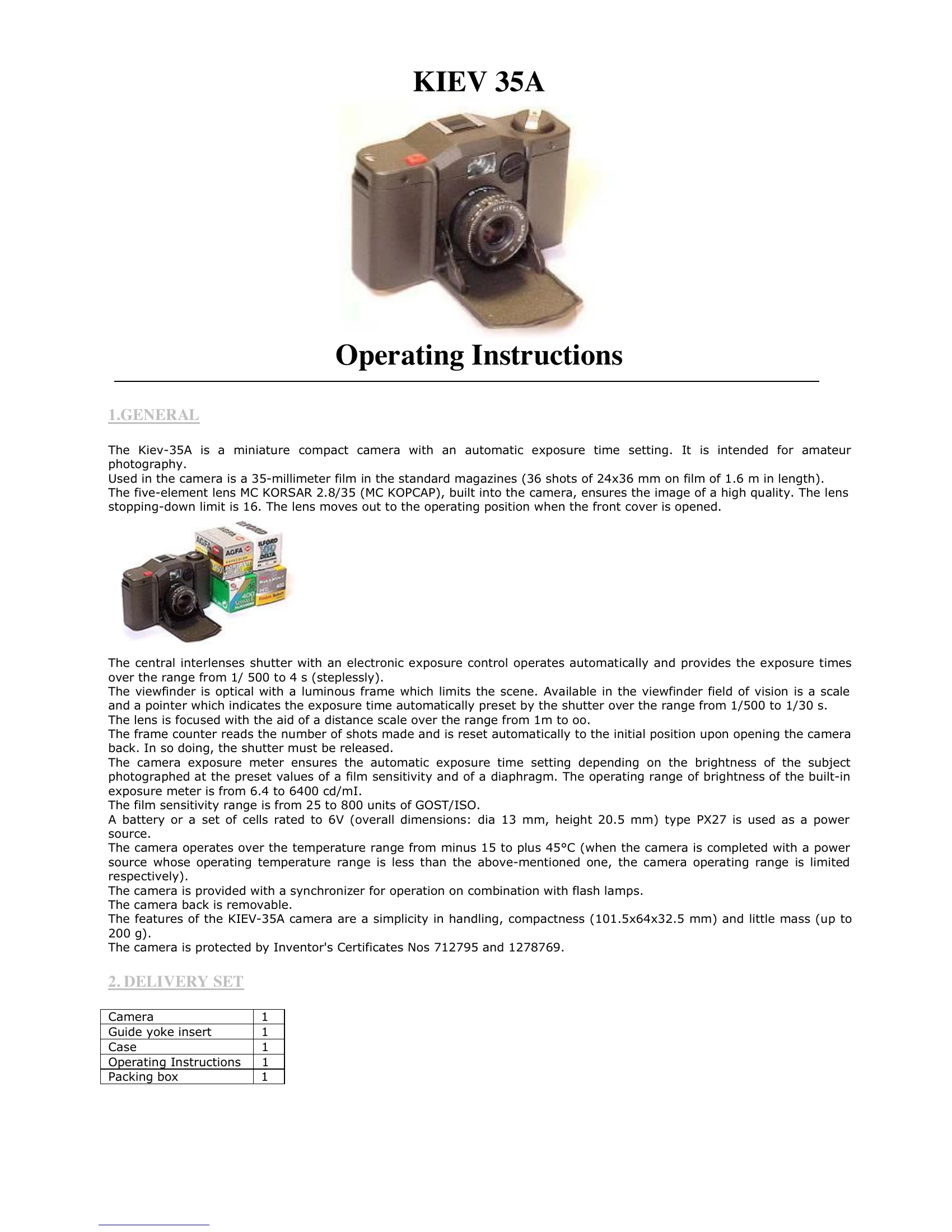
To operate the Kiev-35A camera, follow these steps:

  1. Power Source Installation: Open the front cover, unscrew the power source seat cover, insert a 6V PX27 battery observing polarity, and screw the cover back on.
  2. Loading Film: Open the camera back by moving the lock lever to reveal the red mark, remove the back, insert a 35mm film magazine, pull out the film leader, and secure it to the take-up spool. Reattach the back and move the lock lever to hide the red mark.
  3. Setting Film Sensitivity: Turn the film sensitivity knob until the film's ISO/GOST value aligns with the index.
  4. Shooting: Open the front cover to extend the lens. Cock the shutter by turning the lever twice. Set the diaphragm using ring 8 and check the viewfinder for the automatic shutter speed indication. Focus the lens using ring 6 and the distance scale. Frame your shot in the viewfinder and gently press the release button 10 to take the picture.
  5. Unloading Film: After the last shot, depress button 22 and hold it. Fold out the rewinding knob handle 15 and rotate it until the film is fully rewound into the magazine.

For flash photography, connect a compatible flash unit to the central contact on yoke 13. The shutter speed will automatically set between 1/30 to 1/60 s.

Troubleshooting and error codes

Header 1 Header 2 Header 3 Header 4
Row 1 Value 1 Row 1 Value 2 Row 1 Value 3 Row 1 Value 4
Row 2 Value 1 Row 2 Value 2 Row 2 Value 3 Row 2 Value 4
Row 3 Value 1 Row 3 Value 2 Row 3 Value 3 Row 3 Value 4
Privacy Policy