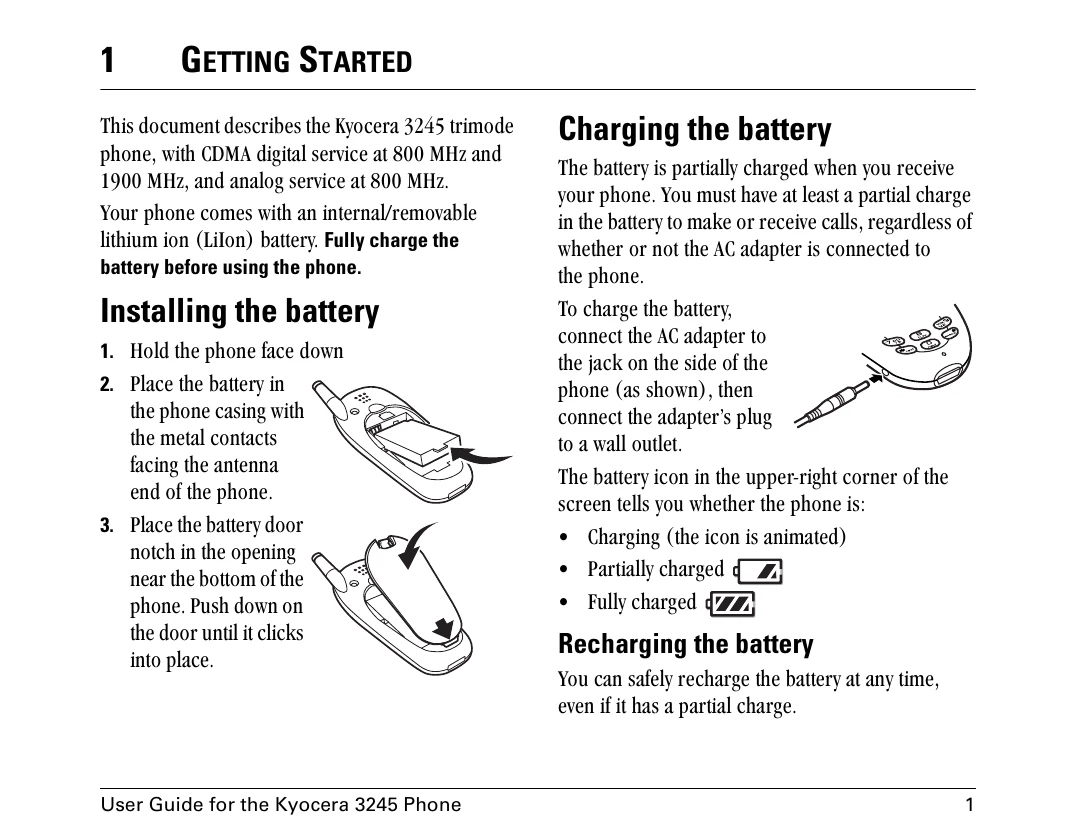
Installing the battery: Hold the phone face down, place the battery with metal contacts facing the antenna end, and push the battery door until it clicks.
Charging the battery: Connect the AC adapter to the phone and a wall outlet. The battery icon indicates charging status.
Performing basic functions: Turn the phone on/off, make/end calls, answer calls, access voicemail, verify phone number, silence ringer, lock keypad, access contacts, silence sounds, and access shortcuts using designated keys and menu options.
Using menus: From the home screen, press OK to access the menu, navigate with directional keys, and select items with OK. Common menu categories include Recent Calls, Messages, Settings, Contacts, Web Browser, Fun & Games, Phone Info, and Tools.