Manual for E1100

Manual for E1100

Brand: KYOCERA

Category: Cell Phone

Document Type:

Language: EN
Uploaded: Aug. 10, 2025, 12:07 a.m.

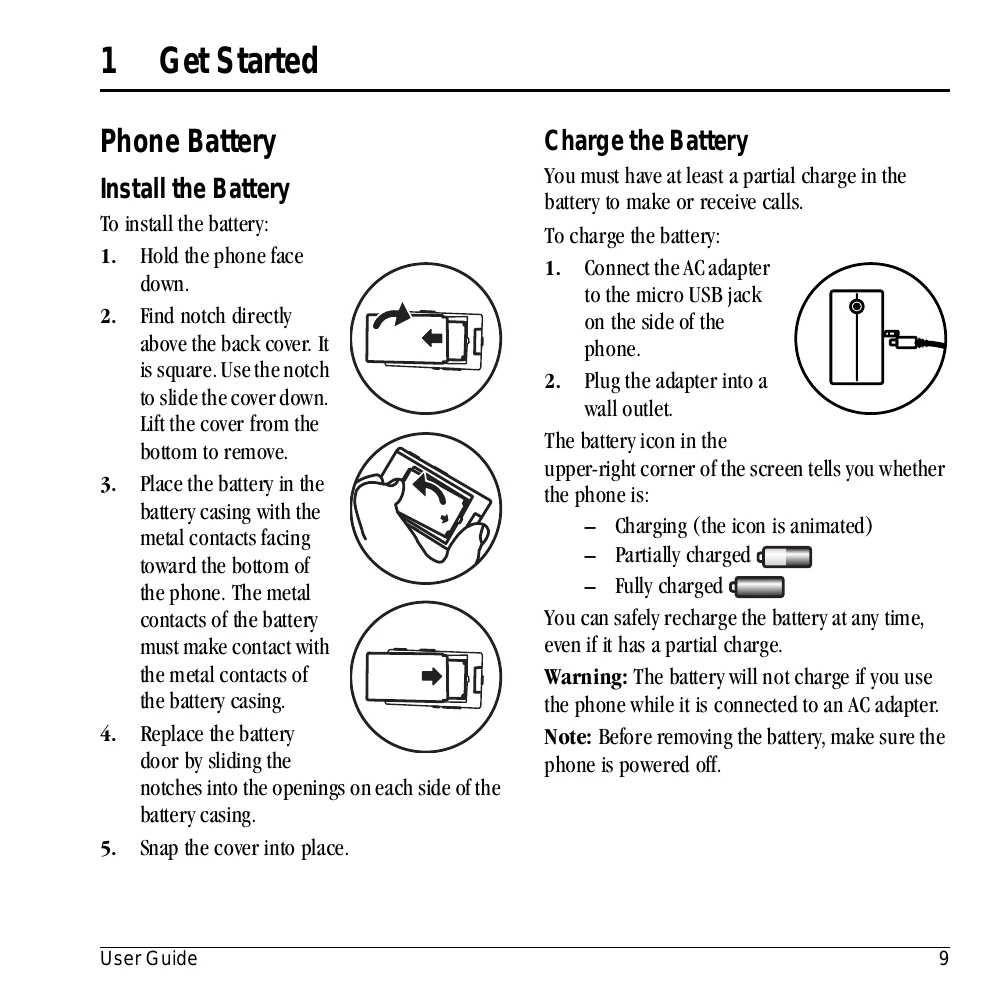
Install the Battery

  1. Hold the phone face down.
  2. Find notch above back cover, slide cover down to remove.
  3. Place battery with metal contacts facing bottom.
  4. Replace battery door by sliding notches into openings.
  5. Snap cover into place.

Charge the Battery

  1. Connect AC adapter to micro USB jack on phone.
  2. Plug adapter into wall outlet.

The battery icon indicates charging status.

Warning: Battery will not charge if phone is used while connected to AC adapter.

Privacy Policy