Manual for KX12

Manual for KX12

Brand: KYOCERA

Category: Cell Phone

Document Type:

Language: EN
Uploaded: Aug. 10, 2025, 12:07 a.m.

Warranty Information

Kyocera offers a one-year limited warranty against defects in material and workmanship for original purchasers.

Getting Started

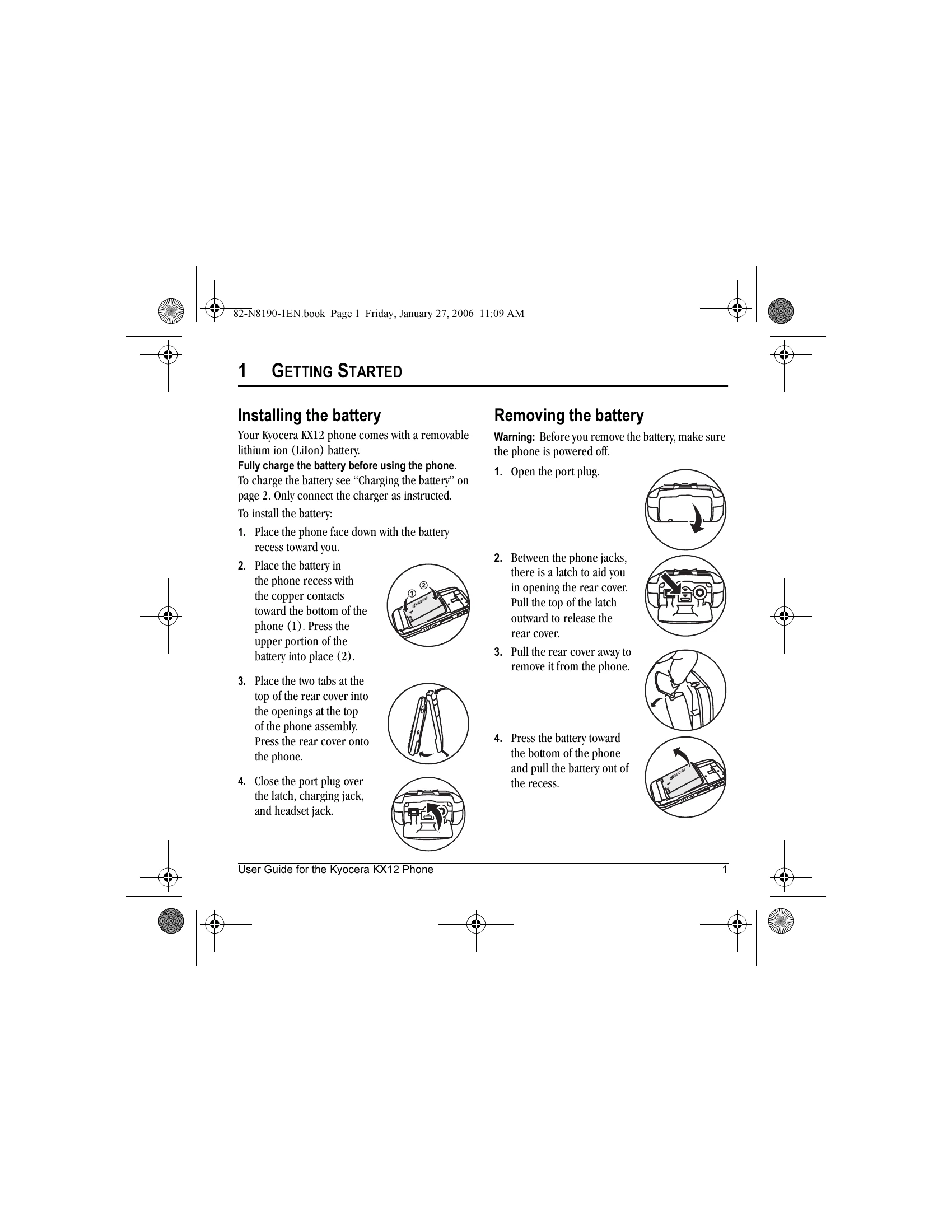
  • Installing the battery: Fully charge the battery before use. Place the phone face down, insert the battery, then attach the rear cover.
  • Removing the battery: Ensure the phone is off. Open the port plug, release the rear cover latch, remove the cover, then press the battery towards the bottom and pull it out.
  • Charging the battery: Connect the charger plug correctly to the phone and a wall outlet. The battery icon indicates charge status.
  • Caring for the battery: Avoid extreme temperatures, direct sunlight, high humidity, and do not puncture or short-circuit the battery.

Performing basic functions

  • Turn on/off: Press and hold the End/Power key.
  • Make a call: Enter number and press Send/Talk.
  • Answer a call: Press Send/Talk.
  • End a call: Press End/Power.
  • Touch2Talk (T2T) call: Press and hold the walkie-talkie button.
Privacy Policy