Brand: KYOCERA
Category: Cell Phone
Document Type:
Language: EN
Brand: KYOCERA
Category: Cell Phone
Document Type:
Language: EN
Uploaded: Aug. 10, 2025, 12:08 a.m.
Manual Publish Date: 2004-01-01
This manual provides information on the Kyocera KX440 Series phones.
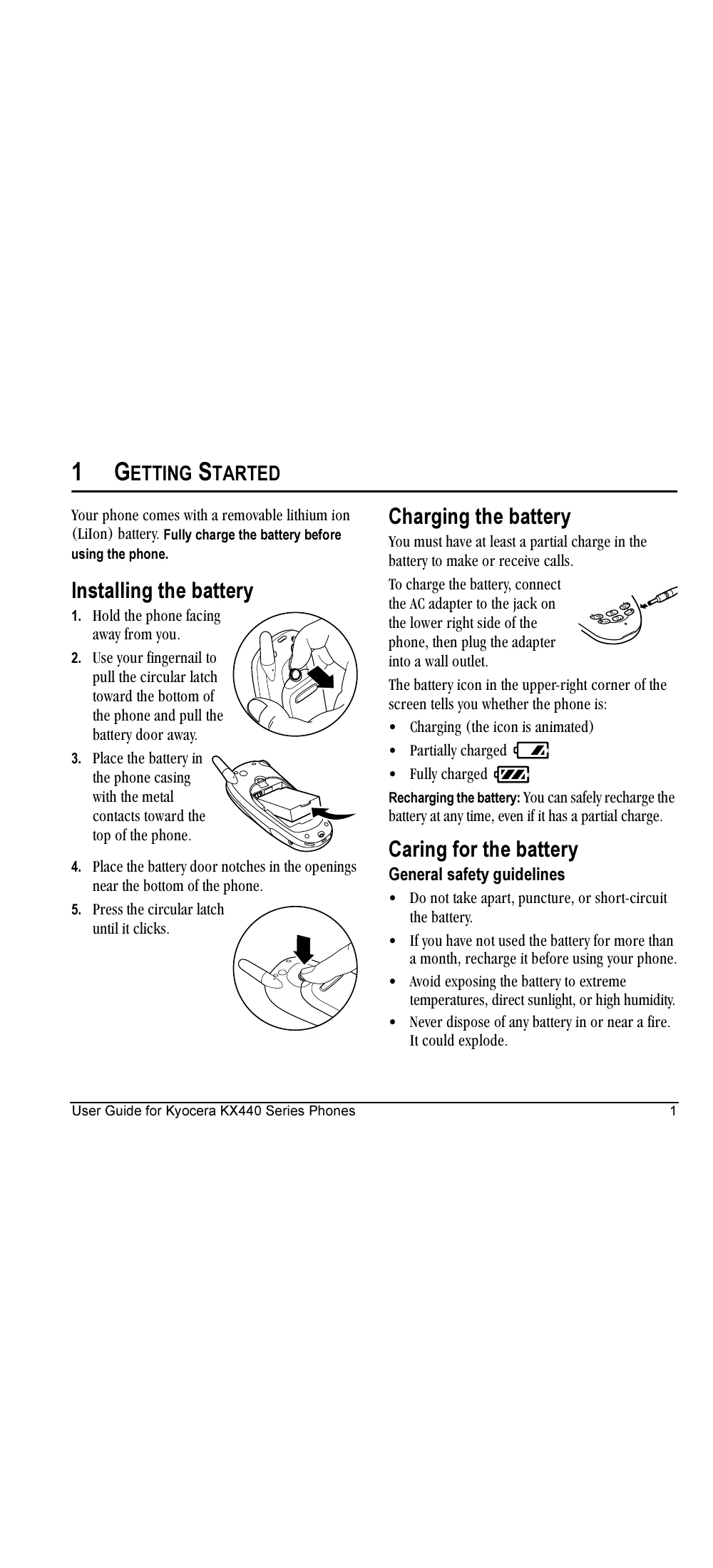
Charge the battery fully before using the phone. Connect the AC adapter to the phone and a wall outlet. The battery icon indicates the charge level.
Follow the steps to install the removable lithium ion battery by opening the battery door, placing the battery, and closing the door.
| Problem | Solution |
|---|---|
| Phone does not turn on | Ensure battery is installed correctly and charged. |
| Cannot make or receive calls | Check signal strength. Move to an area with better reception. Ensure phone is not in Airplane Mode. |
| Screen frozen or unresponsive | Reset the phone by removing and replacing the battery. |
| Battery drains quickly | Reduce backlight time, close unused applications, and limit use of speakerphone or PTT. |
| PTT calls not connecting | Ensure PTT service is enabled and you are within service coverage. |