Manual for KX9a

Manual for KX9a

Brand: KYOCERA

Category: Cell Phone

Document Type:

Language: EN
Uploaded: Aug. 10, 2025, 12:08 a.m.

Warranty Information

Please refer to the warranty card for detailed information on your Kyocera phone's warranty.

Getting Started

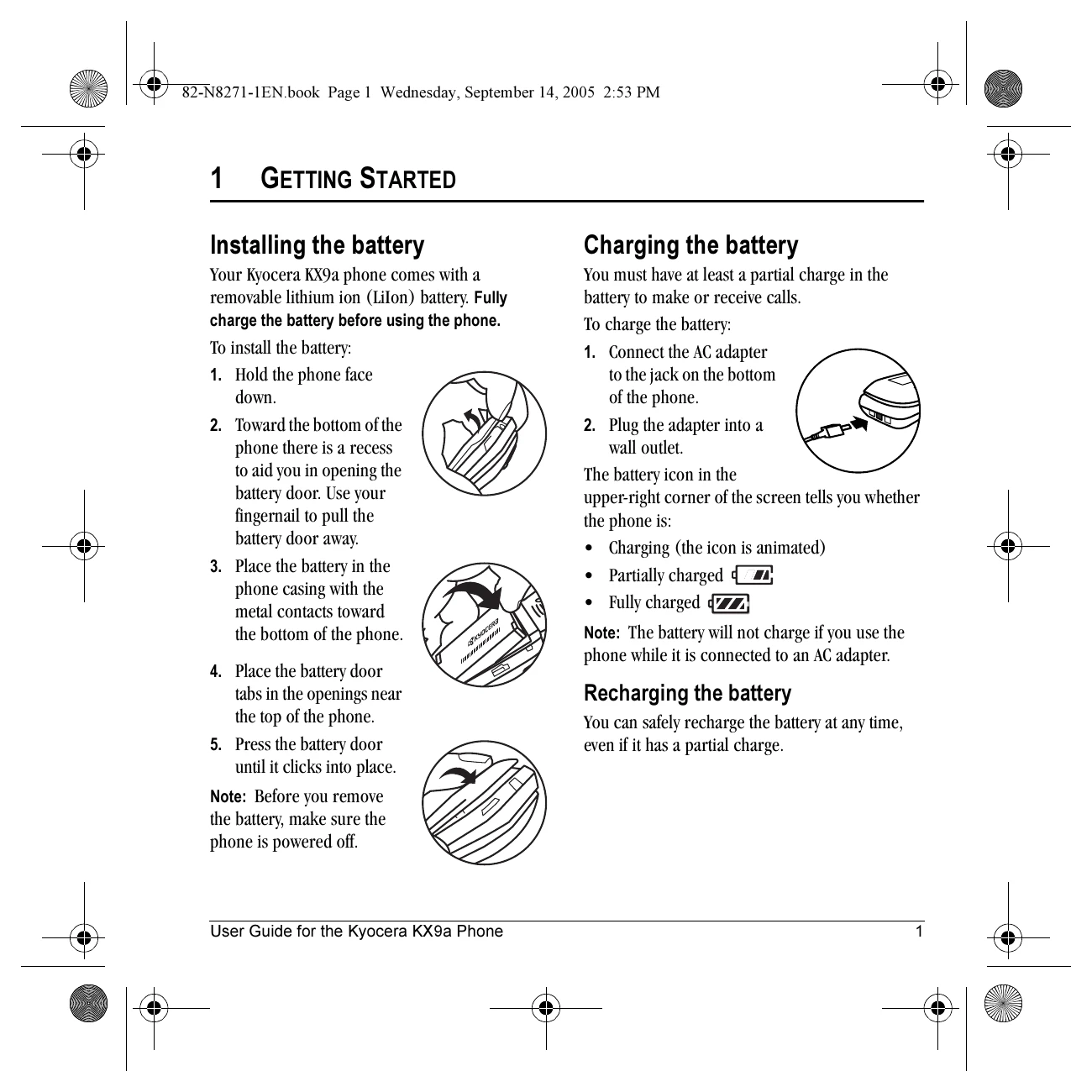
  • Installing the battery: Insert the battery correctly, ensuring metal contacts align.
  • Charging the battery: Connect the AC adapter to charge the phone. The battery icon indicates charge level.
  • Performing basic functions: Learn to turn the phone on/off, make/answer calls, access voicemail, and use speakerphone.

Making and Answering Calls

  • Making a call: Open the flip, enter the number, and press the Send/Talk key.
  • Answering a call: Open the flip and press the Send/Talk key or the Speakerphone key.
  • Using the speakerphone: Activate during a call or when answering.

Storing Contacts

  • Creating a new contact: Save phone numbers, names, and additional information.
  • Customizing contacts: Assign ringers, pictures, and number types.
  • Editing and erasing: Modify or delete existing contact entries.

Using Tools & Games

  • Voice Memo: Record and play back audio memos.
  • Scheduler: Schedule events and set reminders.
  • Alarm Clock: Set up to four alarms.
  • Calculator: Perform basic mathematical calculations.
  • Games: Play pre-loaded games like Brick Attack and Race 21.
Privacy Policy