Manual for Kyocera 2255 Phone

Manual for Kyocera 2255 Phone

Brand: KYOCERA

Category: Cell Phone

Document Type:

Language: EN

Uploaded: Aug. 10, 2025, 12:07 a.m.

Warranty Information

Use only Kyocera approved accessories to avoid voiding the warranty.
  • Turn on/off phone: Press and hold the End key.
  • Make a call: Extend antenna, enter number, press Talk.
  • Answer a call: Press Talk.
  • End a call: Press End.
  • Redial: Press Talk twice.
  • Volume adjustment: Use Navigation keys (up/down) during a call or access Smart Sound in Settings.
  • Lock/Unlock Keypad: Press and hold Left Navigation key to lock, press 2, 3 in sequence to unlock.
  • Define Shortcut Keys: Access via Menu > Settings > Display > Shortcut Key.
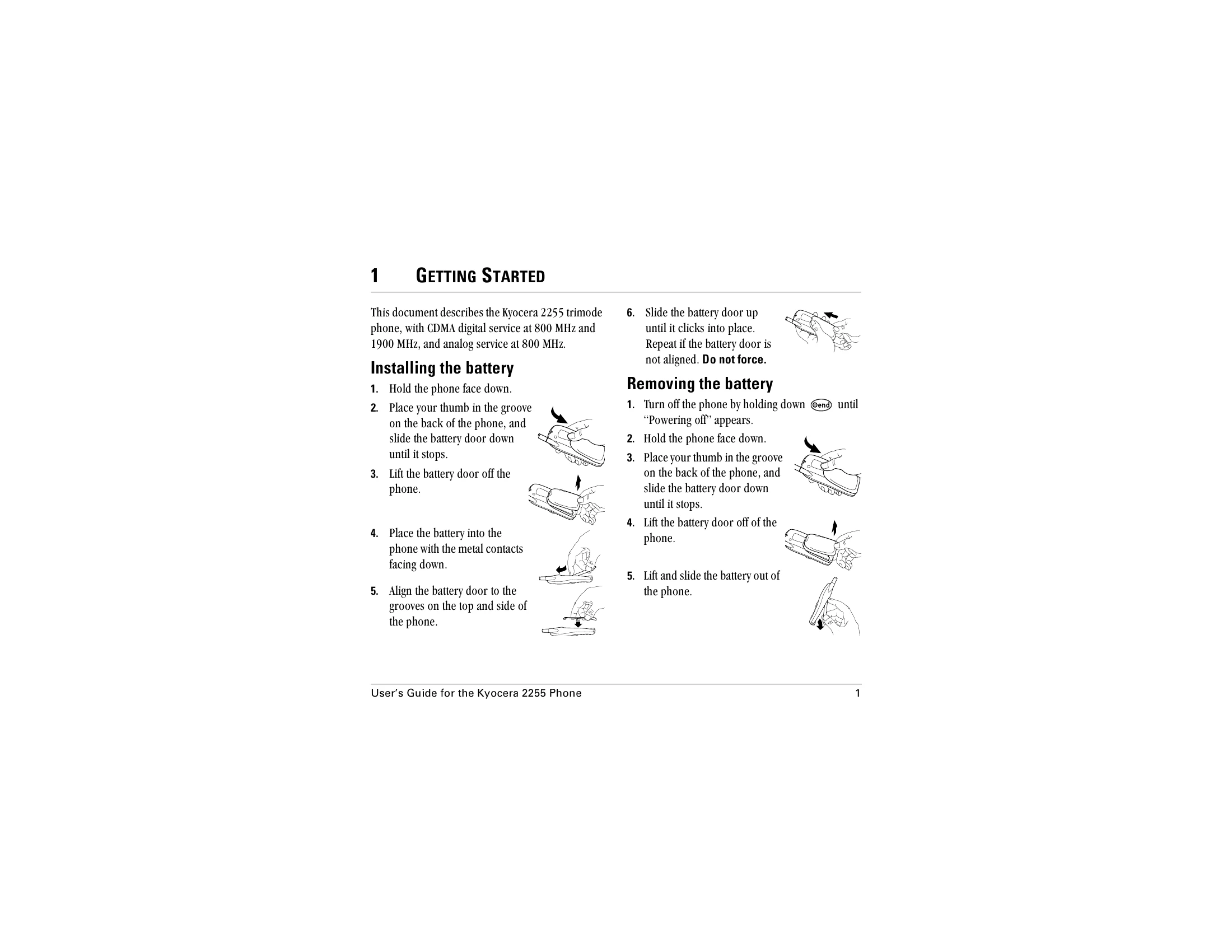
  • Battery: Fully charge before first use. Do not disassemble or expose to extreme temperatures.
Privacy Policy