Brand: Lenovo
Category: Mobile Phone
Document Type:
Language: EN
Brand: Lenovo
Category: Mobile Phone
Document Type:
Language: EN
Uploaded: Aug. 10, 2025, 12:06 a.m.
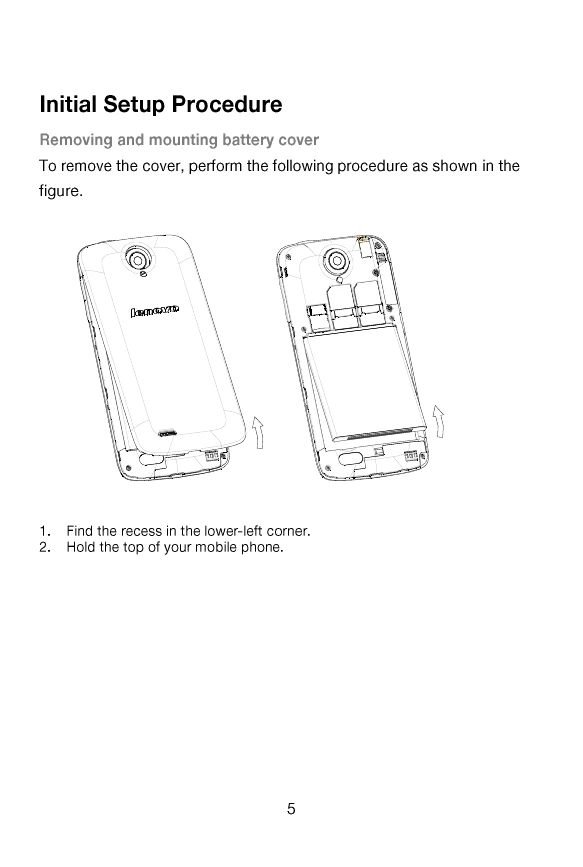
Removing and mounting battery cover:
To mount the battery cover, gently fit and press it onto phone body until it completely clicks into place.
Charging the phone: Connect the charger to the phone.
Inserting the SIM card: Follow the diagram to insert the SIM card.
Inserting the memory card: Follow the diagram to insert the memory card.
| Key | Description |
| 1 HOME KEY | Can return to the idle interface. |
| 2 MENU KEY | Can enter the commonly used, the characteristic and more menus. |
| 3 BACK KEY | Can return to the superior menu. |
| 4 VOLUME KEY | According to the volume switch increase or decrease volume. |
| 5 POWER ON/OFF | Short click this button to lock screen function, long press the key to power on/off the phone. |