Brand: Lenovo
Category: Smartphone
Document Type:
Language: EN
Brand: Lenovo
Category: Smartphone
Document Type:
Language: EN
Uploaded: Aug. 10, 2025, 12:05 a.m.
Refer to the manual for detailed information on handling, charging, and safety precautions for your Lenovo Phone.
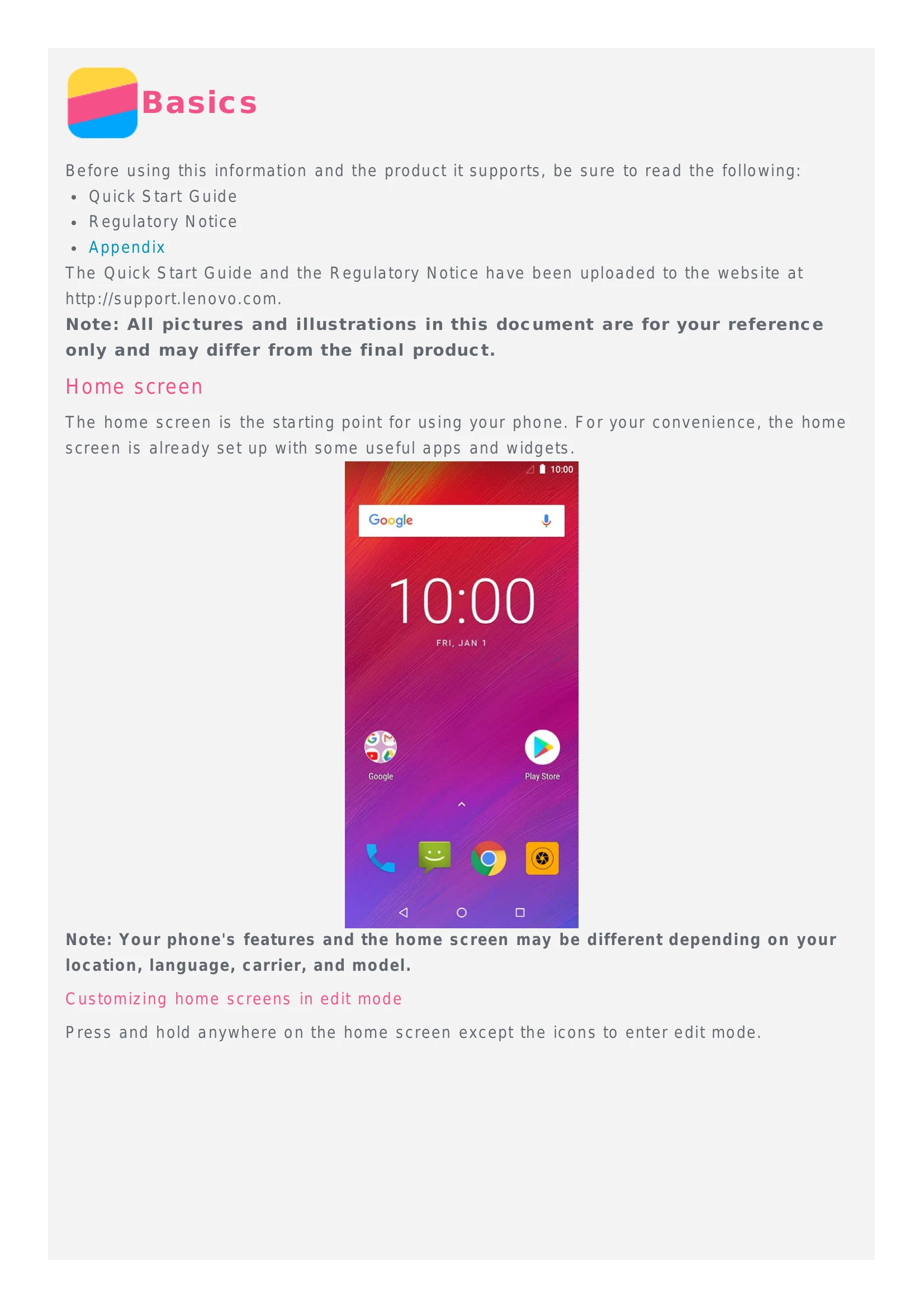
Get started by familiarizing yourself with the home screen, which provides access to apps and widgets. You can customize the home screen by changing wallpapers and adding widgets.
Navigate your phone using three main buttons: Back, Home, and Recent apps. These allow you to go back, return to the home screen, and view or close recent applications.
Access notifications and quick settings by swiping down from the top of the screen. Swipe down again for quick settings. Swipe up to dismiss.
Connect your phone to a computer via USB to charge, transfer files, photos, or use it as a MIDI device.
Make calls by dialing manually, from the call log, or by selecting a contact. Answer or reject incoming calls and manage calls during a conversation with options like Hold, Mute, and Speaker.
Manage your contacts by creating new ones, searching, editing, deleting, importing, and exporting them.
Send and receive text and multimedia messages. You can also search for specific messages and delete them.
Capture photos and videos using the Camera app. Explore different modes like Photo, Video, Bokeh, and HDR. Take screenshots by pressing the Power and Volume Down buttons simultaneously.
View, share, and delete photos and videos. Organize them by album, location, or time.
Connect to Wi-Fi networks and manage your data connection. Set up a Wi-Fi hotspot to share your internet connection.
Browse the internet using the Chrome app. Visit websites, add bookmarks, and clear your browsing history.
Customize your phone's settings, including date and time, language, input method, screen lock, ringtone, and perform a factory reset.
Review important safety information regarding handling, charging, potential hazards like distraction and choking, and protective measures for data and software.