Brand: Lenovo
Category: Smartphone
Document Type:
Language: EN
Brand: Lenovo
Category: Smartphone
Document Type:
Language: EN
Uploaded: Aug. 10, 2025, 12:05 a.m.
Please refer to the manual for specific warranty information.
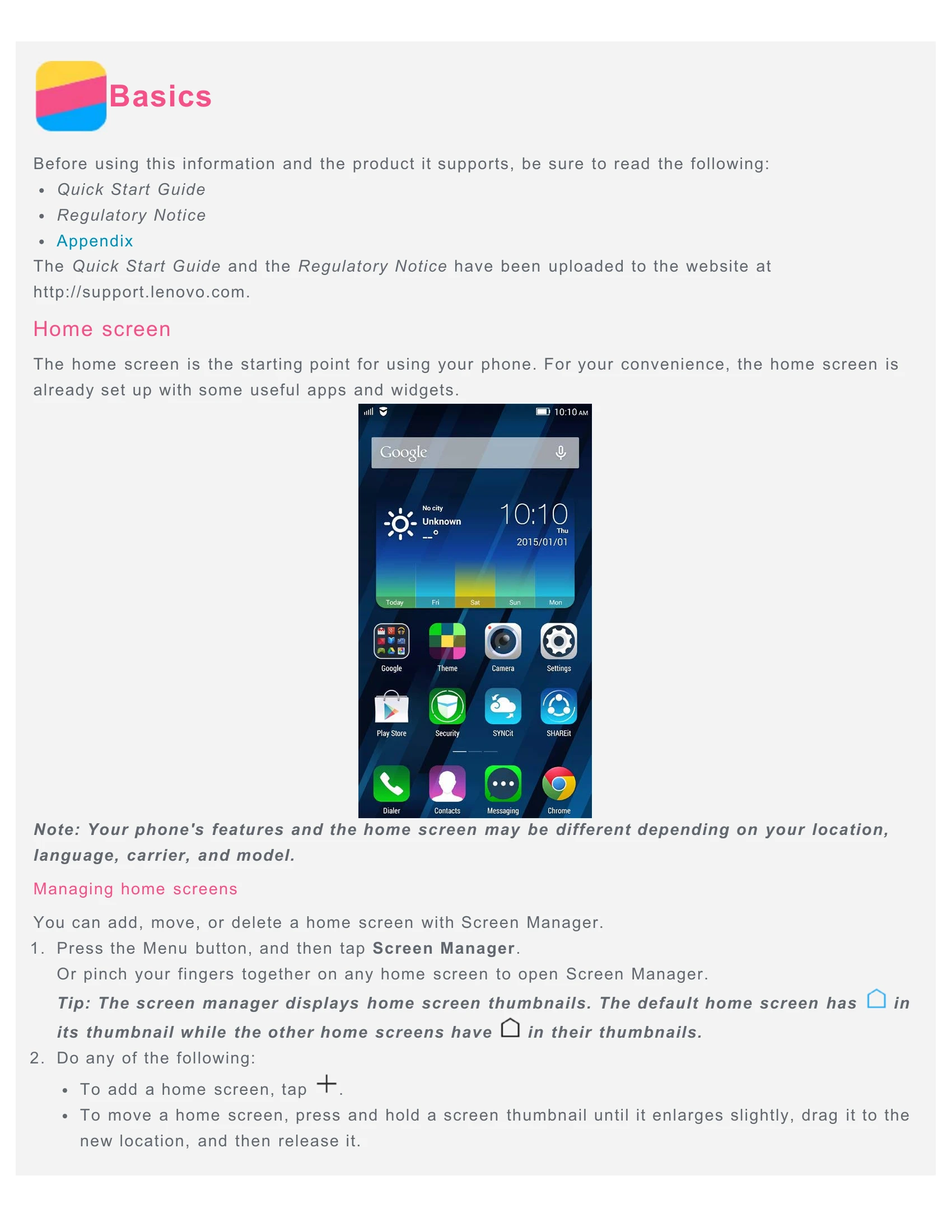
Home Screen: Your phone's starting point, featuring useful apps and widgets. You can manage home screens by adding, moving, or deleting them via the Screen Manager.
Using Edit Mode: Access edit mode to add widgets, apps, create folders, or uninstall apps by pressing the Menu button and selecting 'Add' or by long-pressing on the home screen.
Personalization: Change your wallpaper by navigating to Menu > Wallpaper and selecting from desktop or lock screen options.
Navigation: Use the Menu button to access options and running apps, the Home button to return to the main screen, and the Back button to go to the previous screen.
Screen Lock: Manually lock your screen with the On/Off button. Unlock by sliding up from the bottom.
Notifications: Swipe down from the top to view notifications and quick settings. Swipe up to close.
Calls: Make calls by using the Dialer app, call log, or contacts. Answer or reject calls by dragging the incoming call screen image.
Messaging: Send text and multimedia messages using the Messaging app. Search for messages by contact name or number.
Camera: Take photos and record videos using the Camera app. Capture screenshots by pressing the On/Off and Volume Down buttons simultaneously.
Gallery: View, share, and delete photos and videos in the Gallery app.
Network: Connect to WLAN or mobile data in Settings. Set up a Wi-Fi hotspot to share your connection.
Chrome: Surf the internet using the Chrome app. Bookmark pages and clear browsing history.
Settings: Customize date, time, language, input methods, screen lock, ringtones, and perform factory resets.
Safety: Handle with care, avoid moisture, do not disassemble, and be aware of operating temperatures and potential hazards.
| Header 1 | Header 2 | Header 3 | Header 4 | Header 5 |
|---|---|---|---|---|
| Row 1 Data 1 | Row 1 Data 2 | Row 1 Data 3 | Row 1 Data 4 | Row 1 Data 5 |
| Row 2 Data 1 | Row 2 Data 2 | Row 2 Data 3 | Row 2 Data 4 | Row 2 Data 5 |
| Row 3 Data 1 | Row 3 Data 2 | Row 3 Data 3 | Row 3 Data 4 | Row 3 Data 5 |