Basics
Before using this phone, it is recommended to read the Quick Start Guide and Regulatory Notice.
Home screen
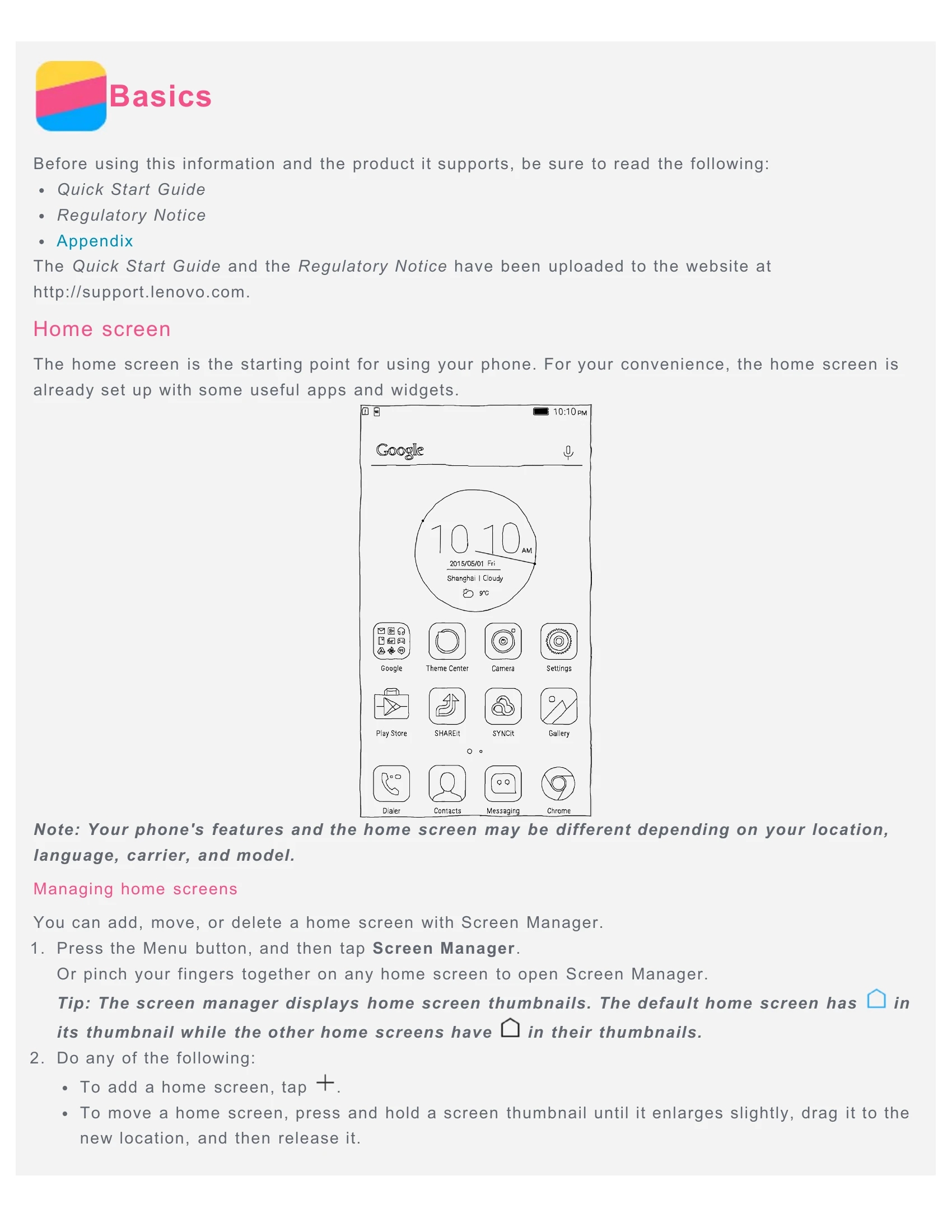
The home screen is the starting point. It has useful apps and widgets. You can manage home screens by adding, moving, or deleting them using the Screen Manager.
Using the edit mode
Enter edit mode to add widgets, move apps, create folders, and uninstall apps. System apps cannot be uninstalled.
Screen buttons
Your phone has three buttons: Recent, Home, and Back.
Screen lock
Press the On/Off button to lock the screen. Swipe up from the bottom to unlock. Other screen lock methods can be set in Settings.
Notifications and Quick Settings
Swipe down from the top to see notifications and quick settings.
USB connection
Connect your phone to a computer via USB to transfer files. Options include Media device (MTP), Camera (PTP), and USB debugging mode (ADB).
Calls
Make calls by dialing manually, from the call log, or from contacts. Answer, reject, or silence calls. Options during a call include adding calls, holding, muting, recording, using the dialpad, speaker, or ending the call.
Contacts
Create, search, delete, import, and export contacts.
Messaging
Send text and multimedia messages. Search for messages and delete them.
Camera
Take photos and record videos. Switch cameras, choose flash modes, select Smart mode, and configure camera settings. Take a screenshot by pressing the On/Off button and volume down button simultaneously.
Gallery
View and share photos and videos. Delete photos and videos.
Network
Connect to WLAN networks and manage mobile data. Set up a WLAN hotspot to share your internet connection.
Chrome
Surf the internet, visit websites, add bookmarks, and clear browser history.
Settings
Set date and time, language, input method, screen lock, ringtone, and perform a factory reset. Enable app installation from unknown sources in Security settings.