Manual for LG-H831

Manual for LG-H831

Brand: LG logo LG

Category: Mobile Phone

Document Type: Manual

Language: EN
Uploaded: Nov. 21, 2025, 6:52 p.m.

Warranty Information

LG warrants the unit and included accessories against defects in material and workmanship for 1 year from the original purchase date.

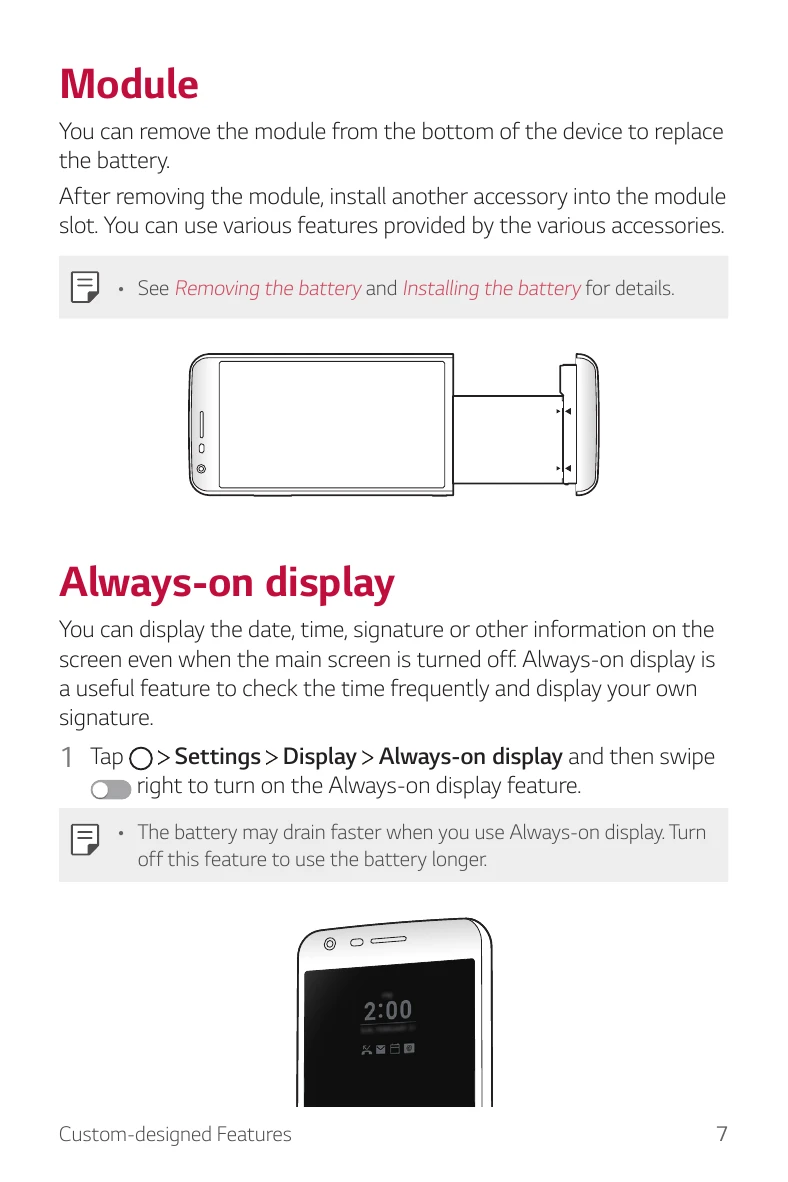
  • Module: Remove the module from the bottom of the device to replace the battery. Install other accessories into the module slot.
  • Always-on display: Display date, time, signature, or other information on the screen even when the main screen is turned off. Navigate to Settings > Display > Always-on display to turn on.
  • Wide-angle lens: Use the wide-angle lens for photos with a wider field of vision, useful for landscapes or wide areas.
  • Smart Bulletin: Add a Home screen displaying useful content and information. Navigate to Settings > Display > Home screen > Smart Bulletin to activate.
  • Smart Notice: A widget that notifies you of useful information by analyzing usage patterns and environment.
  • Smart Doctor: Diagnose the device's condition and optimize it. Navigate to Settings > General > Smart Doctor.
  • Quick Share: Take a picture or record a video and share it through an app.
  • Quick Help: View device features, FAQs, and user guide. Navigate to Quick Help.
  • Voice Care: Control your device using voice commands. Tap and hold the Power/Lock key, then tap Voice Care.
  • QuickRemote: Control electronic devices using your phone as a remote control. Register devices via > LG > QuickRemote.
  • QuickMemo+: Create notes with various options, including image management and screenshots. Tap > QuickMemo+ to create a note.
  • QSlide: Display several apps simultaneously on the same screen. Tap : > QSlide when an app is running.
  • LG Health: Set exercise goals and monitor physical exercise for health and fitness information.
  • Do not disturb: Limit or mute notifications for a specific period. Navigate to Settings > Sound & notification > Do not disturb.
  • Ringtone ID: Set an automatically created ringtone for incoming calls from selected contacts. Navigate to Settings > Sound & notification > Ringtone ID.
  • Fingerprint recognition: Register and use your fingerprint to unlock the device screen or content. Navigate to Settings > General > Fingerprints & security > Fingerprints.
  • Content Sharing: Play photos, videos, or songs from your device on TV, or share files with other devices.

Troubleshooting and error codes

ProblemSolution
Device does not turn on- Check if the battery is discharged. Charge the battery.
Touchscreen does not work- Ensure the screen protector is not interfering with touch. Restart the device.
App crashes or freezes- Close and reopen the app. If the problem persists, uninstall and reinstall the app.
Cannot connect to Wi-Fi- Ensure Wi-Fi is enabled in Settings. Check if the Wi-Fi network is available. Restart your router and device.
Battery drains quickly- Reduce screen brightness. Disable unnecessary features like Always-on display or background app refresh. Close unused apps.
Privacy Policy