Search
Manual for SUPER TECHNIKA 23
Brand:
Linhof
Category:
Camera
Document Type:
Language:
EN
Uploaded:
Aug. 9, 2025, 11:45 p.m.
Download Manual
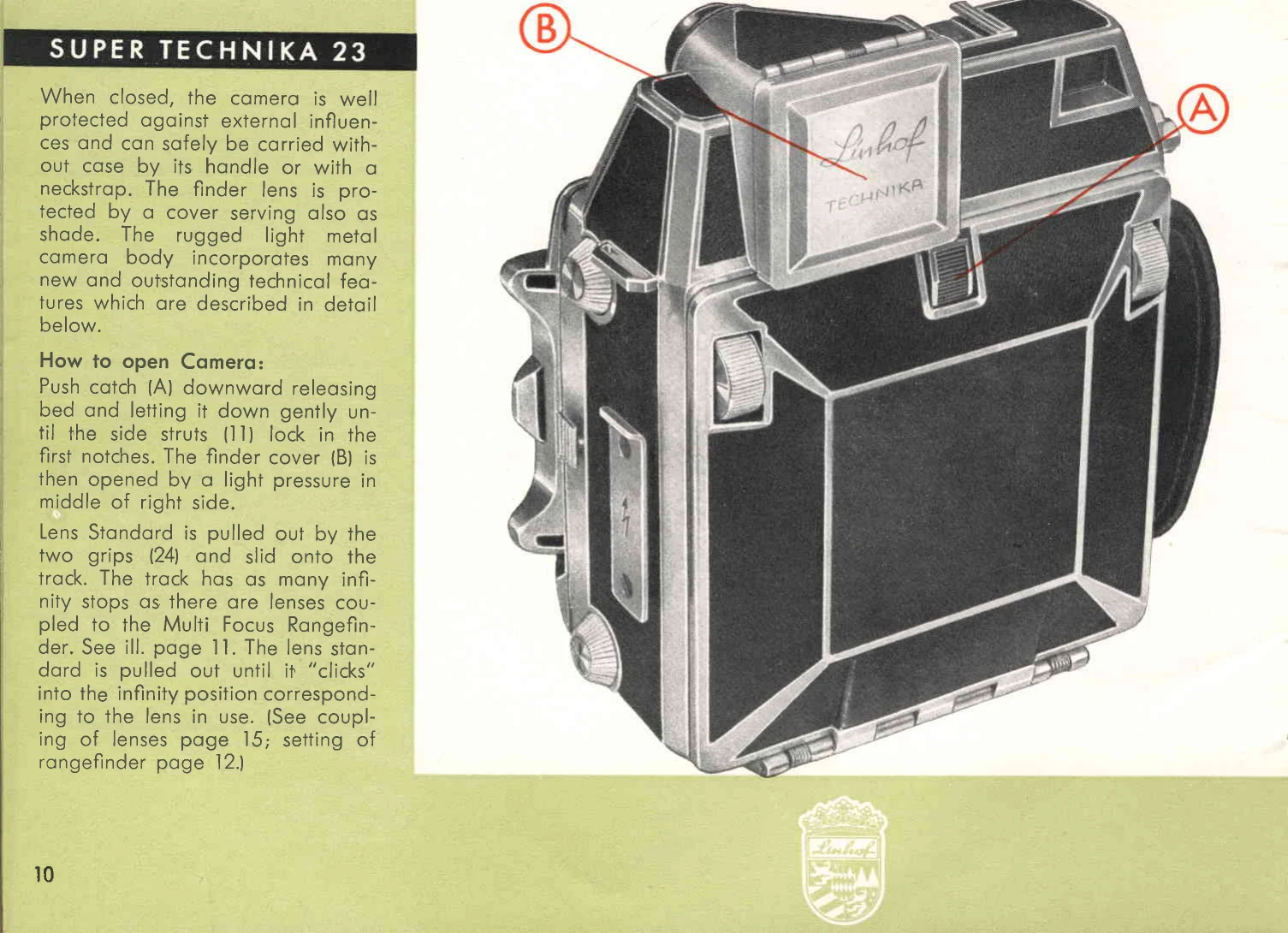
Opening the Camera:
Push catch (A) downward to release the bed.
Gently lower the bed until the side struts (11) lock into the first notches.
Open the finder cover (B) with light pressure on the middle of the right side.
Pull out the lens standard using the two grips (24) and slide it onto the track until it clicks into the infinity position for the lens in use.
Changing Lenses (Tri-Cam Disk):
Pull out the lens standard, lift the lensboard lock bar, and remove the lens.
Push the lens standard fully into the camera body.
Loosen the lock cap (26).
Push button (25) to lift the Tri-Cam Disk off its peg.
Rotate the disk to align the desired slot with the peg.
Secure the disk by turning the lock cap clockwise and folding down the hinged ring.
Privacy Policy