Brand: Linksys
Category: Networking
Document Type: Manual
Language: EN
Brand: Linksys
Category: Networking
Document Type: Manual
Language: EN
Uploaded: Nov. 21, 2025, 6:34 p.m.
Linksys warrants the product to be free of defects in materials and workmanship for two years.
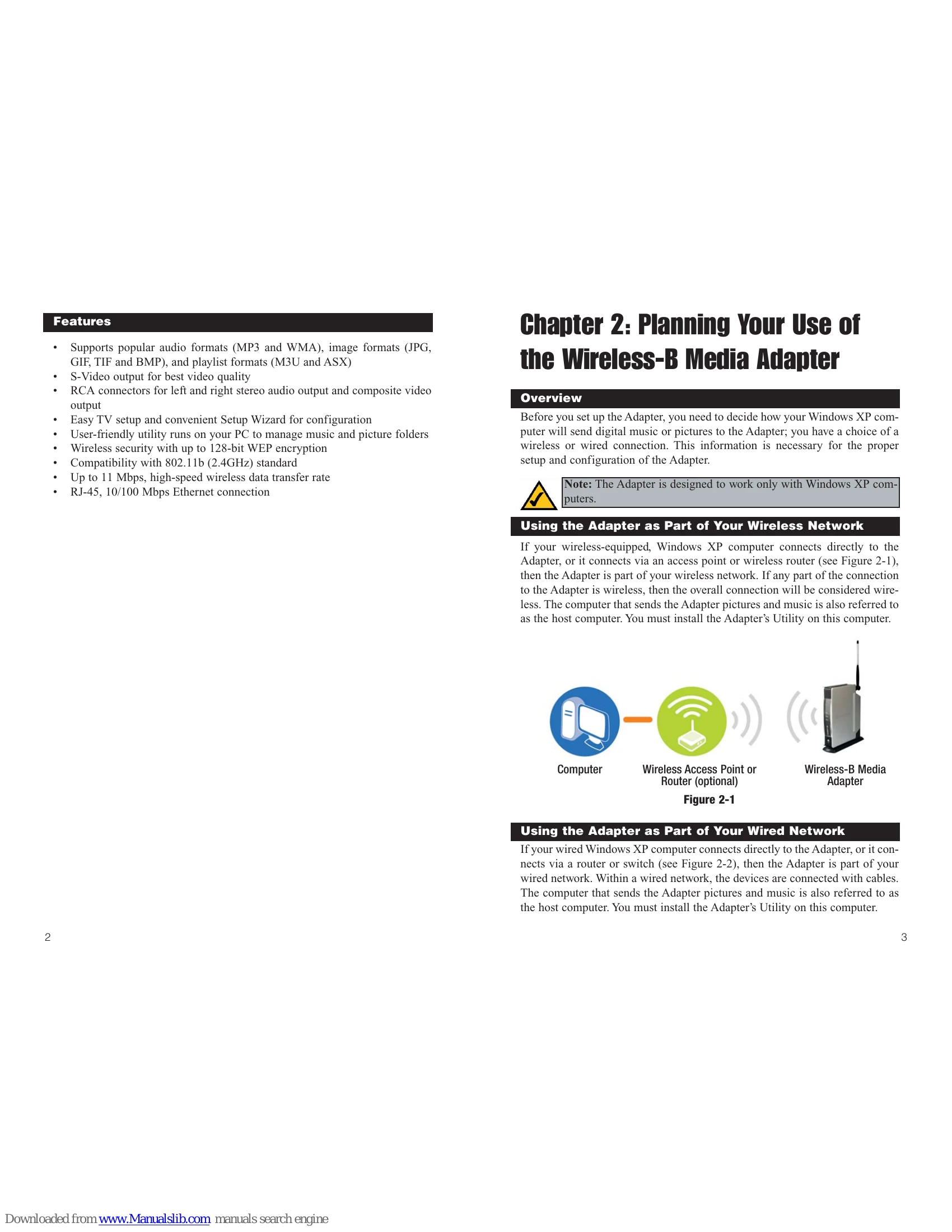
The Linksys Wireless-B Media Adapter allows you to stream digital pictures and music from your computer to your home entertainment center without the need for cables. It connects to your home network wirelessly (802.11b) or via an Ethernet cable. You can view photos on your TV, browse through music collections, and even play music in the background while viewing pictures. The device supports popular audio (MP3, WMA) and image (JPG, GIF, TIF, BMP) formats. Setup is guided by a wizard, and an included utility on your PC helps manage media folders.
| Common Problems and Solutions | |
|---|---|
| 1. I have the Adapter connected to my TV, but nothing appears on my TV. | Check power cable, press Adapter's Power button, check video/S-video cable, ensure TV channel matches input. |
| 2. I see a start-up message on the TV, but the main menu of the Media Navigator does not appear. | Reboot PC, power cycle Adapter, ensure network is working, check wireless range, compare adapter network settings with access point/router settings. |
| 3. On my TV, the Choose Music or Choose Pictures menus are empty. | Ensure shared folders contain compatible music (MP3/WMA) and/or image files (JPG, BMP, GIF, TIF). |
| 4. The music was running, but then it stopped playing. | Restart Playlist, restart Adapter, restart host computer, ensure network is operating properly, check cable connections. |
| 5. The picture won't change on the TV. | Press Play for slideshow, reset Adapter (hold for 10 seconds), check cable connections, ensure network is operating properly, reboot host computer. |
| 5. When I pause a song, the Media Navigator does not respond. What should I do? | You must press Play first before making another selection. |