Manual for 6

Manual for 6

Brand: Mamiya

Category: Camera

Document Type:

Language: EN
Uploaded: Aug. 9, 2025, 11:44 p.m.

Getting Started:

  1. Power On: Align the white dot on the power lever with the white dot on the camera body.
  2. Cock Shutter: Advance the film advance lever until it stops.
  3. Open Back Cover: Depress the back cover lock button and push the lock lever to open.
  4. Set Film Type: Rotate the pressure plate to align with '120' or '220' based on your film.
  5. Load Film: Insert the film spool and backing paper, advancing until the first frame is ready.
  6. Close Back Cover: Securely press both corners until it clicks.
  7. Set Film Speed: Align the outer rim of the shutter speed dial with the correct ISO value.

Taking Photos:

  • Focus: Use the rangefinder in the viewfinder to superimpose images.
  • AE Photography: Set aperture, touch shutter release for metering, then fully press to shoot.
  • Manual Photography: Set shutter speed and aperture manually.
  • Self-Timer: Shift the self-timer lever to 'C' and press the shutter release.

Lens Handling:

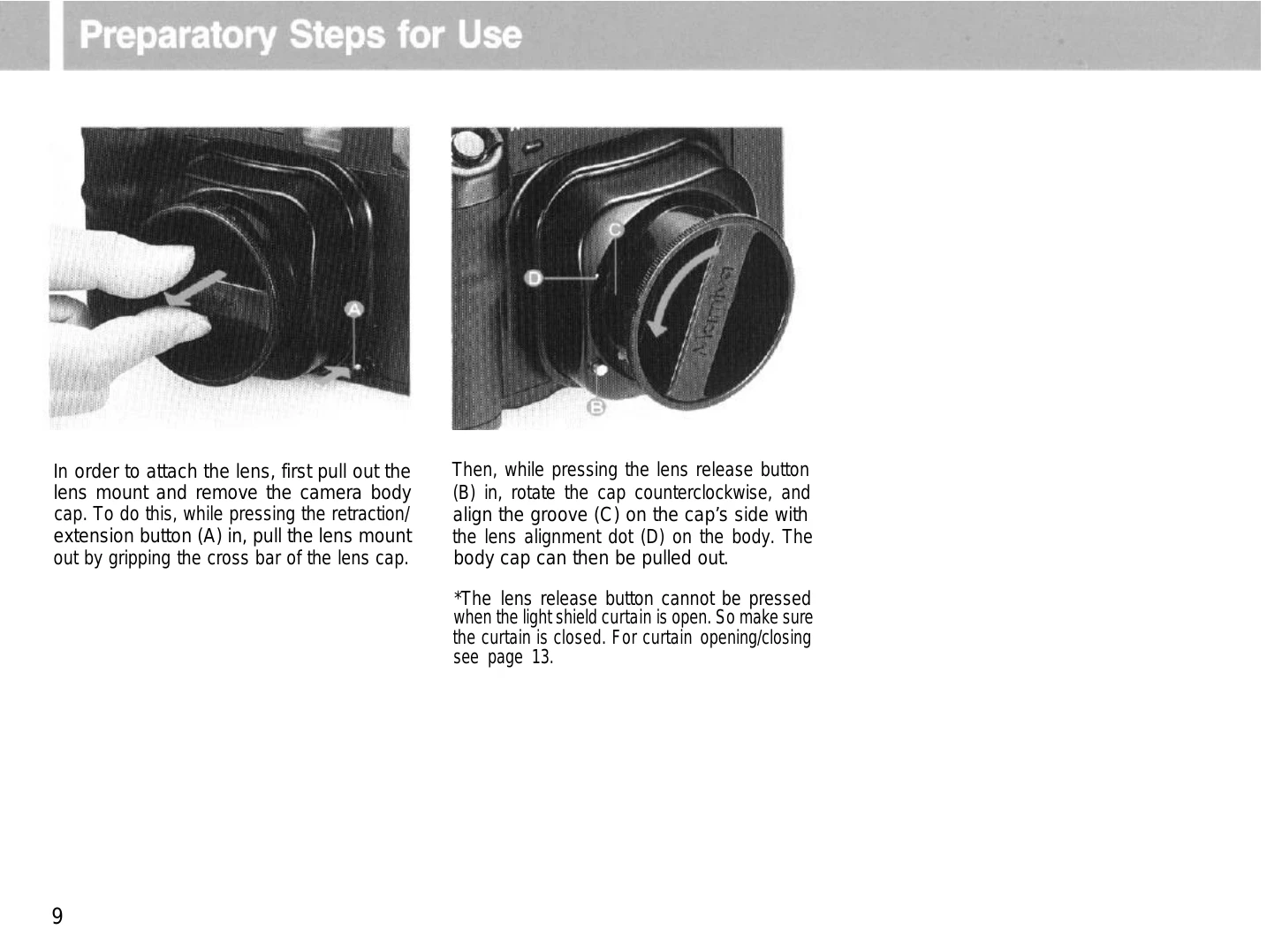
  • Mounting: Align alignment dots, insert lens, and rotate until it clicks.
  • Retracting: Press the retraction button and push the lens in.

Troubleshooting and error codes

When the shutter will not function:
① Is the power on/off lever set to the ON position?
② Has the film been completely advanced to the next frame? Have all the exposures already been made (12 with 120, 24 with 220)?
③ Has the film advance lever been wound until it stops?
④ Is the lens mount retracted?
⑤ Is the light shield curtain closed? (In the case of examples ⑤, the red LED will flash a warning on the upper right side of the viewfinder.)
When the lens cannot be removed:
① Is the light shield curtain open?
② Is the lens mount retracted or stored in the body?
Privacy Policy