Brand: Mamiya
Category: Camera
Document Type:
Language: EN
Brand: Mamiya
Category: Camera
Document Type:
Language: EN
Uploaded: Aug. 9, 2025, 11:44 p.m.
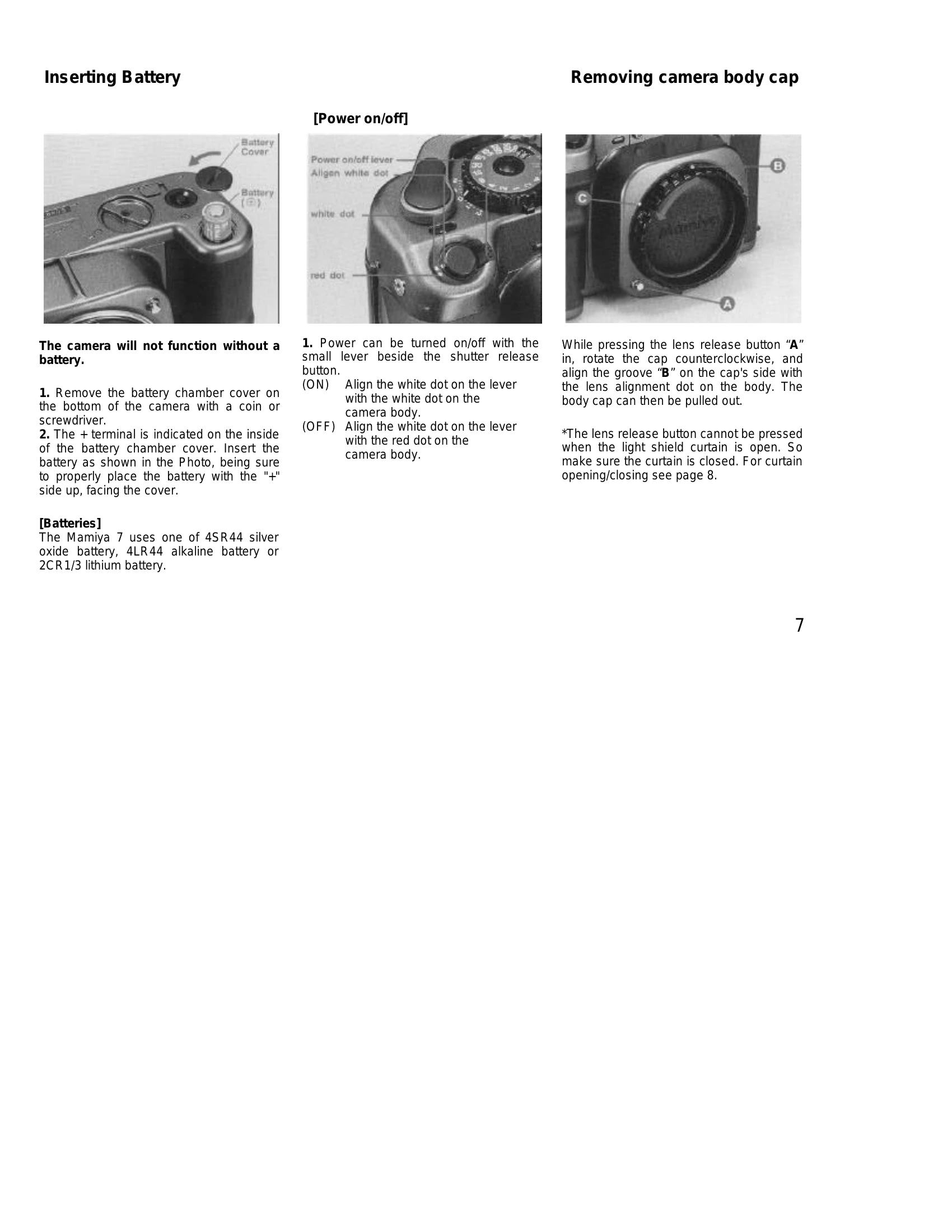
Powering On/Off: Use the small lever beside the shutter release button. Align the white dot with the white dot for ON, and with the red dot for OFF.
Opening/Closing Light Shield Curtain: Slide the release lever down and right to open, and rotate the closing lever to close. The shutter cannot be released when the curtain is closed.
Mounting/Removing Lenses: Align the lens alignment dot with the camera's alignment dot, insert, and turn clockwise until it clicks. To remove, press the lens release button and turn counterclockwise.
Battery Check: Set the shutter speed dial to 'A'. Touch the shutter release button. A lit LED indicates normal battery power; blinking indicates low power; no light or a blinking red warning lamp indicates depletion.
Releasing the Shutter: Lightly touch the shutter release to meter, and press fully to release the shutter and take the picture. A red LED will light when the shutter is pressed and film is exposed.
| Problem | Possible Cause & Solution |
| Shutter will not function |
|
| Lens cannot be removed | Ensure the light shield curtain is open. |