| No image appears on the screen. |
- Check power cord connection and outlet.
- Remove objects blocking air inlet/outlet grilles.
- Check lamp and lamp cover status.
- Cancel AV mute.
- Ensure lens cap is removed.
- Verify cables are connected correctly and not broken.
- Check SCART INPUT setting.
|
| Projected images suddenly disappear. |
- Remove objects blocking intake/exhaust vents.
- Wait for fans to stop, unplug power, wait 10 mins, plug in, press POWER.
- Replace lamp if STATUS indicator is steady red.
|
| The screen for entering the password appears. |
- Enter the password or contact the person in charge.
|
| "NO SIGNAL" is displayed. |
- Turn on connected device and check its output.
- Check cables and connections.
- Ensure correct input source is selected.
- Use supplied cable and consider an RGB signal amplifier if using extension cords.
|
| Images are not displayed correctly. |
- Check cable connections and press AUTO POSITION.
- Adjust SIGNAL menu for out-of-spec signals.
- Ensure projector and screen are perpendicular.
- Adjust BRIGHTNESS and CONTRAST.
- Replace lamp if necessary.
- Adjust focus and clean the lens.
- Adjust TRACKING and FINE SYNC.
- For white dots, this is normal for DLP projectors.
- For rainbow effect, this is due to color breaking noise.
- For fine streaks, this is due to interference.
- For wavy images, check cables and keep projector away from interfering devices.
- Readjust keystone to be as small as possible.
|
| Hue is not appropriate. |
- Check COMPUTER INPUT setting.
- Check that cables connected to external devices are not broken.
|
| Tint in projected images is incorrect. |
- Check cable connected to external device is not broken.
|
| Only the motion areas in the images supplied from the computer aren't displayed. |
- This is caused by the computer being used. Contact the manufacturer.
|
| Projected images are obscured. |
- Match computer output resolution to projector resolution.
- Avoid keystone adjustment if images appear obscured.
|
| The exhaust vents emit warm air. |
- This is normal cooling air.
|
| No audio is output. |
|
| The menu can't be used. |
- Restart projector and power cycle.
|
| "TEMPERATURE!!" is displayed. |
- Eliminate causes of high ambient temperature.
|
| The symbol appears. |
- Remove objects blocking air inlet or outlet grille.
|
| The remote control doesn't function easily or at all. |
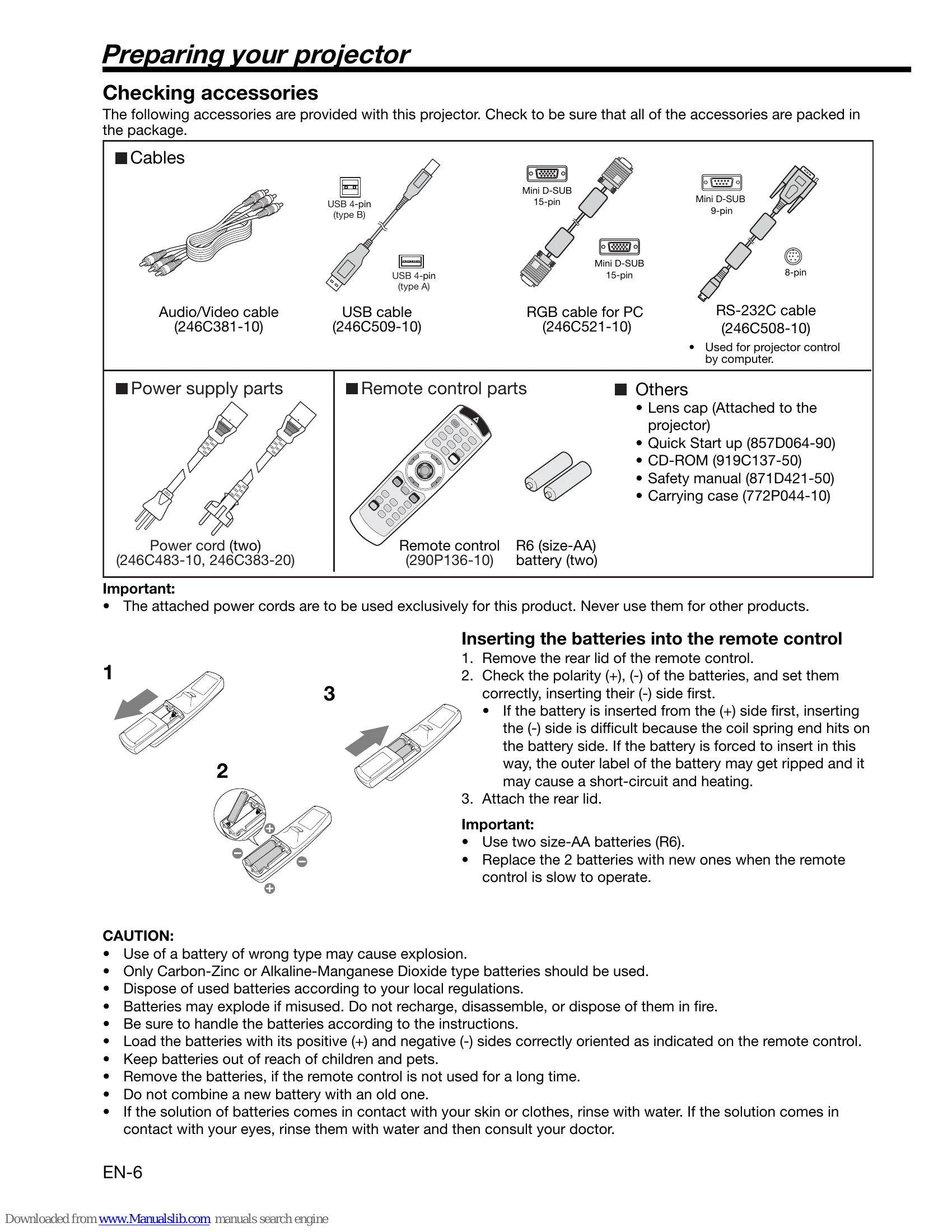
- Check batteries.
- Ensure sensor is not exposed to direct sunlight or fluorescent light.
- Operate within range and distance.
|
| The buttons on the control panel (except for the POWER button) don't function. |
- Cancel password lock or contact administrator.
|
| Abnormal sound is heard. |
- Metallic sounds may be heard due to the color wheel spin, which is not a malfunction.
|
| Projector does not turn on after lamp replacement. |
- Fit lamp cover securely.
- Reset lamp operating time.
|
| STATUS indicator blinks. |
- Reset lamp operating time.
|