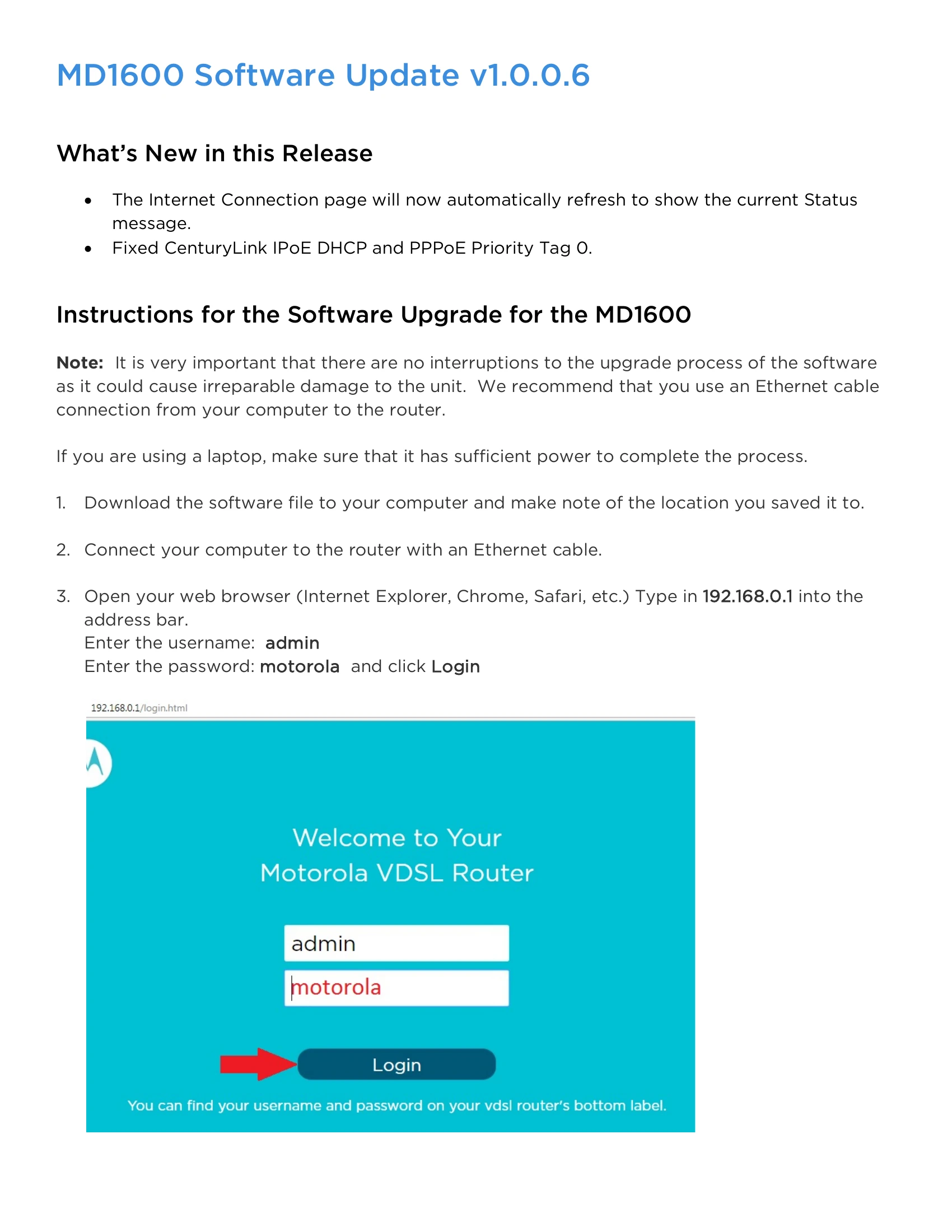
Instructions for updating the software on your MD1600 router. Ensure a stable Ethernet connection and sufficient laptop power. Download the software, connect your computer to the router via Ethernet, and access the router's web interface by typing 192.168.0.1 in your browser. Log in with username 'admin' and password 'motorola'. Navigate to Advanced > Management > Update Software. Click 'Choose File' to select the downloaded software, then click 'Update Software'. The update takes approximately 2 minutes. After the reboot, wait for the power light to turn solid green before reconnecting.