Brand: Motorola
Category: Audio
Document Type: Quick Start Guide
Language: EN
Brand: Motorola
Category: Audio
Document Type: Quick Start Guide
Language: EN
Uploaded: Nov. 21, 2025, 7 p.m.
Manual Publish Date: 2014-04-20
This Motorola branded product is warranted by Binatone against defects in materials and workmanship for one year.
| Troubleshooting Steps |
|---|
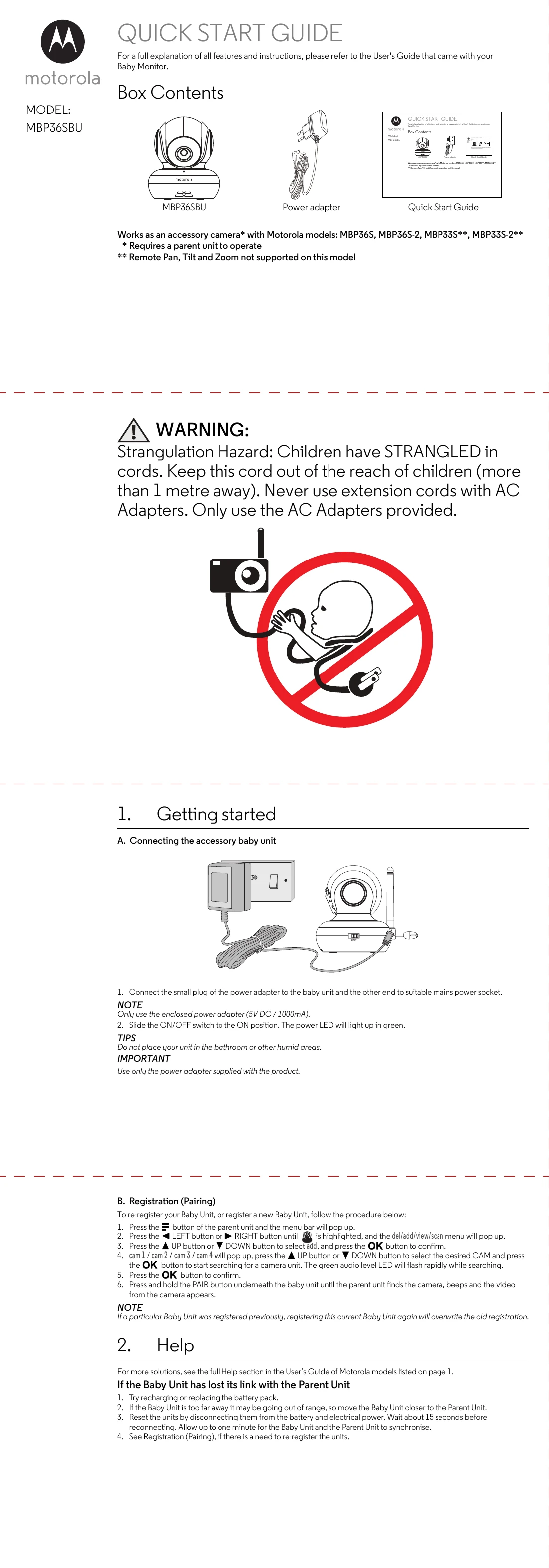
| If the Baby Unit has lost its link with the Parent Unit |
| 1. Try recharging or replacing the battery pack. |
| 2. If the Baby Unit is too far away it may be going out of range, so move the Baby Unit closer to the Parent Unit. |
| 3. Reset the units by disconnecting them from the battery and electrical power. Wait about 15 seconds before reconnecting. Allow up to one minute for the Baby Unit and the Parent Unit to synchronise. |
| 4. See Registration (Pairing), if there is a need to re-register the units. |