Brand: Motorola
Category: Networking
Document Type: Quick Start Guide
Language: EN
Brand: Motorola
Category: Networking
Document Type: Quick Start Guide
Language: EN
Uploaded: Nov. 21, 2025, 8:19 p.m.
None
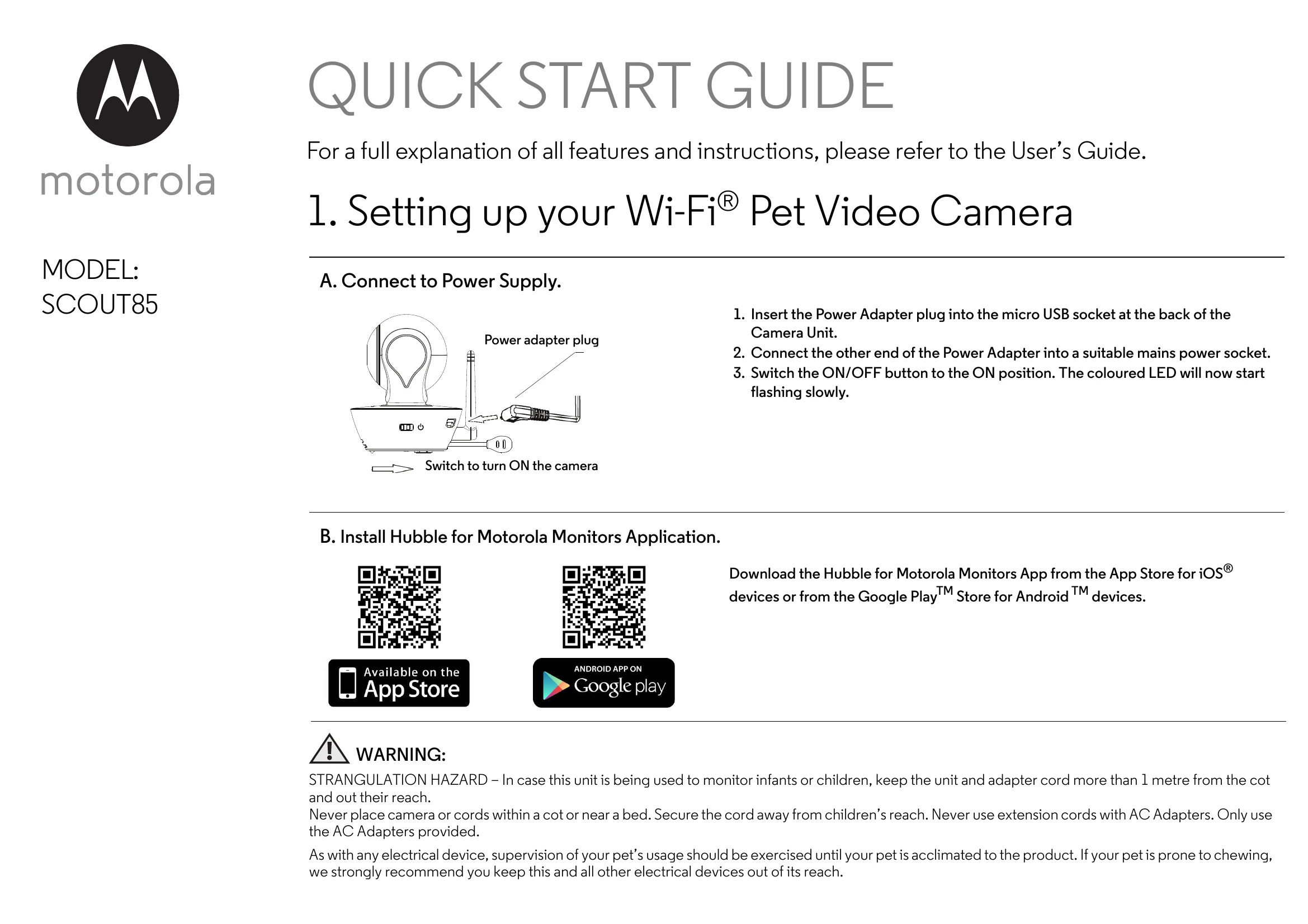
1. Insert the Power Adapter plug into the micro USB socket at the back of the Camera Unit.
2. Connect the other end of the Power Adapter into a suitable mains power socket.
3. Switch the ON/OFF button to the ON position. The coloured LED will now start flashing slowly.
Download the Hubble for Motorola Monitors App from the App Store for iOS® devices or from the Google PlayTM Store for Android TM devices.
1. Open the Hubble for Motorola Monitors app on your compatible smartphone or tablet.
2. Follow the in-app instructions to create your Hubble account and connect to your Wi-Fi® Camera.
3. Log in to your account on your compatible smartphone, tablet or via https://app.hubbleconnected.com/#login on your PC to access your live camera stream.