Brand: Motorola
Category: Smartphone
Document Type: Manual
Language: EN
Brand: Motorola
Category: Smartphone
Document Type: Manual
Language: EN
Uploaded: Nov. 21, 2025, 8:39 p.m.
This product is covered by Motorola's limited warranty.
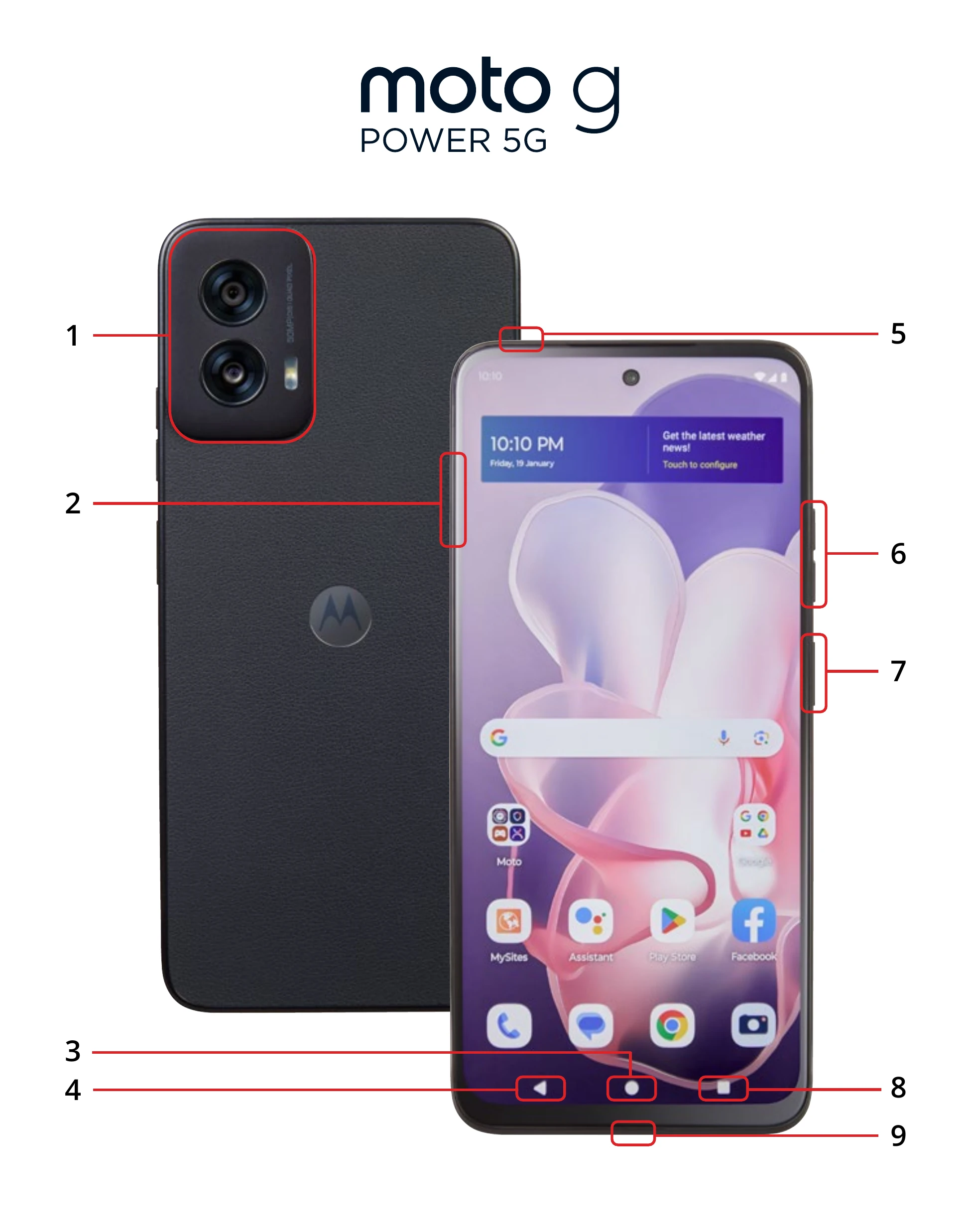
To turn on your phone, press and hold the Power button. To turn it off, press and hold the Power button and select Power off. Navigate your phone using the Home key and Back key. The Power button also acts as a fingerprint sensor for unlocking your device.
Explore features like Google One for cloud storage, Accessibility settings for customization, and Android Auto for in-car integration. Use the Camera for photos and videos, manage Data Usage, and utilize Digital Wellbeing tools.