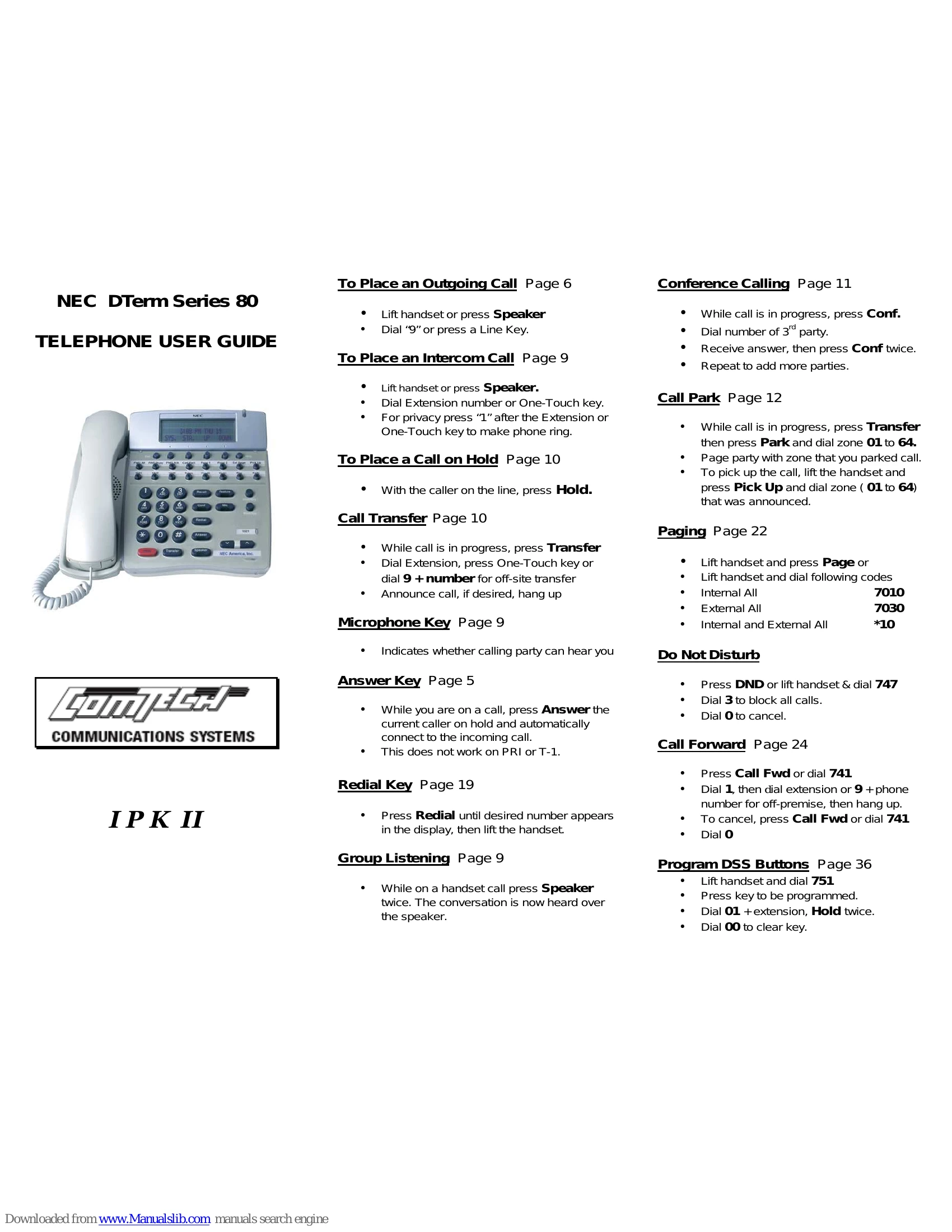
Basic Phone Operations
Placing Calls
- Outgoing Call: Lift handset or press Speaker, then dial '9' or press a Line Key.
- Intercom Call: Lift handset or press Speaker, then dial the Extension number or press a One-Touch key. For privacy, press '1' after the extension or One-Touch key.
Managing Calls
- Hold Call: With the caller on the line, press Hold.
- Transfer Call: While call is in progress, press Transfer, then dial the Extension, press One-Touch key, or dial 9 + number for off-site transfer. Announce call if desired, then hang up.
- Answer Incoming Call: While on a call, press Answer to put the current caller on hold and automatically connect to the incoming call (Note: does not work on PRI or T-1).
- Redial: Press Redial until the desired number appears in the display, then lift the handset.
- Group Listening: While on a handset call, press Speaker twice to hear the conversation over the speaker.
- Conference Call: While call is in progress, press Conf, dial the 3rd party number, receive answer, then press Conf twice. Repeat to add more parties.
- Call Park: While call is in progress, press Transfer, then Park and dial zone 01 to 64. Page the party with the zone number. To pick up, lift handset, press Pick Up, and dial the announced zone.
- Paging: Lift handset and press Page, or lift handset and dial codes for Internal All (7010), External All (7030), or Internal and External All (*10).
- Do Not Disturb: Press DND or lift handset and dial 747, then dial 3 to block all calls. Dial 0 to cancel.
- Call Forward: Press Call Fwd or dial 741, then dial 1 + extension or 9 + phone number for off-premise calls. Hang up. To cancel, press Call Fwd or dial 741, then dial 0.
Soft Keys
The gray buttons below the LCD screen are soft keys used for various functions like List, Directory (SYS, SPDg, STA, EXT), ICM (InPg, ExPg, P/U, Barg), and Prog (Cfwd, DND, STA, SYS, Fctn, ALM).