Brand: NEC
Category: Cordless Telephone
Document Type: Manual
Language: EN
Brand: NEC
Category: Cordless Telephone
Document Type: Manual
Language: EN
Uploaded: Nov. 21, 2025, 8:10 p.m.
Manual Publish Date: 2008-04-01
Contact your dealer for warranty information.
Cordless Terminal Operation Summary
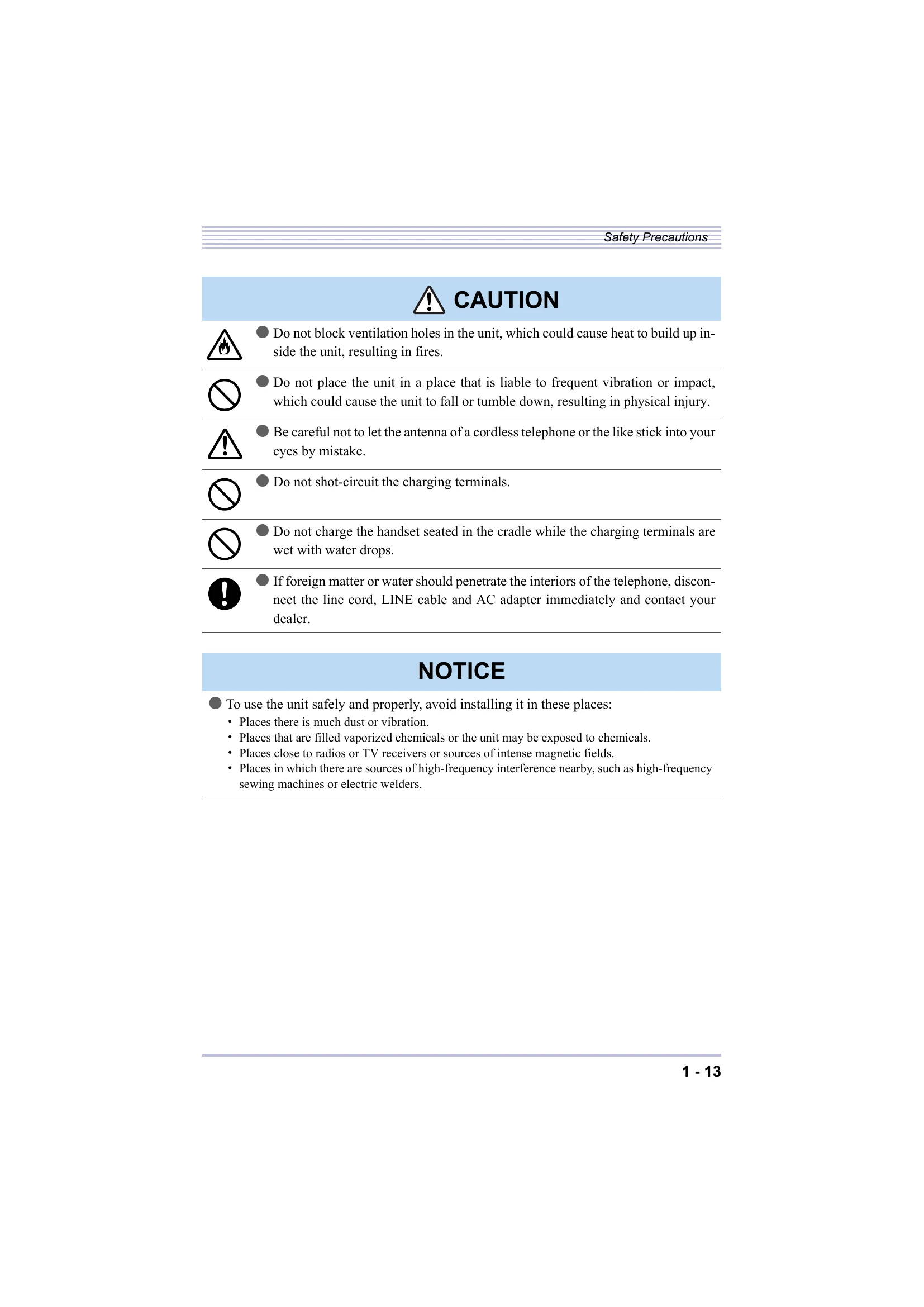
This cordless terminal comprises a Bluetooth® cradle (BTC) and a Bluetooth® handset (BTH). It allows you to make and receive calls within a certain talking range using wireless technology. The handset can be replaced with an IP3NA-BCH ADAPTER() to convert a standard multifunctional telephone into a cordless terminal. The system supports Bluetooth® headset and wire headset connections. Key operations include originating and answering calls, placing calls on hold, transferring calls, and managing call history. The device features an LCD screen for displaying information like date, time, and battery status. Charging the handset is done via the cradle. Safety precautions are crucial for preventing potential hazards such as fire, electrical shock, and physical injury.
| Symptom | Point to check | Action |
| Shut down completely | • Isn't the Bluetooth® cradle cord out of position? • Is the battery correctly loaded? • Is the battery charged? • Isn't the handset too remote from the Bluetooth® cradle? (Does the antenna mark in the Bluetooth® handset LCD screen show "Antenna" or isn't it off?) |
• Inset the Bluetooth® cradle cord firmly into position. • Reload the battery correctly. • The battery may have been exhausted aged if the handset still fails when the battery is fully charged. Replace the battery. • Get closer to the Bluetooth® cradle to operate. |
| Ring back tone does not sound | • Isn't the ring tone volume turned OFF? (Doesn't the ring tone OFF appear in the Bluetooth® handset LCD screen?) • Is the battery correctly loaded? |
• Adjust the ring tone volume. • Reload the battery correctly. |
| Voice is disrupted while talking | • Does the antenna mark in the handset LCD screen show "Antenna" or isn't it off? • Isn't there an obstacle, such as a concrete wall, between the Bluetooth® cradle and Bluetooth® handset? |
• Get closer to the Bluetooth® cradle to operate. • Move to a location clear of intervening obstacles. |
| Noise heard while talking | • Isn't there any home appliance or OA equipment nearby? | • Electrical equipment can be a source of radio interference. Keep apart from electrical equipment. |
| Calls do not last long than 10 minutes even though the battery has been charged for 8 hours or longer | • Is the Bluetooth® handset correctly seated in the Bluetooth® cradle? • Aren't the charging terminals soiled? • Hasn't the handset been used for nearly two years? |
• Keep the Bluetooth® handset properly seated in the Bluetooth® cradle. • Wipe off dirt from the charging terminals of the Bluetooth® cradle and Bluetooth® handset with a dry cloth. • The battery may have been exhausted if two years have passed since the handset was first used. Replace the battery. |
| Remote party's voice hard to hear | • Isn't the Bluetooth® handset receiver volume set low? | • Press the up cursor key while talking to adjust the receiver volume. |
| It sometimes happens that, when the TALK or FNC/Conference key is pressed, their respective lamps blink but do not stay continuously lit and the call is not established, with an error tone "pi-pi-pi-pi" sounding from the Bluetooth® handset. | • Radio interference may be at fault. • Isn't there any source of radio interference nearby? • Is the cradle at least 3m apart from the equipment mentioned in "Locating the Bluetooth® Cradle" (P.1-14)? • Isn't there any device near the Bluetooth® handset that is mentioned in "Locating the Bluetooth® Cradle" (P.1-14)? |
• Press the Talk or Conference key one again. • Keep the Bluetooth® cradle and Bluetooth® handset at least 3m apart from sources of possible radio interference. |