Brand: NEC
Category: Laptop
Document Type: Manual
Language: EN
Brand: NEC
Category: Laptop
Document Type: Manual
Language: EN
Uploaded: Nov. 21, 2025, 7:04 p.m.
Manual Publish Date: 2008-05-01
NEC assumes no liability for incidental or consequential damages arising from the use of this manual.
Note that illustrations and images in this document may differ slightly from actual products.
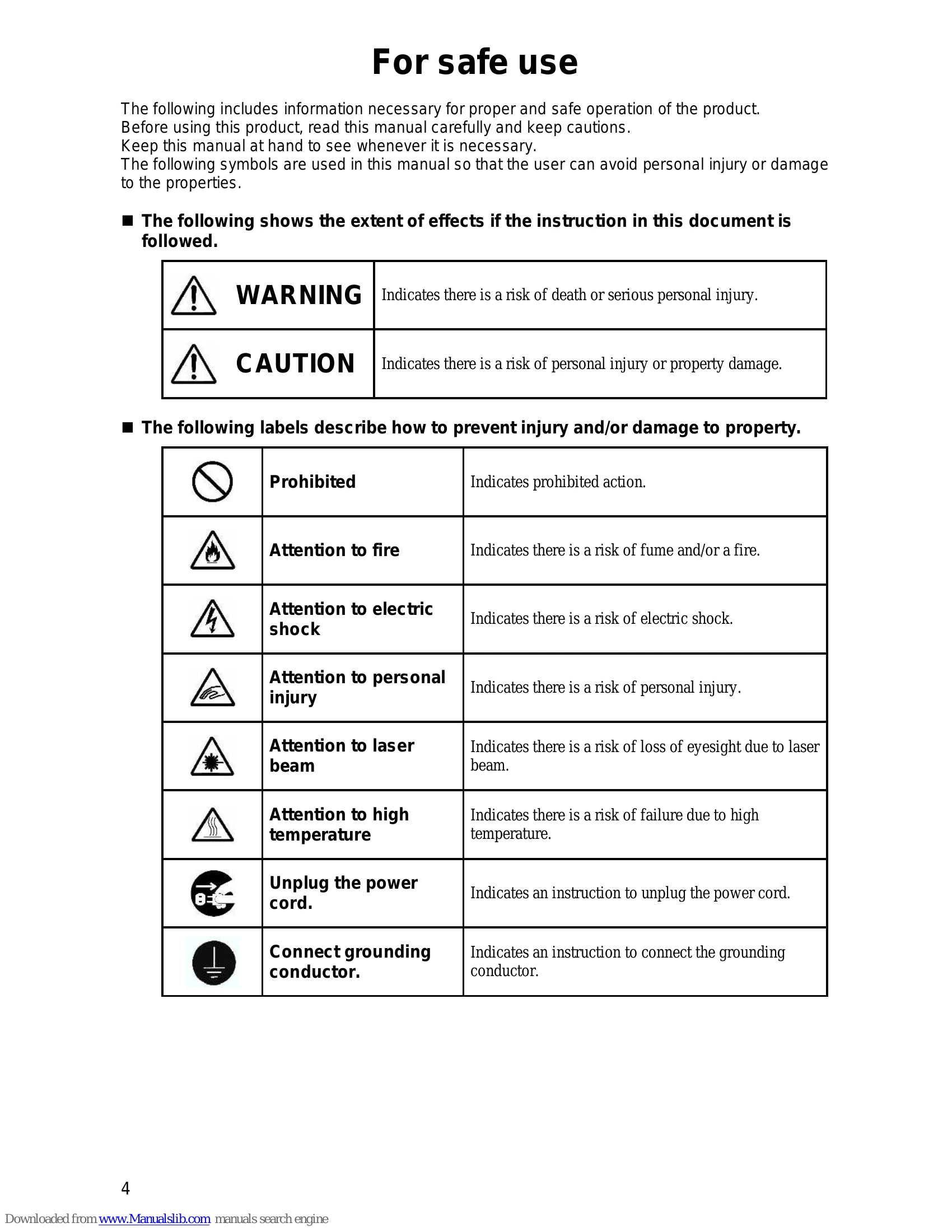
Keep this manual at hand to see whenever it is necessary.
| Interrupt level | Setting at shipment from factory |
|---|---|
| IRQ00 | Counter/timer |
| IRQ01 | Keyboard (PS/2) |
| IRQ02 | Interrupt controller |
| IRQ03 | COM 2 |
| IRQ04 | COM 1 (serial port) |
| IRQ05 | (Not used) |
| IRQ06 | (Not used) |
| IRQ07 | (Not used) |
| IRQ08 | System CMOS/realtime clock |
| IRQ09 | Microsoft ACPI-Compliant System |
| IRQ10 | SMBus controller |
| IRQ11 | (Not used) |
| IRQ12 | Touch pad |
| IRQ13 | Math coprocessor |
| IRQ14 | Primary IDE |
| IRQ15 | Secondary IDE |
| IRQ16 | Express Card/PC card bus controller/USB UHCI4 Internal GA, PCI Express Root Port 2 |
| IRQ17 | Wireless LAN/IEEE1394 PCI Express Root Port1 |
| IRQ18 | EHCI2/USB UHCI2/SD card |
| IRQ19 | USB UHCI1/SATAAHCI controller |
| IRQ20 | Internal LAN |
| IRQ21 | USB UHCI5 |
| IRQ22 | HDA Sound |
| IRQ23 | USB UHCI0/USB EHCI |
Assignment may vary depending on whether the device is used or not by the peripheral device setting of BIOS.