Manual for N411i

Manual for N411i

Brand: NEC

Category: Mobile Phone

Document Type: Manual

Language: EN
Uploaded: Nov. 21, 2025, 7:09 p.m.

Manual Publish Date: 2005-05-06

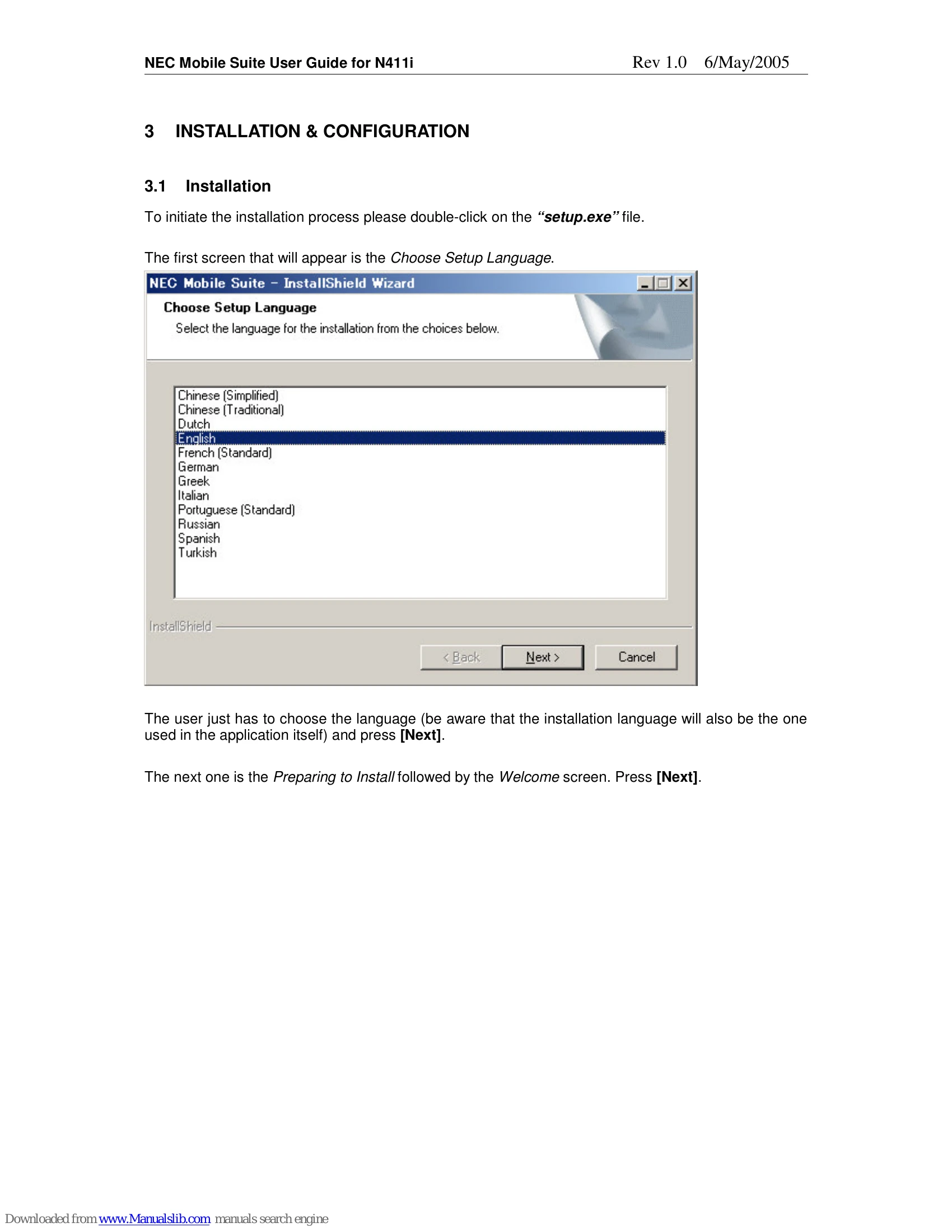
  • Installation: Double-click `setup.exe`, select language, accept license agreement, enter customer information, choose destination folder, select program folder, review settings, and monitor installation progress.
  • Configuration: No further configuration is needed after installation.
  • Starting NEC Mobile Suite: Double-click the desktop icon or select from the Start menu. A Phone Selection screen will appear on the first launch.
  • Communication Service (Systray Icon): The icon appears after starting the application and remains visible. It provides access to modules like Personal Information Manager, Multimedia Resource Manager, and Backup/Restore.
  • Modules: Users can open modules by clicking their icons. Only the last opened module is visible.
  • Backup/Restore: Save phone data to a PC file for later restoration.
  • Multimedia Resource Manager (MRM): Transfer Images, Melodies, Movies, and MP3s between phone and PC.
  • Personal Information Manager (PIM): Manage Contacts, Schedule, ToDo, Notepad, and Bookmarks.
  • CSV Import/Export: Wizard-guided process for importing and exporting data using CSV files.

Troubleshooting and error codes

Key Combination Function
F2 Edit resource name
F5 Refresh PC area
F6 Toggle between PC and Phone areas
F7 Get Resource List
F8 Transfer
F10 Access menus
Ctrl + TAB Toggle between Resource types (Images, Melodies, etc)
Ctrl + F4 Close MRM
ALT + C Close
ALT + D Delete
ALT + G Get Resource List
ALT + N New Folder
ALT + T Transfer
Privacy Policy